
外掛標籤
開發者團隊
② 後台搜尋「Chattering – AI Support Chat」→ 直接安裝(推薦)
原文外掛簡介
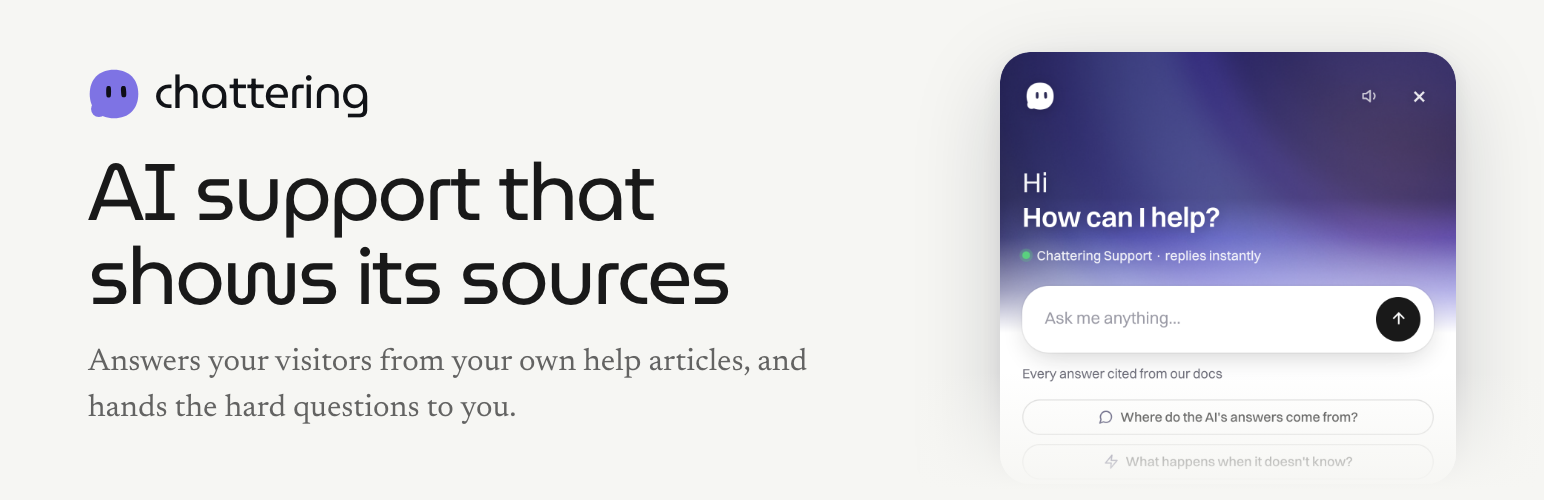
Chattering puts a support chat on your site. Visitors ask a question; the AI answers from the help articles and pages you have taught it, with a link to where the answer came from. When it doesn’t know, it says so and hands the conversation to you instead of guessing.
Every conversation lands in one shared inbox, alongside your email support, so nothing gets lost between channels.
What you get
An AI that answers from your own content, not from the open internet
A clean hand-off to a person when the AI can’t answer
One inbox for chat and email
A help center, a news feed and a public feedback board inside the same chat window
Works with any theme — the chat’s styles are namespaced, so it won’t restyle your pages
How this plugin works
This plugin connects your site to your Chattering account. Enter your widget ID, switch the chat on, and it appears on every public page. Turn it off and it disappears — nothing is loaded while it is off.
You need a Chattering account. The free plan needs no card and includes 50 AI replies a month; your team’s own replies are always free and unlimited.
External services
This plugin connects to Chattering (https://chattering.ai), a hosted support-chat service, to show the chat on your site. It is required: the chat window, the AI and the inbox all run on Chattering.
Nothing is sent anywhere until you enter a widget ID and tick “Show on my site” in Settings → Chattering.
Once it is switched on, the chat runs in each visitor’s browser and talks to chattering.ai directly:
On every public page load, the browser downloads the chat script from https://chattering.ai/widget.js, fetches your chat’s settings using your widget ID, and asks Chattering whether an announcement or survey should be shown. Those requests carry a random visitor key and the path of the page being viewed (for example /pricing, without its query string).
In the visitor’s browser (local storage), the chat keeps that random visitor key and the paths of the last few pages viewed on your site, so a conversation continues from page to page.
When a visitor sends a message, the message is sent to Chattering so the AI can answer it and so you can read the conversation in your inbox. The first message of a conversation also carries those recent page paths.
If a visitor chooses to report a problem through the chat, the report includes details to help you fix it: the page address, the previous page (referrer), the browser and device (user agent, language, screen size, timezone) and the page’s recent console messages and network requests.
Counts of how the chat is used (for example, how often it is opened) are sent for your usage reports.
The plugin itself sends nothing about your WordPress users and adds no tracking of its own.
Chattering’s terms of service: https://chattering.ai/terms
Chattering’s privacy policy: https://chattering.ai/privacy














