
外掛標籤
開發者團隊
原文外掛簡介
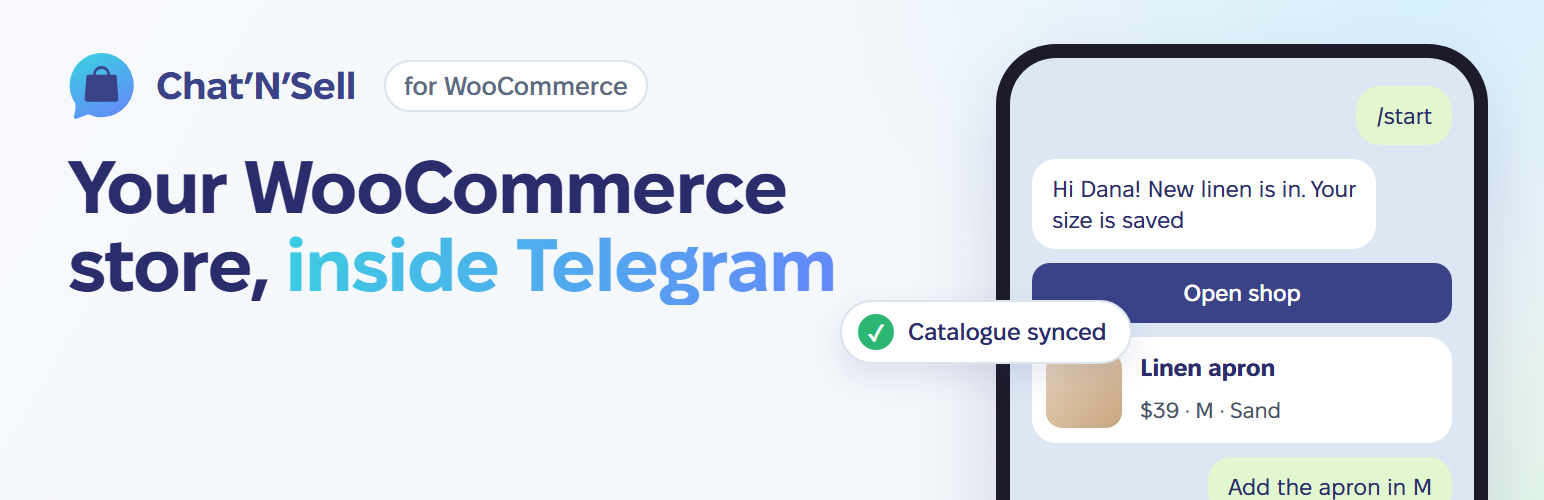
Chat’N’Sell turns your WooCommerce shop into a shop inside Telegram. Your customers browse your catalogue in a Telegram Mini App run by your own bot, and pay on your own WooCommerce checkout, with your payment methods, shipping and taxes.
This plugin is the lightweight link between your shop and your Chat’N’Sell account. All the bot logic runs on Chat’N’Sell; the plugin only:
connects your shop to your Chat’N’Sell account with one click (or a pairing code),
lets Chat’N’Sell read your catalogue through signed, read-only endpoints,
tells Chat’N’Sell right away when a product, variation, stock level or category changes, so the bot never shows stale prices,
opens carts built in the bot on your own checkout, with the bot’s prices and coupon applied and the shopper’s details pre-filled,
tags those orders so you and the bot can follow them,
optionally shows a small “shop in Telegram” widget on your storefront.
Features:
Simple and variable products, sale prices, stock, images and categories.
Works with the classic checkout and the Cart and Checkout blocks.
Compatible with High-Performance Order Storage (HPOS).
Changes are sent in the background (Action Scheduler) in one batch, so saving a product is never slowed down; failed sends are retried automatically.
Only orders placed from a Telegram bot are ever shared. Your other orders and your customer list stay in your shop.
A Chat’N’Sell account is required. You can create one when you click Connect. See chatnsell.co for plans.
External services
This plugin connects your shop to Chat’N’Sell, a service run by the plugin authors at https://app.chatnsell.co. Nothing is sent before you click “Connect to Chat’N’Sell” (or enter a pairing code) on the WooCommerce > Chat’N’Sell page, and nothing is sent after you disconnect.
What is sent to app.chatnsell.co and when:
When you connect: the pairing code, your shop name, shop URL, the URL of this plugin’s endpoints, WooCommerce and plugin versions, currency, language and time zone.
After connecting, Chat’N’Sell reads through this plugin’s signed endpoints: your shop details (as above plus weight unit), products and variations (names, descriptions, prices, sale prices, SKUs, stock, images, tags, categories, links, review averages), product categories, and orders that were placed from a Chat’N’Sell bot (order number, items, totals, status, tracking numbers).
When a product, variation, stock level, category or bot order changes: the type of change and the id of the item (for bot orders, the order details listed above). Once an hour: a short “still connected” signal.
When you disconnect or delete the plugin: a “disconnected” notice.
Every request is signed with a secret shared at connection time. Shoppers’ payment details never pass through Chat’N’Sell.
When the website widget is on (it can be switched off on the plugin page), your storefront pages load a script from app.chatnsell.co in your visitors’ browsers. It is never loaded on the cart, checkout or account pages.
When a shopper checks out from the bot, they arrive on your store with a signed link containing the cart, any bot coupon, their Telegram user id and the name and email they gave the bot; the plugin uses these only to fill the cart and checkout form.
Chat’N’Sell Terms of Service and Privacy Policy.














