
外掛標籤
開發者團隊
原文外掛簡介
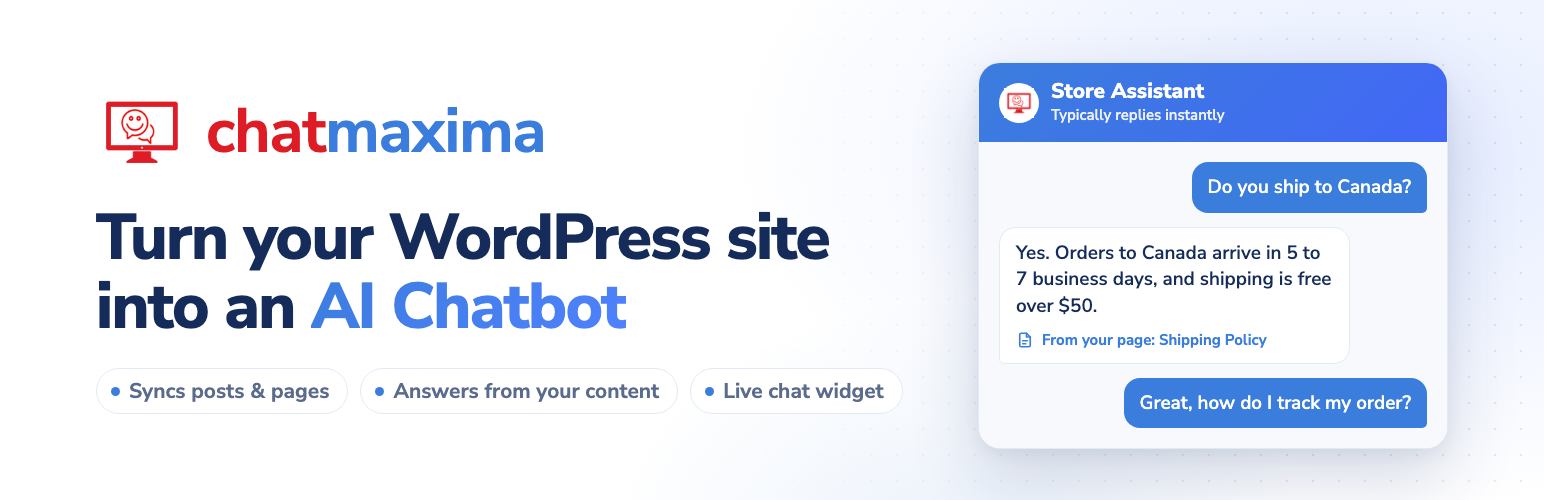
ChatMaxima AI Chatbot puts a chatbot on your WordPress site that answers questions from your own content. A guided setup takes about five minutes and never leaves WordPress:
Connect – Sign in to ChatMaxima, or create a free account right in the plugin.
Knowledge – Choose which posts, pages and other content types to sync. The plugin copies them into a ChatMaxima knowledge source in small batches, with progress shown as it goes.
Chatbot – Give the bot a name, an avatar, a role (support, sales, booking, or your own words), a tone, a welcome message and any extra rules. Try sample questions and see how it answers before anyone else does. MaxIA V4 is included at no cost; you can also use your own OpenAI, Anthropic, Google Gemini or Groq key.
Install – Preview the real chat widget in the admin, then switch it on for visitors when you are ready.
After setup, the plugin’s Home page shows the connection, knowledge source, chatbot and widget at a glance, each editable in place.
Features
Guided setup – Four steps with progress saved, so you can leave and come back
Free account from the plugin – 1,000 messages a month and the MaxIA V4 AI model, no API key needed
Content sync – Published, public posts and pages only; drafts, private and password-protected content are never sent
Auto Sync – New and updated posts are added to the knowledge source when published, and removed when trashed
Per-post control – A sync box in the editor shows status and lets you exclude a post
Bulk sync – Sync selected posts from the Posts list
Chatbot persona – Name, avatar, role, tone, welcome message and extra instructions
Live preview – Ask the chatbot sample questions while you set it up
Your own AI key – OpenAI, Anthropic, Google Gemini or Groq, checked before it is saved and kept in your ChatMaxima workspace, never in WordPress
One switch to go live – The widget shows to visitors only when you turn it on
Multisite ready – Each site connects on its own
Requirements
A ChatMaxima account (one can be created during setup)
WordPress 5.0 or higher
PHP 7.4 or higher
External Services
This plugin connects to ChatMaxima, a third-party AI chatbot and customer messaging service, to provide its core functionality. A ChatMaxima account is required.
The plugin communicates with ChatMaxima in the following ways:
Chatbot widget: On pages where the widget is enabled, the plugin loads the ChatMaxima widget script from https://widget.chatmaxima.com/embed.min.js so the chatbot can render for your visitors.
Account authentication: When you connect the plugin, your ChatMaxima login credentials are sent to the ChatMaxima API to obtain an access token. Only the resulting token is stored in your WordPress database.
Content sync: When you sync content, the URLs of the published, public WordPress posts and pages you choose are sent to the ChatMaxima API, which reads those pages so they can be indexed into your selected knowledge source for AI training.
Chatbot setup: The chatbot name, avatar image, role, tone, welcome message and instructions you enter, and any AI provider API key you choose to add, are sent to the ChatMaxima API and stored in your ChatMaxima workspace. Keys are never stored in WordPress.
Account creation: If you create an account from the plugin, the name, email address and password you enter and your site’s title are sent to the ChatMaxima API. ChatMaxima emails a code to confirm the address.
Data is sent to ChatMaxima only when you connect the plugin, sync content, or serve the widget. The plugin itself does not collect personal data from your site visitors.
ChatMaxima Terms of Service: https://chatmaxima.com/tos/
ChatMaxima Privacy Policy: https://chatmaxima.com/privacy/
Support
For support and documentation, visit ChatMaxima Documentation or contact [email protected].
Privacy Policy
This plugin connects to ChatMaxima services to provide chatbot and knowledge source functionality. When you sync content:
– Post URLs are sent to ChatMaxima for crawling
– Content is indexed for AI training
– No personal user data is collected from your visitors
Please review ChatMaxima’s privacy policy (https://chatmaxima.com/privacy/) for complete information about data handling.














