內容簡介
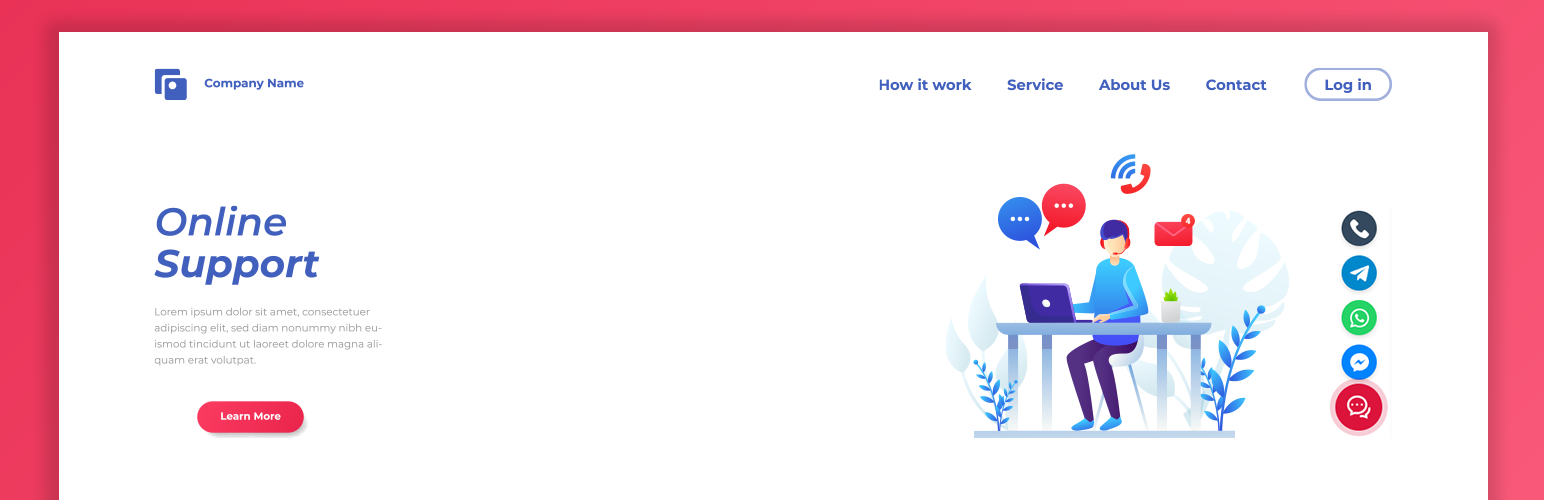
總結:Customizable Livechat Widget Icon for WordPress是一個輕量且強大的外掛,旨在幫助您即時與訪客建立聯繫。這個外掛提供了一個簡潔的浮動按鈕,展開後顯示您最重要的聯繫渠道:Facebook Messenger、WhatsApp、Telegram和電話。
問題與答案:
<ol>
<li>這個外掛的主要功能是什麼?
<ul>
<li>多渠道支援:添加Messenger、WhatsApp、Telegram和直接撥打電話的連結。</li>
</ul>
</li>
<li>這個外掛的外貌可否自訂?
<ul>
<li>完全可自訂外觀:上傳自己的自訂主要聊天圖示(PNG/SVG)或使用預設圖示。</li>
</ul>
</li>
<li>這個外掛有什麼特色?
<ul>
<li>動態背景顏色:更改小工具背景顏色。脈衝動畫會自動適應您選擇的顏色。</li>
<li>回應式定位:分別為桌面、筆記型電腦、平板電腦和手機定義特定像素偏移量(底部和側邊)。不再與其他元素重疊!</li>
<li>智慧切換行為:桌面上有平滑的懸停效果,手機裝置上有更好的用戶體驗的「點擊切換」行為。</li>
</ul>
</li>
<li>如何設定這個外掛?
<ul>
<li>輕鬆的管理面板:用戶友好的設置頁面,方便從「工具」→「Livechat 管理」進入。</li>
</ul>
</li>
<li>這個外掛的效能如何?
<ul>
<li>輕量快速:零膨脹。使用優化的資產和乾淨的程式碼,確保您的網站速度始終保持最佳狀態。</li>
</ul>
</li>
</ol>
外掛標籤
開發者團隊
② 後台搜尋「Chatikonix Customizable Livechat Widget Icon」→ 直接安裝(推薦)
原文外掛簡介
Customizable Livechat Widget Icon for WordPress is a lightweight and powerful plugin designed to help you connect with your visitors instantly. Instead of complex chat systems, this plugin provides a clean, floating button that expands to show your most important contact channels: Facebook Messenger, WhatsApp, Telegram, and Phone Call.
It is designed with performance in mind using pure CSS animations and minimal JavaScript. The plugin offers a modern, side-by-side admin interface where you can customize the appearance, upload your own icons, and control the exact position of the widget for every device type (Desktop, Laptop, Tablet, and Phone).
Key Features:
Multi-Channel Support: Add links for Messenger, WhatsApp, Telegram, and Direct Phone Calls.
Fully Customizable Appearance: Upload your own custom Main Chat Icon (PNG/SVG) or use the default one.
Dynamic Background Color: Change the widget background color. The pulse animation automatically adapts to your chosen color.
Responsive Positioning: Define specific pixel offsets (Bottom & Side) for Desktop, Laptop, Tablet, and Mobile separately. No more overlapping with other elements!
Smart Toggle Behavior: Smooth hover effect for desktops and “Click-to-Toggle” behavior for mobile devices for better user experience.
Easy Admin Panel: User friendly settings page, conveniently accessible from Tools → Livechat Manage.
Lightweight & Fast: Zero bloat. Uses optimized assets and clean code to ensure your site speed remains top-notch.