內容簡介
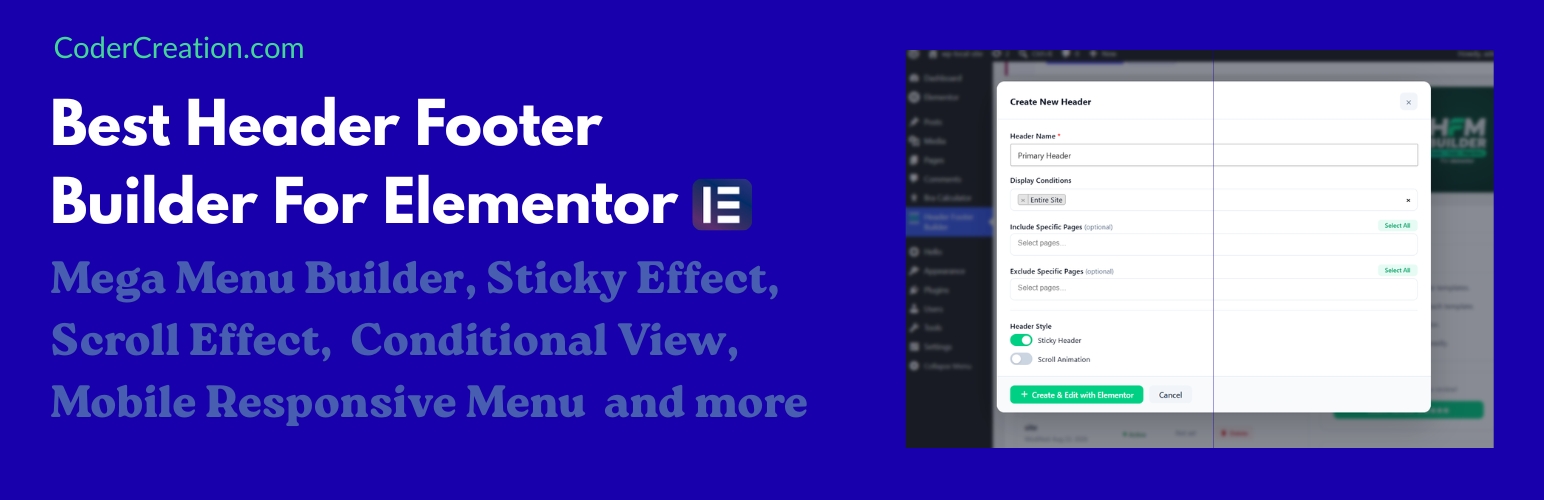
Header Footer & Mega Menu Builder for Elementor 是一款全方位的外掛,專為 Elementor 設計,讓使用者能夠輕鬆建立專業的頁首、頁尾及大型選單,無需撰寫任何程式碼,提供完整的設計控制。
【主要功能】
• 自訂 Elementor 頁首建構器
• 自訂 Elementor 頁尾建構器
• 大型選單建構器
• 固定頁首功能
• 透明頁首選項
• 滾動動畫效果
外掛標籤
開發者團隊
② 後台搜尋「Header Footer & Mega Menu Builder for Elementor」→ 直接安裝(推薦)
原文外掛簡介
Header Footer & Mega Menu Builder for Elementor is the all-in-one header footer builder and mega menu builder solution for building professional headers, footers, and mega menus directly inside Elementor — without writing a single line of code.
Whether you are building a business website, WooCommerce store, blog, or portfolio, this Header Footer Builder for Elementor plugin gives you full design control over every part of your site’s navigation and layout.
Why Choose the Header Footer Builder and Mega Menu Builder for Elementor?
Most WordPress websites need a custom Elementor header, a matching Elementor footer, and a flexible mega menu with sticky effects and transparent header options — but managing these separate plugins creates bloat, conflicts, and extra maintenance. This plugin solves that by combining all features into one lightweight, focused tool.
Custom Elementor Header Builder — Design any header layout with Elementor’s drag-and-drop editor
Custom Elementor Footer Builder — Build footers with full widget support and conditional display
Mega Menu Builder — Create multi-column dropdown and mega menu layouts inside Elementor
Sticky Header — Keep your header fixed at the top as visitors scroll down
Transparent Header — Keep your header transparent at the top while visitors scroll down with the option to apply background color
Scroll Animation Effects — Add smooth header transition effects on scroll
Smart Display Conditions — Assign different headers and footers to different pages, posts, and post types
Custom Header Footer Builder for Elementor
Create unlimited Elementor header templates
Set headers globally across the entire site
Assign page-specific headers using display conditions
Exclude the header from specific pages
Enable sticky header behavior — header stays visible while scrolling
Add scroll animation effects for a polished header transition
Edit display conditions directly from the template list
Custom Footer Builder for Elementor
Build custom Elementor footer templates with full widget support
Set site-wide or page-specific footer conditions
Assign footers to specific post types, archive pages, or WooCommerce pages
Exclude the footer from any page
Manage all footer templates from the WordPress dashboard
Mega Menu Builder and Navigation Features
Mega Menu Builder Widget — Build advanced mega menu layouts directly inside Elementor with multi-column dropdown menus without extra plugins
Add fully customizable responsive navigation menu widgets with flexible styling options
Design responsive navigation menus that work perfectly on all devices
Full typography, color, spacing, and hover controls
Sticky Header and Scroll Effects
Enable sticky header so it stays visible at all times
Smooth scroll animation keeps the header transition polished
Improves user experience on long-scrolling pages
Works independently — enable sticky without animation or vice versa
Smart Display Conditions
Entire site — apply a header or footer globally
All blog posts — target the full post archive
All archive pages — category, tag, and taxonomy archives
All WooCommerce products — requires WooCommerce active
All WooCommerce pages — cart, checkout, shop, and account pages
Specific pages — include or exclude individual pages
Included Elementor Widgets
Navigation Menu Widget — Fully customizable responsive menu with dropdown support
Mega Menu Widget — Fully customizable responsive mega menu with dropdown support
Site Logo Widget — Display your site logo with responsive size controls
Icon Button Widget — Create modern icon-based call to action buttons
Top Bar Widget — Add contact info, social icons, or announcements above the header
Copyright Widget — Add dynamic copyright text with auto year in the footer
Who This Plugin Is For
WordPress Developers/Customizers who want to build professional websites faster.
Freelancers and agencies building client websites in Elementor
WooCommerce store owners who need a custom header and footer
Bloggers who want sticky header behavior without a page builder theme
Developers who want a clean, maintainable solution for navigation design
Anyone who wants to replace multiple plugins with one focused tool
Benefits of Using This Header Footer Builder
One header footer builder and mega menu builder replaces multiple header, footer, and mega menu tools
Faster setup — no theme files to edit, no coding required
Works with Elementor Free and Elementor Pro
Compatible with all major WordPress themes including Astra and OceanWP
Semantic HTML output for better SEO and accessibility
Lightweight — only loads assets where needed
How to Use the Header Footer Builder for Elementor
Upload the plugin folder to the /wp-content/plugins/ directory.
Activate the plugin through the Plugins menu in WordPress.
Go to the plugin dashboard in the WordPress admin.
Click Add New Header Template or Add New Footer Template.
Set your display conditions and click Create.
Design your header or footer inside Elementor and publish.
License
Header Footer & Mega Menu Builder for Elementor is licensed under the GNU General Public License v2 or later (https://www.gnu.org/licenses/gpl-3.0.html).
Credits
Developed by Coder Creation.