內容簡介
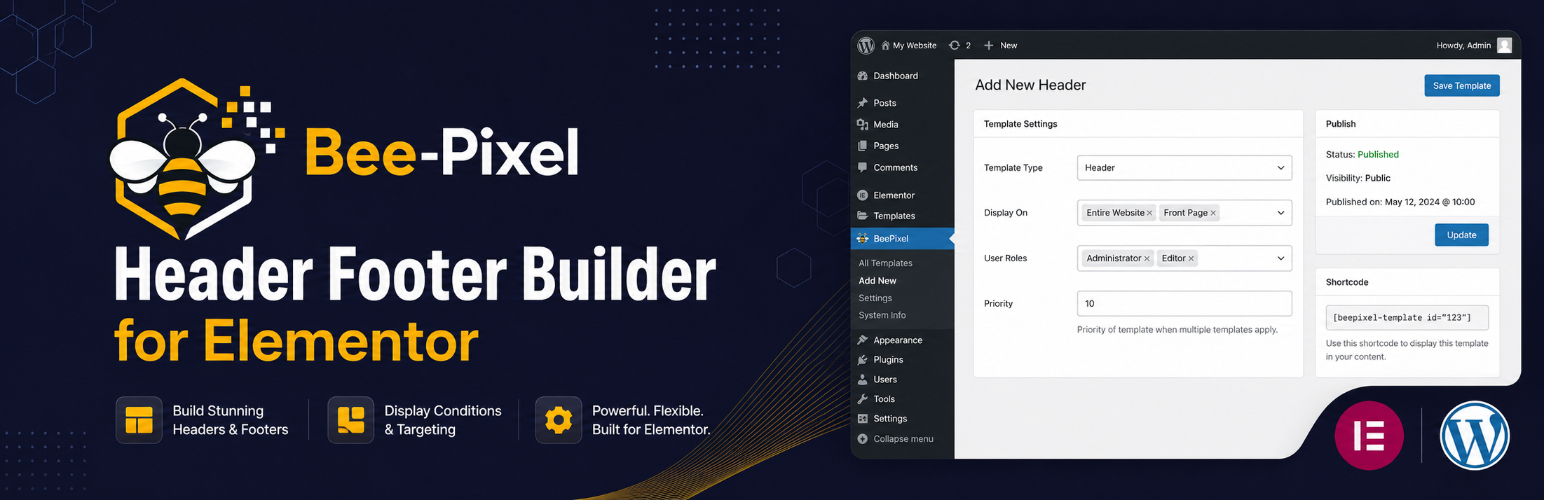
BeePixel Header Footer Builder for Elementor 讓使用者能夠使用 Elementor 頁面編輯器設計和管理自訂的頁首和頁尾範本,無需編碼。此外掛免費提供,適合各類網站使用。
【主要功能】
• 自訂頁首和頁尾範本
• 支援多種顯示條件
• 用戶角色針對性顯示
• 簡易的短碼嵌入功能
• 支援主題頁首和頁尾替換
外掛標籤
開發者團隊
② 後台搜尋「BeePixel Header Footer Builder for Elementor」→ 直接安裝(推薦)
原文外掛簡介
BeePixel Header Footer Builder for Elementor lets you design and manage custom header and footer templates using the Elementor page builder. No coding required.
This plugin is free. If it helps your project, consider supporting on Patreon.
Template Types
Create four types of templates:
Header — a custom header for your site
Footer — a custom footer for your site
Before Header — a zone above the header, useful for announcement bars
After Footer — a zone below the footer
Adding or Replacing the Theme Header
By default a template is added alongside your theme’s own header or footer, so nothing in your existing design changes unexpectedly.
Each template also has a Replace the theme’s own header / footer option. Turn it on and the plugin takes over the theme’s header or footer hook. Automatic replacement is supported on Astra, GeneratePress, OceanWP, Hello Elementor, Neve, Kadence, Blocksy, Storefront and Genesis.
On any other theme, add do_action( 'bphfe_header' ); or do_action( 'bphfe_footer' ); to your child theme wherever you want the template to appear.
Display Conditions
Control where each template appears:
Entire Website
Front Page / Homepage
All Singular Posts & Pages
All Posts
All Pages
All Archive Pages
Search Results
404 Error Page
WooCommerce Shop Page
WooCommerce Product Pages
WooCommerce Cart Page
WooCommerce Checkout Page
Exclude Specific Pages
Enter page or post IDs to prevent a template from showing on specific pages.
User Role Targeting
Show templates based on user status:
All Users
Logged In Users Only
Logged Out / Guest Users Only
Specific WordPress roles (Administrator, Editor, Subscriber, and so on)
Additional Options
Canvas Template — remove the theme wrapper when previewing a template on its own
Shortcode — embed any published template anywhere using [bphfe_template id="POST_ID"]
How to Use
Install and activate the plugin. Elementor must be active.
Go to BeePixel HFE in your WordPress dashboard.
Click Add New, enter a name, and publish.
Design your template in Elementor.
In the Template Settings meta box, set the template type and display conditions.
Publish — your template is now live.
Shortcode Usage
Find the template post ID in the URL when editing it (for example post=123), then use:
[bphfe_template id="123"]
Developer Hooks
do_action( 'bphfe_before_header' ) — print the Before Header template
do_action( 'bphfe_header' ) — print the Header template
do_action( 'bphfe_footer' ) — print the Footer template
do_action( 'bphfe_after_footer' ) — print the After Footer template
apply_filters( 'bphfe_theme_hook_map', $map ) — add or change theme replacement hooks
apply_filters( 'bphfe_active_template', $id, $type ) — override the resolved template
apply_filters( 'bphfe_enable_body_fallback', true ) — disable the after-