內容簡介
Smart Product Grid 是一款專為 WooCommerce 設計的自訂動畫產品網格外掛,提供多種佈局選擇,包括網格、磚石和輪播,並具備 AJAX 過濾器、快速檢視模式、動畫加入購物車等功能,提升產品展示與用戶互動體驗。
【主要功能】
• 支援網格、磚石及輪播佈局
• AJAX 過濾器與分頁功能
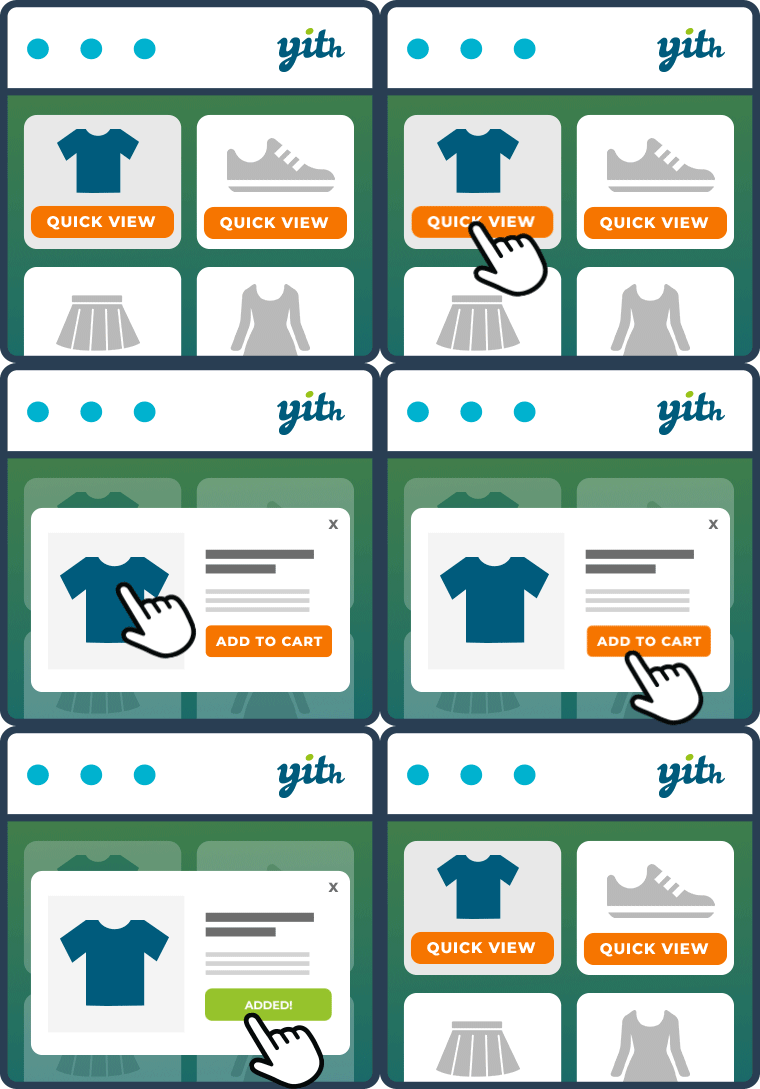
• 快速檢視產品詳細資訊
• 動畫加入購物車效果
• 願望清單與比較功能
• 顯示促銷標籤及評分
外掛標籤
開發者團隊
原文外掛簡介
Custom animated product grid plugin for WooCommerce. Includes grid,
masonry and carousel layouts, AJAX filters/pagination, quick-view modal,
animated add-to-cart (mini-cart auto-refresh), wishlist, and compare.
When Elementor is active, a “WC Custom Grid” widget appears in the widget
panel under the “WC Custom Grid” category — search for “wc custom grid”
or “products” to drag and drop it. The shortcode also works (see below);
both options are available.
Features
Grid / Masonry / Carousel layouts, switchable with a single shortcode attribute
Category, product-tag, price-range and sort filters — all AJAX (no page reload)
“Load more” AJAX pagination
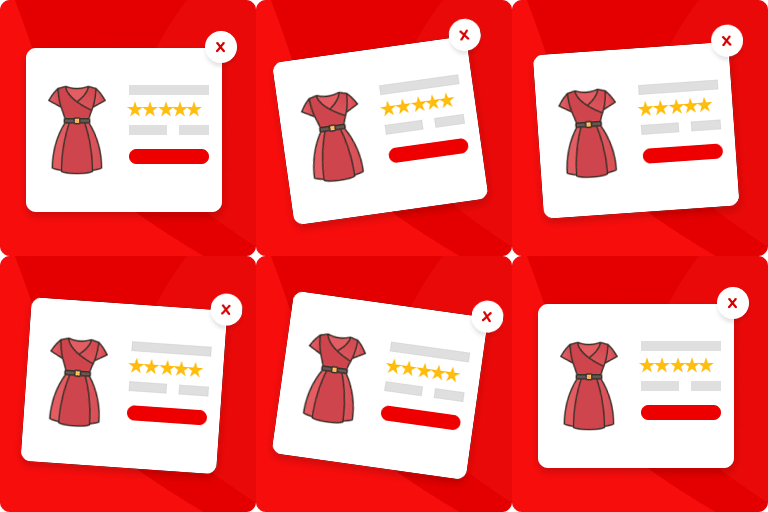
Quick View modal: image, description, price, variations, and Add to Cart
Animated Add to Cart: hover lift, pulse-glow on success, mini-cart
fragment refresh (compatible with WooCommerce’s added_to_cart event)
Wishlist: works for both guest and logged-in users via WooCommerce customer
session; for logged-in users the list is also persisted to user meta so
it survives session changes
Compare: up to 4 products, stored in WooCommerce customer session,
sticky bottom bar + side-by-side table modal
Sale badge, out-of-stock badge, and star rating — all pulled from WooCommerce data
This plugin requires WooCommerce to be installed and active.
Shortcode Options
[wccg_grid
layout="grid" -> grid | masonry | carousel
columns="3" -> number of columns on desktop (auto-responsive on mobile)
per_page="9" -> products shown on first load
category="shoes,bags" -> comma-separated category slugs (leave empty for all)
orderby="popularity" -> popularity | date | price | price-desc | rating
show_filters="yes" -> show category + price + sort filter bar
show_price_filter="yes" -> show price range slider
show_tag_filter="yes" -> show product tag filter
title="Bestsellers"
subtitle="Our top products"
]