內容簡介
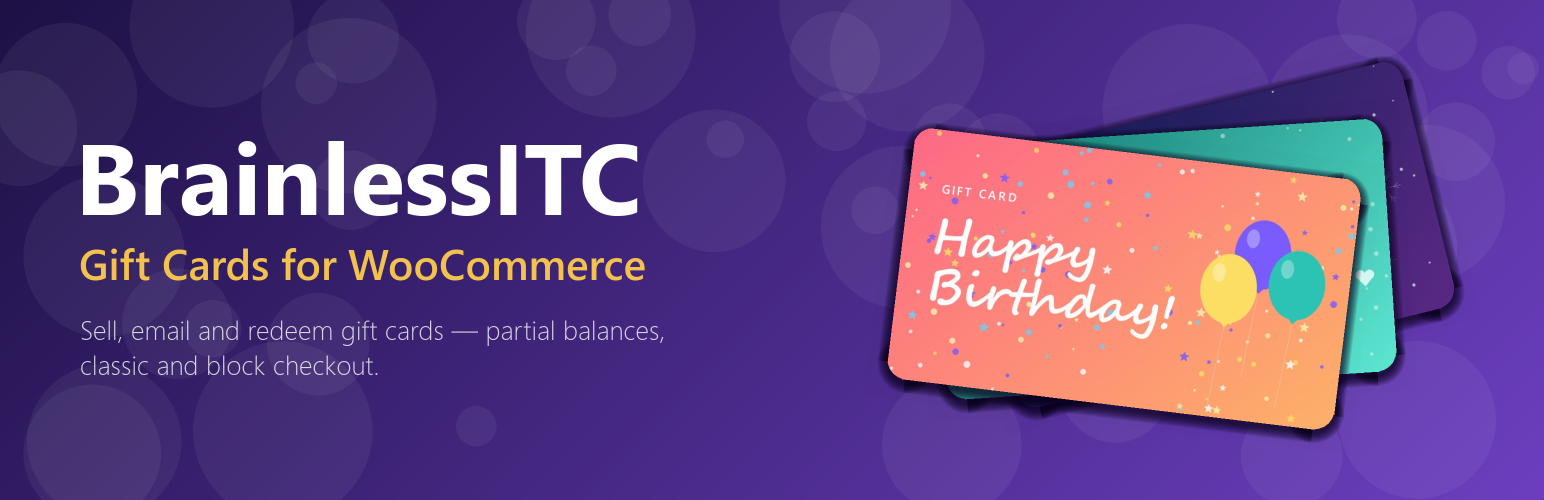
BrainlessITC Gift Cards for WooCommerce 讓您能夠快速銷售數位禮品卡。顧客可以選擇金額、撰寫個人訊息,並將獨特代碼發送給收件人,提升購物體驗並增加銷售機會。
【主要功能】
• 支援多種預設金額的禮品卡產品類型
• 自訂收件人姓名、發件人姓名及個人訊息
• 禮品卡即時預覽功能
• 安全獨特的代碼生成
• 自動發送禮品卡電子郵件給收件人
• 支援部分使用及餘額保留
外掛標籤
開發者團隊
② 後台搜尋「BrainlessITC Gift Cards for WooCommerce」→ 直接安裝(推薦)
原文外掛簡介
BrainlessITC Gift Cards for WooCommerce lets you sell digital gift cards in minutes. Customers choose an amount, write a personal message and the recipient receives a beautiful email with a unique code. The code is redeemed on the cart or checkout page, any remaining balance stays on the card for the next order.
Gift cards work like a payment, not like a coupon: they are applied after taxes and shipping, so your tax reports stay correct.
Free features
Gift card product type with as many preset amounts as you like ($25, $50, $100 …)
Recipient name and email, sender name and personal message — or “This gift card is for me”
Live preview of the gift card on the product page
Secure, unique codes (80-bit random, optional prefix such as GIFT-XXXX-XXXX-XXXX-XXXX)
Gift card email to the recipient when the order is paid — customizable in WooCommerce > Settings > Emails, with live preview and an optional blind copy to the buyer
Redeem link: the “Shop now” button in the email remembers the code and fills it in on the cart and checkout
Redeem on the classic cart and checkout and on the Cart and Checkout blocks
Partial use — the remaining balance stays on the card; combine several gift cards in one order
Pay the whole order with gift cards (no payment method needed when the total is zero)
Optionally prevent paying for gift cards with gift cards
Gift Card Balance block and [bitcgc_balance] shortcode
Gift card manager: list with search and status filters (active, fully redeemed, disabled), bulk enable/disable/delete
Gift card screen with the full usage history, balance adjustment with a note, enable/disable, edit recipient and message, resend email
Create gift cards manually (giveaways, store credit, replacements) with a generated or custom code
Cancelled or refunded orders automatically return the used balance to the card, and disable gift cards bought with that order
Balances are updated atomically, so a gift card can never be spent twice at the same time
Brute force protection for code lookups
Compatible with High-Performance Order Storage (HPOS), Cart & Checkout blocks and block themes
GDPR: personal data export and erasure through the WordPress privacy tools
Translation ready, template overrides from your theme, developer friendly hooks
Your data stays yours: gift cards and settings are never removed unless you choose so
BrainlessITC Gift Cards Pro
BrainlessITC Gift Cards Pro is a separate, premium plugin. It is not included in this plugin; it replaces it and keeps all your gift cards and settings. It adds:
Custom amounts chosen by the customer (with minimum and maximum)
Scheduled delivery: the customer picks the date the gift card is sent
Gift card designs: a gallery of card images customers choose from (birthday, thank you, holidays …)
PDF gift cards with QR code, attached to the email and downloadable
Expiry dates (per store or per product) with automatic expiry reminder emails
My Account > Gift Cards: customers see their gift cards and balances and add cards to their account
Multiple recipients in one purchase
Physical gift cards that are shipped instead of emailed
Redemption rules: minimum order amount, excluded categories, use for shipping or not
Bulk generation, CSV export and import of gift cards
Refund to a gift card (store credit) from the order screen
Reports: sold, redeemed, outstanding balance and expired value
Email notification to the buyer when the gift card was delivered
How it works
Create a product and choose the product type Gift card. Enter the amounts, for example 25, 50, 100.
Customers buy the gift card and enter the recipient’s email and a message.
When the order is paid, a unique code is created and emailed to the recipient.
The recipient enters the code on the cart or checkout page. The balance is used for the order; whatever is left stays on the card.
Shortcode
[bitcgc_balance title="Check your gift card balance"] — gift card balance checker (the “Gift Card Balance” block does the same)
For developers
Templates can be copied to yourtheme/brainlessitc-gift-cards-for-woocommerce/. Actions and filters include bitcgc_card_issued, bitcgc_card_created, bitcgc_issue_card_args, bitcgc_validate_card_for_cart, bitcgc_cart_eligible_total, bitcgc_max_cards_per_order, bitcgc_generated_code and bitcgc_code_groups.
External services
This plugin integrates the Freemius SDK (https://freemius.com) for optional usage insights and the upgrade page of the separate Pro plugin.
Opt-in usage data: after activation you can choose to share basic, non-sensitive data (site URL, WordPress / PHP / plugin versions, admin name and email, plugin events such as activation and deactivation). Nothing is sent unless you opt in, and you can opt out at any time. This helps us improve compatibility and send important security notices.
Upgrade / checkout: when you open the upgrade page, pricing of the Pro plugin is loaded from Freemius, and purchases are processed by Freemius.
Freemius Terms of Service: https://freemius.com/terms/
Freemius Privacy Policy: https://freemius.com/privacy/
The plugin does not use any other external service.