內容簡介
AI Copilot 是一款專為 WordPress 設計的外掛,結合 ChatGPT 技術,旨在協助使用者自動化內容創作、改善 SEO 和提升用戶互動。無論是部落客或電子商務網站,AI Copilot 都能提供強大的內容生成與編輯工具。
【主要功能】
• 互動式 AI 聊天機器人,增強客戶支持
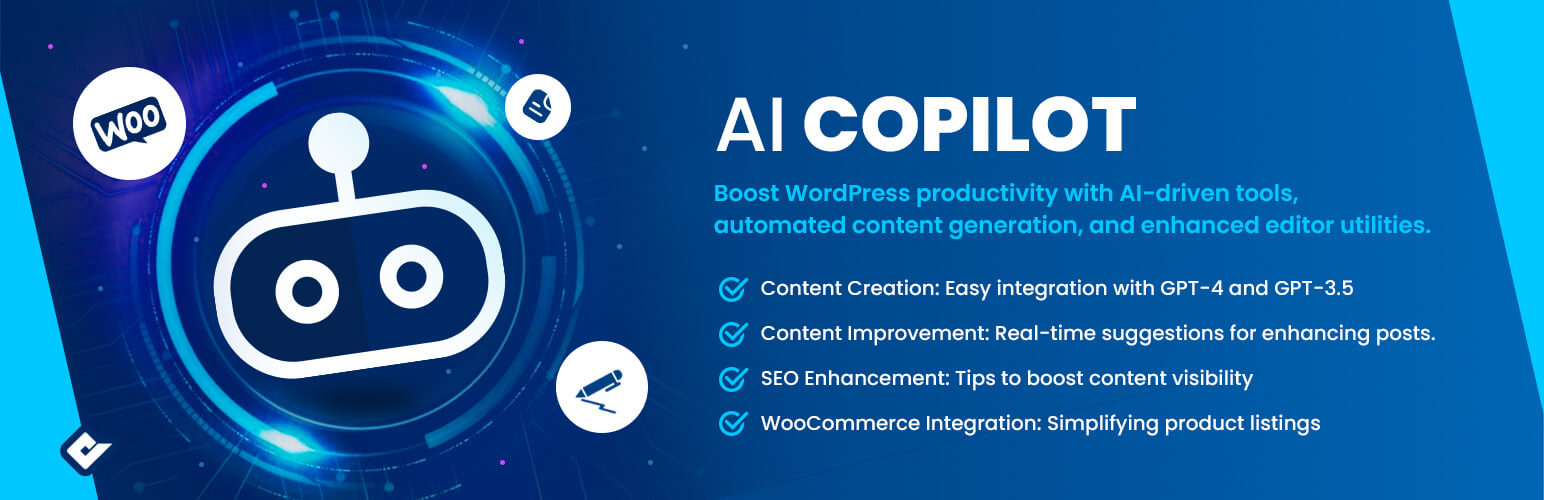
• 簡易整合 GPT-4 和 GPT-3.5 進行內容創作
• 實時建議改善現有文章或自訂文章類型
• 提供 SEO 改善建議,提升內容曝光率
• WooCommerce 整合,簡化產品列表管理
• 預製內容模板,節省創作時間
外掛標籤
開發者團隊
② 後台搜尋「AI Copilot – ChatGPT Chatbot & AI Engine for Post Automation」→ 直接安裝(推薦)
📦 歷史版本下載
原文外掛簡介
Premium | Documentation | Community
We’re proud to introduce AI Copilot. We built this not just as another WordPress plugin, but as a tool we wished existed when we were writing and managing content. Whether you’re an individual blogger, run an e-commerce site, or simply someone exploring content creation, AI Copilot has been crafted to help you every step of the way.
Our AI Engine equips you with a suite of tools to craft exceptional content, engage users dynamically, and achieve SEO excellence.
Features
**AI Chatbot **: Interactive chatbot that works with your site’s content and knowledge base.
Content Creation: Simple integration with models like GPT-4 and GPT-3.5 makes content creation a breeze.
Content Improvement: Real-time suggestions for refining existing posts or any custom post type.
SEO Improvement: Friendly nudges for improving SEO, making sure your content gets the attention it deserves.
WooCommerce Integration: Making product listings just a tad bit easier.
Pre-Crafted Content Templates: Save time with our favorite structures for content creation.
Pre-Crafted Automated Tools: Save time with our favorite content editor tools .
AI Chatbot Knowledge Base
Deploy a versatile, interactive chatbot that enhances customer support, sales, or home automation, while seamlessly integrating with your site’s content and knowledge base.
Automated Content Generation
Experience automation like never before. Set parameters, prompt the AI, and watch as AI Copilot crafts content that resonates with your audience.
Automated Editor Tools
From content translation, correction, to SEO optimization, AI Copilot’s suite of tools ensures your WordPress site stays ahead of the curve.
API Consumption Overview
Effortlessly track your OpenAI usage with our comprehensive consumption tracker. Designed for transparency, this module provides clear insights into API consumption by user, user role, module, and the specific API model employed on your site.
Open AI
We value transparency and security. AI Copilot, in association with OpenAI, ensures your data remains private and is used exclusively for enhancing your content experience. Please review OpenAI’s Privacy Policy and Terms of Service for comprehensive details.
Usage
Register an account with OpenAI.
Acquire an API key and integrate it into the plugin settings (Dashboard -> AI Copilot -> Settings).
Go to AI Copilot admin menu and seve API keys.
Always monitor your OpenAI usage to keep track.
Upon installation, navigate to Appearance > Menus to incorporate your WordPress menu icons.
Using Third-Party APIs
OpenAI API
= Third-Party Service Disclosure =
Our plugin also integrates with the OpenAI API to enhance its functionality. This may include features like content generation, data analysis, or other AI-driven tasks.
Data Transmission to OpenAI
When using AI-powered features, certain input data may be sent to OpenAI’s servers for processing. We ensure that only necessary data for the feature’s functionality is transmitted.
Legal and Privacy Concerns for OpenAI
We are committed to transparency and legal compliance. Please review OpenAI’s policies:
– OpenAI Website: https://www.openai.com/
– Usage Policy: OpenAI Usage Policy
– Privacy Policy: OpenAI Privacy Policy
Pexels API
= Third-Party Service Disclosure =
This plugin utilizes the Pexels API for fetching images. When you use features related to image search, your search queries are sent to Pexels to retrieve relevant images.
Data Transmission to Pexels
Be aware that search terms used in the image search feature are transmitted to Pexels. No personal data is sent aside from the necessary search queries.
Legal and Privacy Concerns for Pexels
For transparency and legal compliance, review Pexels’ policies:
– Pexels Website: https://www.pexels.com/
– Terms of Service: Pexels Terms of Service
– Privacy Policy: Pexels Privacy Policy