
內容簡介
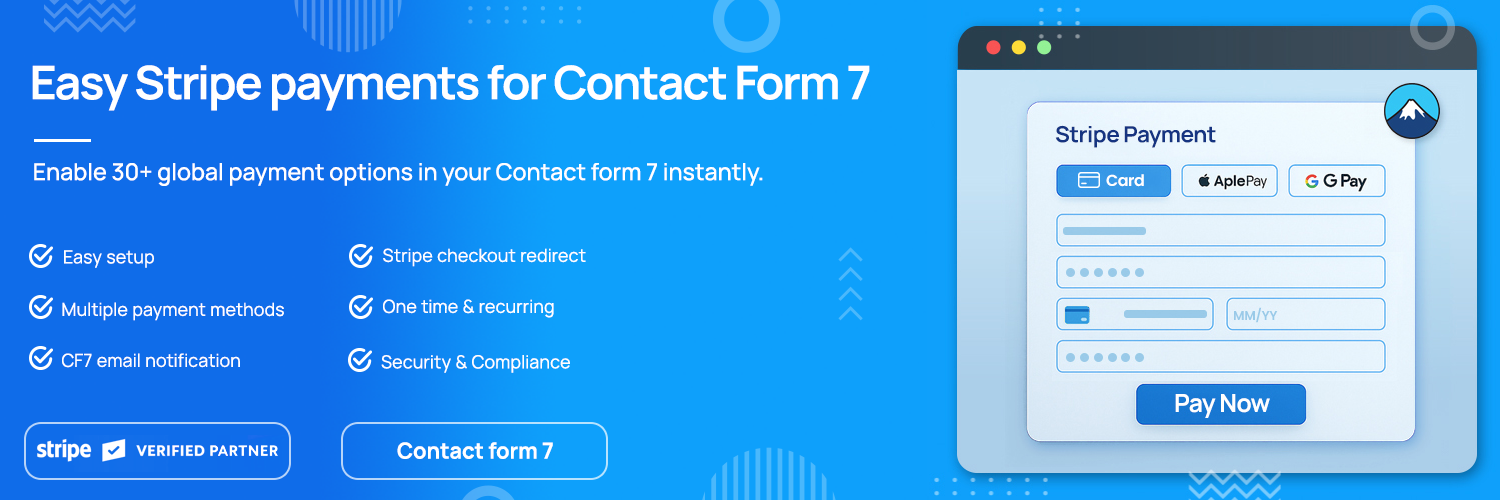
總結:Contact Form 7 Stripe Payment 外掛是一個付款解決方案,可利用 Contact Form 7 建立付款頁面或表單。透過此外掛,您可以輕鬆建立單次或循環訂單表單、付款表單或訂閱活動,支援多種付款方式,如信用卡、PayPal、Google Pay、ApplePay 等。
1. 這個外掛的目的是什麼?
- 這個外掛是為了讓您能夠使用 Contact Form 7 建立自訂的付款表單,並直接在您的網站上透過 Stripe 接受付款。
2. 這個外掛可以支援哪些付款方式?
- 這個外掛支援各種付款方式,包括信用卡、PayPal、Google Pay、ApplePay、Afterpay、Affirm、ACH、Klarna、iDEAL 等。
3. 這個外掛有哪些主要功能?
- 🔒 Checkout Redirect:為單次付款重定向至 Stripe 主機結帳頁面。
- 🔁 訂閱(Pro):新增對 stripe 結帳重導的支援。
- 🎉 結帳表單(Pro):提供 30 多種全球付款選項的單一、易配置和外觀不錯的結帳表單,具有靈活的版面配置,還有多種主題(即將推出)。
外掛標籤
開發者團隊
② 後台搜尋「Payment Plugins for Contact Form 7 – by Pay Addons」→ 直接安裝(推薦)
原文外掛簡介
Transform your Contact Form 7 into a powerful payment solution. Payment Plugins for Contact Form 7 lets you accept one-time and recurring payments directly on your website using Stripe—no online store required.
Perfect for selling products, accepting donations, collecting event registrations, or managing subscriptions.
🎯 Why Choose This Plugin?
Easy Setup – Connect your Stripe account and start accepting payments in minutes
Multiple Payment Methods – Credit cards, Google Pay, Apple Pay, PayPal (Europe), ACH, Klarna, iDEAL, and 15+ more
Flexible Options – One-time payments, recurring subscriptions, or custom pricing
Secure & Compliant – PCI-compliant with SCA-ready Stripe checkout
Professional Experience – Seamless payment flows that convert visitors into customers
✨ Key Features
🔀 Checkout Redirect (Free)
Redirect customers to a secure, Stripe-hosted checkout page after form submission. Clean, professional, and handles all payment complexity for you.
Secure SCA-ready payment processing
Dynamic pricing from form fields
Custom product descriptions
Automatic email notifications after successful payment
Stripe Link integration for faster repeat purchases (Pro)
View Documentation | Try Demo
💳 Credit Card Fields (Pro)
Embed credit card payment fields directly into your forms for a seamless on-site checkout experience.
Real-time card validation
Custom styling options
Dynamic pricing support
One-time and subscription payments
Reduced checkout friction
View Documentation | Try Demo
🌐 Payment Element – Multiple Methods (Pro)
Offer customers their preferred payment method with Stripe’s Payment Element. Display multiple options in a single, elegant interface.
Supported payment methods include:
* Credit & Debit Cards
* Google Pay & Apple Pay
* PayPal (Europe only)
* Afterpay & Affirm
* Klarna
* ACH Direct Debit
* iDEAL, Bancontact, EPS, Giropay, P24
* WeChat Pay & Alipay
* FPX, Grabpay, OXXO, Multibanco
Features:
* Automatic payment method display based on customer location
* Multiple layout options
* Dark and light themes
* Mobile-optimized interface
* One-time and recurring payment support
View Documentation | Try Demo
🔄 Recurring Subscriptions (Pro)
Create subscription plans with flexible billing intervals and automated payment collection.
Daily, weekly, monthly, or yearly billing
Custom trial periods
Automated recurring charges
Subscription management
View Documentation
📧 Email Notifications (Pro)
Keep customers and admins informed with customizable email templates.
Payment success notifications
Payment failure alerts
Customer invoices
Custom template design with placeholders (amount, currency, customer details, etc.)
Separate notifications for customers and admins
🎯 Perfect For
Product sales and order forms
Donation and fundraising campaigns
Event registrations and ticket sales
Membership and subscription sign-ups
Service bookings and appointments
Course enrollments
Digital product downloads
🔐 Security & Compliance
PCI-DSS compliant payment processing
SSL encryption required for live payments
SCA (Strong Customer Authentication) ready
Secure Stripe-hosted checkout pages
No sensitive payment data stored on your server
🌍 Supported Countries & Currencies
Works in all countries where Stripe is available. Accept payments in 135+ currencies.
🚀 Pro Features
Upgrade to Pro for advanced capabilities:
Credit card embedded fields
Payment Element with 15+ payment methods
Recurring subscription payments
Custom email notifications
Stripe Link integration
Priority support
Upgrade to Pro
📚 Documentation & Support
Complete Documentation
Live Demos
Email Support: [email protected]
Configuration
Navigate to Contact Form 7 > Stripe Settings
Connect your Stripe account (or enter API keys manually)
Configure test/live mode
Set up webhook URL in your Stripe dashboard (required to accept emails)
Customize email templates (Pro version)
For detailed setup instructions, visit our documentation.
External Services
This plugin connects to external services to provide payment processing functionality:
Stripe Payment Processing
* Service: Stripe, Inc. (https://stripe.com)
* API Endpoint: https://api.stripe.com/v1/
* JavaScript Library: https://js.stripe.com/v3/
* Purpose: Process credit card payments and manage transactions
* Privacy Policy: https://stripe.com/privacy
* Terms of Service: https://stripe.com/legal
When a customer makes a payment, their payment information is transmitted directly to Stripe for secure processing. This includes card details, billing information, and transaction amounts.
PayAddons Template Service
* Service: PayAddons (https://payaddons.com)
* API Endpoint: https://api.payaddons.com/cf7
* Purpose: Retrieve widget templates for enhanced payment form designs
* Privacy Policy: Available at https://payaddons.com/privacy-policy/
No personal data is transmitted to these services without user consent during payment processing or template requests. Payment data is only sent when customers voluntarily submit payment forms.
By using this plugin, you agree to the terms of service and privacy policies of these external services.









