
內容簡介
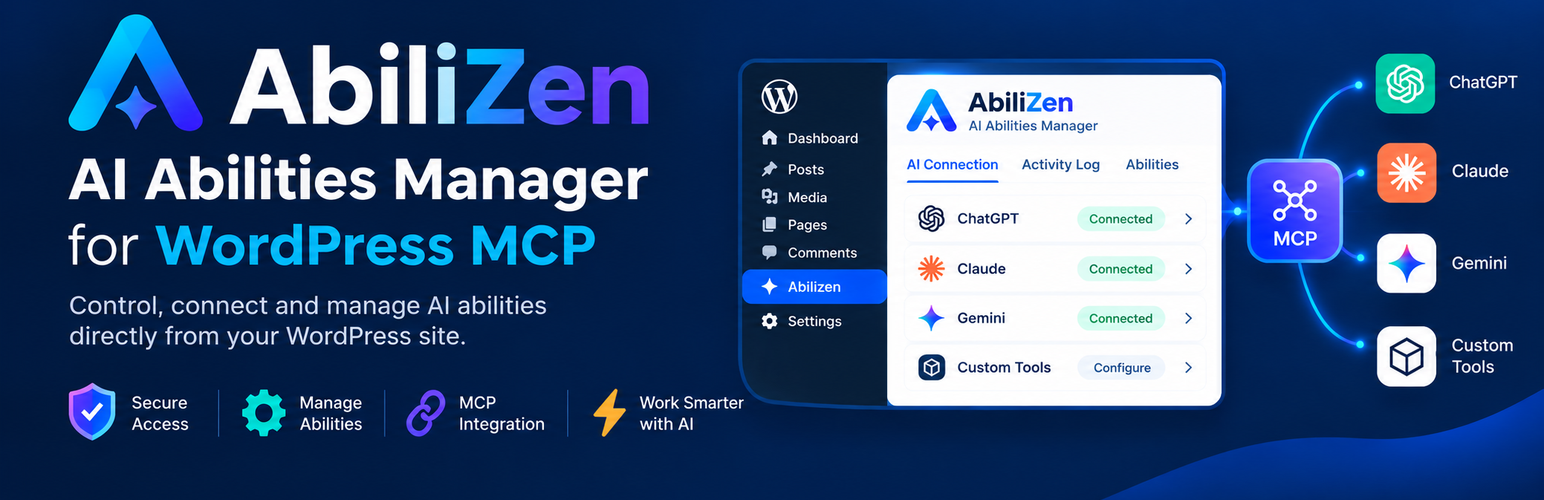
AbiliZen 是一款專為 WordPress 設計的外掛,幫助用戶管理可供 AI 助手使用的能力,透過 Model Context Protocol (MCP) 進行整合。用戶可以輕鬆檢視、啟用或停用能力,並透過控制台檢查能力調用的日誌紀錄。
【主要功能】
• 能力管理:即時檢視並控制可用能力
• 連接指導:逐步引導連接 MCP 兼容客戶端
• 日誌紀錄:記錄 AI 助手的調用紀錄
外掛標籤
開發者團隊
② 後台搜尋「AbiliZen – AI Connector for WordPress MCP & AI Abilities Manager」→ 直接安裝(推薦)
原文外掛簡介
AbiliZen helps you manage which WordPress Abilities are available to AI assistants through the Model Context Protocol (MCP). Review abilities registered on your site, choose which ones to enable, follow a guided connection setup, and inspect a log of MCP ability calls from one dashboard.
WordPress 6.9 introduced the Abilities API, which lets WordPress core and plugins register discrete capabilities with descriptions and schemas. The MCP Adapter makes those abilities available to compatible AI clients over MCP. AbiliZen provides a management layer for this setup: it reads the abilities registered on your site and lets you control which are enabled for access through the MCP integration.
The Abilities tab reads the current list using wp_get_abilities(). It groups abilities by category and provides an enable or disable toggle for each one. Abilities registered by WordPress core and active plugins appear automatically; the list is not hard-coded.
The AI Connection tab walks you through connecting an MCP-compatible client, with live status checks and configuration snippets you can copy. The Logging tab records MCP endpoint calls, including the user, target ability, and whether the call succeeded.
AI Connector Features
Abilities tab — every ability currently registered on the site is read live via wp_get_abilities() and shown in one dashboard, grouped by category, with a toggle to enable or disable each one. Nothing is
hard-coded: whatever core or your other active plugins register shows up automatically.
AI Connection tab — a step-by-step walkthrough for connecting an MCP client (Claude Desktop, Claude Code, Cursor, VS Code, or any other MCP-compatible assistant) to this site, including live status checks and
ready-to-copy configuration snippets.
Logging tab — every call an AI assistant makes to the MCP endpoint is recorded: who made it, which ability it targeted, and whether it succeeded.
Authentication and Security
AbiliZen supports WordPress Application Passwords for authenticating MCP clients. It does not add a separate API key, token, or OAuth flow. The client connects over HTTPS as a WordPress user, and the user’s existing role and capabilities determine what that account can do.
Use an account with only the capabilities needed for the intended work, protect its Application Password, and keep the site connection on HTTPS. Enabling an ability makes it available through the MCP integration, subject to the connected user’s WordPress permissions.
AI Calls Logging
AbiliZen records calls made by AI assistants to the MCP endpoint. Each log entry includes who made the call, which ability it targeted, and whether it succeeded. The supplied functionality describes call logging; it does not specify retention controls, export options, or additional audit fields.
Requirements
WordPress 6.9+ (ships the Abilities API in core)
The MCP Adapter plugin, active
Application Passwords available on the site (on by default over HTTPS)














