外掛標籤
開發者團隊
原文外掛簡介
Connect a public Zookr broker feed, then place the dynamic Zookr Search Requests block or the [zookr_search_requests] shortcode on a page. Each page visit uses the saved feed. After 15 minutes, a visit refreshes it; no periodic background refresh is scheduled. The last valid response remains visible during an outage.
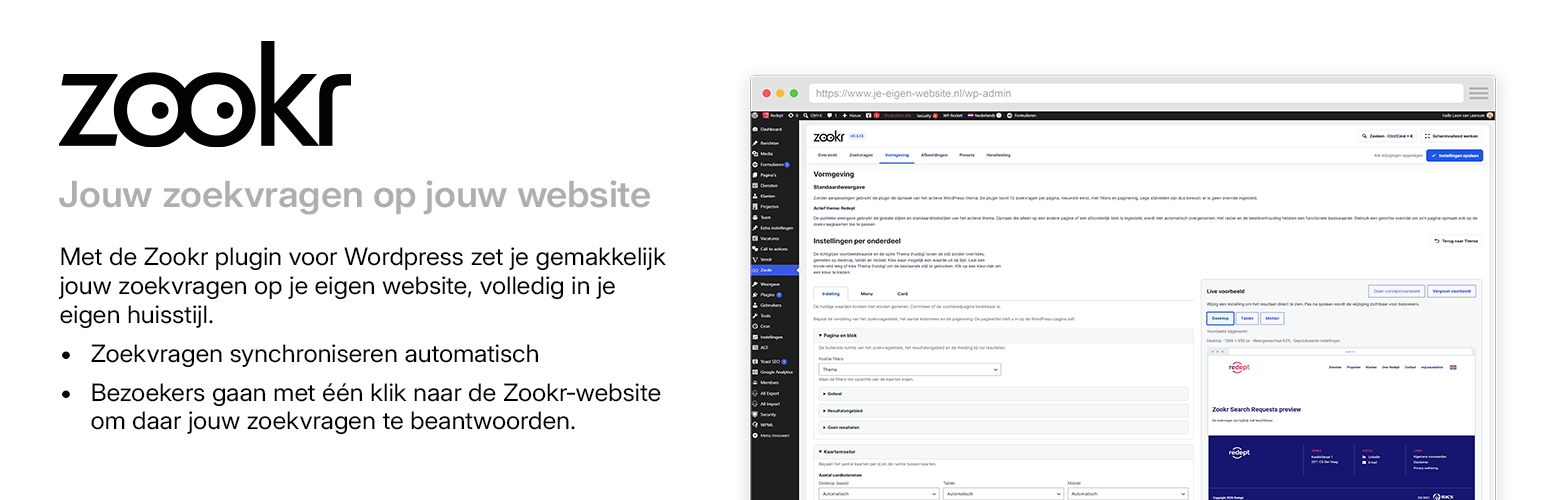
The Zookr workspace in WordPress provides a read-only feed overview, selectable card details and image badge content, appearance settings with a full-width draft page and a sticky editor preview on desktop, and local appearance presets. Workspace sections have shareable URL fragments such as #presets and #appearance/card. The AI preset tool saves its two URLs and asks for a settings-only JSON file plus a separate TXT file for manually pasting extra CSS into WordPress Additional CSS; URL validation runs when the prompt is copied. Zookr and Vendr appearance JSON files with format_version 1 can be imported in either plugin; only settings supported by the receiving plugin and valid values are accepted; adapt plugin-specific fields to the destination template first; custom_css and unknown fields are rejected. Presets never contain free-form CSS, the feed or AI URLs. The plugin does not process TXT files. Previously stored plugin CSS is no longer applied; preserve an old backup before upgrading if it needs to be transferred manually. WordPress Additional CSS remains managed by WordPress and is not changed by Reset to Theme.