內容簡介
這個外掛提供了一個簡單易用的房貸計算器小工具,旨在以高品質的方式滿足使用者需求,並且不會造成系統負擔。
【主要功能】
• 簡單易用的房貸計算器小工具
• 無冗餘的設計,提升效能
• 支援多語言翻譯功能
外掛標籤
開發者團隊
📦 歷史版本下載
原文外掛簡介
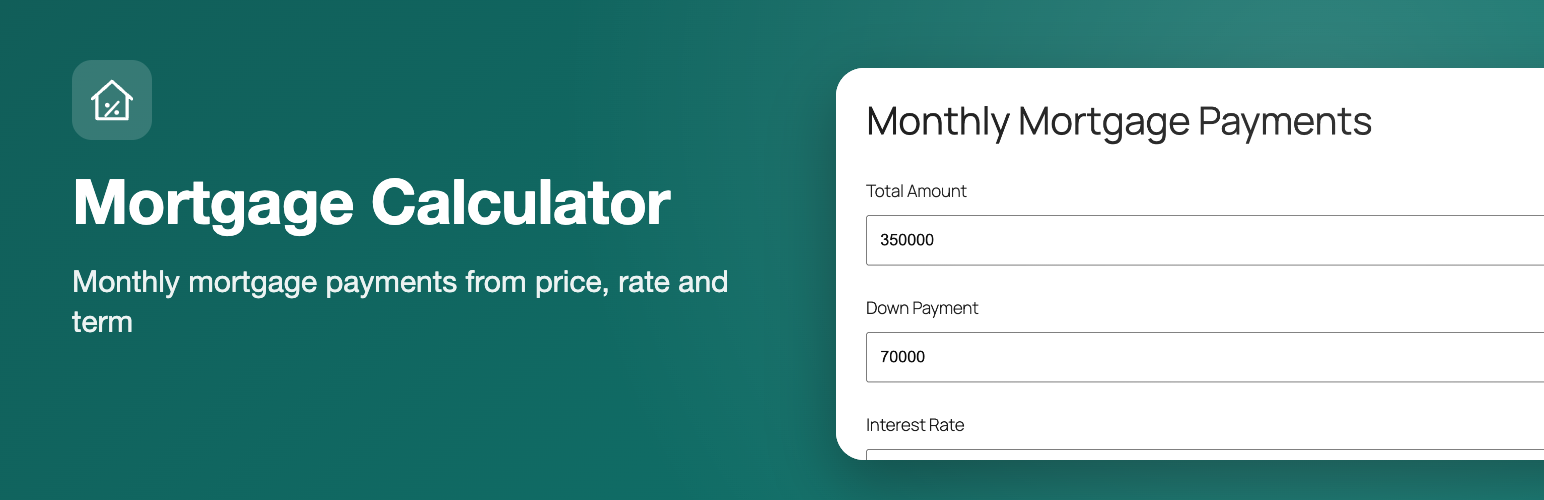
Mortgage Calculator adds a simple, lightweight mortgage calculator to your WordPress site. Visitors enter the total amount, down payment, interest rate and mortgage period and instantly see their estimated monthly payment, the total with interest and the total including the down payment. Add it with the “Mortgage Calculator” block, use it as a widget in any widget area or place it in a post or page with a shortcode.
Features
“Mortgage Calculator” block for the block editor, a classic widget and the [mortgage_calculator] shortcode
Inputs: total amount, down payment, interest rate and mortgage period in years
Results: monthly payment, total payable with interest and total including down payment
Optional amortization schedule and chart in a popup (see External services below)
Settings page for currency sign and position, thousands and decimal separators, number of decimals, default values and the wording of the result text
Editable field labels for each widget or shortcode
Translation-ready, with ready-made translations for German, Spanish, French, Italian, Brazilian Portuguese and Turkish
Works in the visitor’s browser, no page reload
How to use
In the block editor click the (+) button, search for “Mortgage Calculator” and insert the block; the title and the field labels are in the block sidebar. You can also go to Appearance > Widgets and add the “Mortgage Calculator” widget, or paste the shortcode into any post or page:
[mortgage_calculator]
You can change the title and the field labels in the shortcode:
[mortgage_calculator title="Monthly Mortgage Payments" mc_total_amount_label="Home price" mc_down_payment_label="Down payment" mc_interest_rate_label="Interest rate" mc_mortgage_period_label="Years"]
Set the currency, number format and default values under Settings > Mortgage Calculator.
Calculation method
The monthly payment is the standard fixed-rate amortization payment. The loan amount is the total amount minus the down payment, the monthly rate is the annual interest rate divided by 12, and the number of payments is the mortgage period in years times 12. With a zero interest rate the loan amount is simply divided by the number of payments. The result covers principal and interest only.
Who it is for
Real-estate agents, home-buying blogs, mortgage brokers and property sites that want a clean payment calculator without a heavy plugin.
External services
This plugin works entirely in the visitor’s browser: the monthly payment is calculated with JavaScript and nothing is sent to a server while the calculator is used.
The only external service is the optional “Amortization Schedule” link shown under the result. When a visitor clicks it, the calculator sends the entered loan amount, down payment percentage, interest rate and loan term to mlcalc.com (operated by ARSIDIAN LLC), which displays the amortization schedule and chart in a popup. No personal data is sent; the request is made only on that click, never on page load.
Service: https://www.mlcalc.com/
Terms of use: https://www.mlcalc.com/terms.htm
Privacy policy: https://www.mlcalc.com/privacy.htm