內容簡介
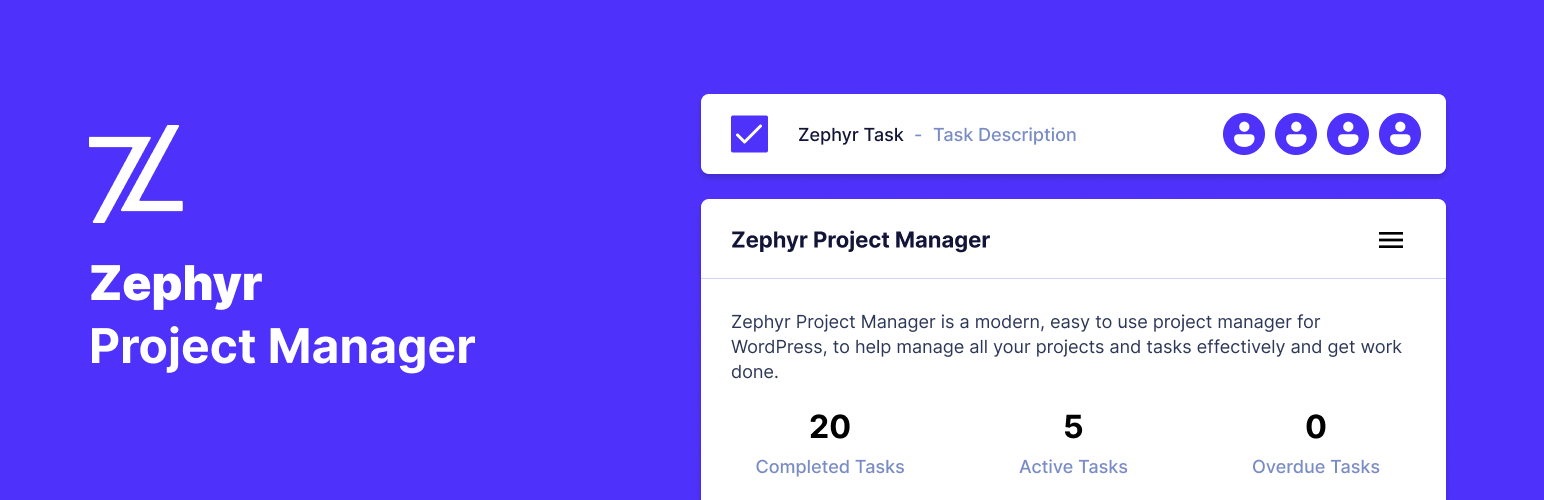
Zephyr Project Manager 是一款現代化且易於使用的 WordPress 專案管理外掛,旨在有效管理所有專案與任務,提升工作效率。它擁有美觀的使用者介面,讓使用者能夠輕鬆追蹤專案進度。
【主要功能】
• 創建無限專案與任務,並自訂屬性
• 提供討論面板,方便團隊溝通
• 支援任務與專案的進度圖表查看
• 提供 Android 應用程式,隨時管理任務
• 設定電子郵件通知,獲取更新資訊
• 文件管理器,輕鬆上傳與管理檔案
外掛標籤
開發者團隊
原文外掛簡介
Zephyr Project Manager is a modern, easy to use project manager for WordPress, to help manage all your projects and tasks effectively and get work done. It features a beautifully designed user interface to efficiently keep your projects on track. You can create unlimited projects, tasks and categories, start discussions on tasks and projects and upload files/attachments, manage files from the file manager page, view project progress using charts and use the built-in calendar, just to name a few features.
Core Features
Basic Version (Free)
Projects
Create unlimited projects and customize them to your preference
Set the name, start and end dates, description and category for your project
Set the priority for your projects to manage them even more effectively
Ability to copy projects and convert projects to tasks
Recieve notifications via email of updates and completion
Keep everyone informed via the discussion panel, where you can send attachments and messages and the team can respond and view the messages
View progress chart of project completion and see progress at a glance
Export and import projects to CSV and JSON
Tasks
Create, view, edit and customize as many tasks as you want to
Set the name, start and end dates, description, project and assignee for your task
Assign tasks to users or teams
Set the priority for your task to manage them even more effectively
Mark tasks as complete/incomplete easily and open an overview of the task by clicking on them
Create subtasks to break tasks down even more and make tasks even more descriptive and easy to complete
Start discussions with other team memeber about the tasks, ask questions, and add attachments
Copy tasks and convert tasks to projects
Export and import tasks to and from CSV and JSON
Android App
Download the official Android App now to manage your tasks and projects on the go. The app completely syncs with your website data and provides real time notifications to keep you in the loop
Personal Dashboards
Each user has their own personal dashboards where they can see projects and tasks completed, their upcoming tasks and more from just a glance.
Discussions & Attachments
Start discussions on projects or tasks and chat with other members on the progress of tasks
Upload, download and view attachments straight to and from your tasks and projects
Email Notifications
Recieve email updates on overdue tasks
Receive weekly updates
Receive updates on activity such as completed tasks, deleted tasks etc.
Set your notification preferences and choose which notifications you would like to use
File Manager
Upload files to tasks and projects and add comments to communicate with other members
View all project and task files/attachments in one place and easily manage them
Download, view info and delete files from the file manager, easily and effectively
Categories
Create unlimited categories to keep your projects organized
Set the category name description and color to make your projects unique
Set the category of your projects and assign multiple categories as well
Calendar
View all your completed and upcoming tasks in the calendar for an easy overview
Easily see the work and time required to complete tasks and navigate effectively with the calender
Set your own custom date format
Progress
Create automatic progress charts for your projects and print them
View progress charts for each project and set the status of projects
Receive emails on project progress
See the progress of projects, including completed tasks, pending tasks and more from the project list, for a comprehensive overview
Teams & Members
View and manage all the members and teams in one place
View team members progress and their work done from a single page
Create teams and assign users to your teams
Assign tasks to individual members or teams
Customization
Zephyr Project Manager is highly customizable
Set your profile details such as your custom name, profile picture, description, email notifications and more
Change the colors used by the plugin to customize the interface to your preference
Manage user capabilities and more
I am always happy to take on customization requests if you contact me at [email protected] 🙂
Fully Translatable and Localized
Zephyr has been fully localized to be easily translated into any language
Professional Edition
Customizable Frontend Project Manager page
Kanban board style projects
Asana Integration
Custom Fields
Custom Task Templates
Custom Project Templates
Reporting & Statistics
And more…
Get the Pro Edition Now
New Features Coming Soon:
* WooCommerce Integration
* Majorly improved Basic and Pro version with lots of new features and improvements
* Editable email templates and more
For more information and documentation, please visit the website
Feature Requests
I am always looking to improve the plugin and add more useful features. If there are any features you feel may be missing or if you have any feedback, please feel free to contact me and I will be happy to add them