內容簡介
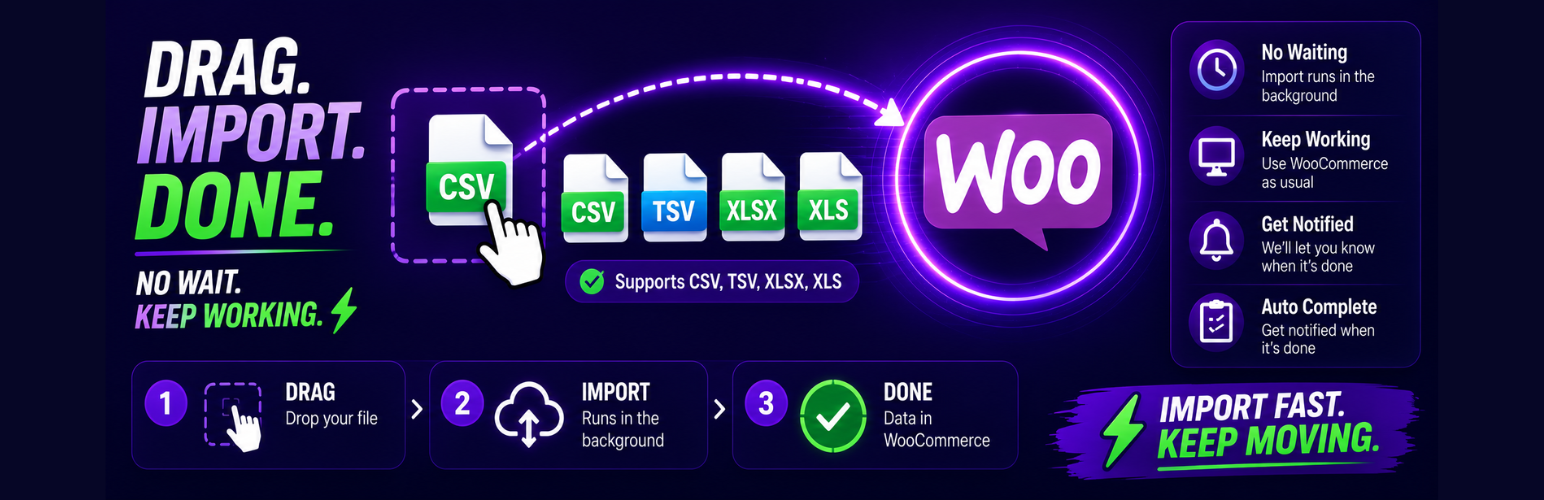
Zealot Bulk Product Import for WooCommerce 是一款專為 WooCommerce 商店設計的外掛,能夠輕鬆進行大量產品的匯入,並在 WPZealot 雲端進行處理,確保匯入過程不會超時或崩潰,提升效率與穩定性。
【主要功能】
• 一鍵連接,無需複製 REST API 金鑰
• 支援依 SKU 創建或更新產品
• 處理所有產品欄位,包括價格、庫存等
• 真正的撤銷功能,可回滾已完成的匯入
• 重試批次不會產生重複資料
外掛標籤
開發者團隊
② 後台搜尋「Zealot Bulk Product Import for WooCommerce」→ 直接安裝(推薦)
原文外掛簡介
Zealot Bulk Product Import for WooCommerce connects your WooCommerce store to the WPZealot cloud, where the heavy
lifting of bulk imports happens: parsing large files, transforming columns, scheduling, retrying,
and tracking progress. Your store only receives short, bounded write batches, so imports of
hundreds of thousands of products don’t time out, don’t crash your site, and keep running after
you close the browser.
One-click connection with no REST API keys to copy around
Create or update products by SKU, including variable products and variations
All product fields: prices, stock, categories, tags, images, and unlimited attributes
True undo: roll back a completed import
Idempotent writes: retried batches never create duplicates
External services
This plugin connects to the WPZealot Easy Import cloud service (https://woocommerce-easy-import.wpzealot.com),
operated by WPZealot. When you connect your store and run imports:
Your site URL, WordPress/WooCommerce/PHP versions, and product counts are sent to the service
for connection health and batch sizing.
The product data you upload for import (your spreadsheet contents) is processed by the service
and written to your store.
No customer or order data is ever read or transmitted.
The service’s terms of service (https://wpzealot.com/terms) and privacy policy
(https://wpzealot.com/privacy) govern your use of the cloud service. A paired site secret is
stored in your WordPress options and used to authenticate every request from the cloud
(HMAC-signed with replay protection).