內容簡介
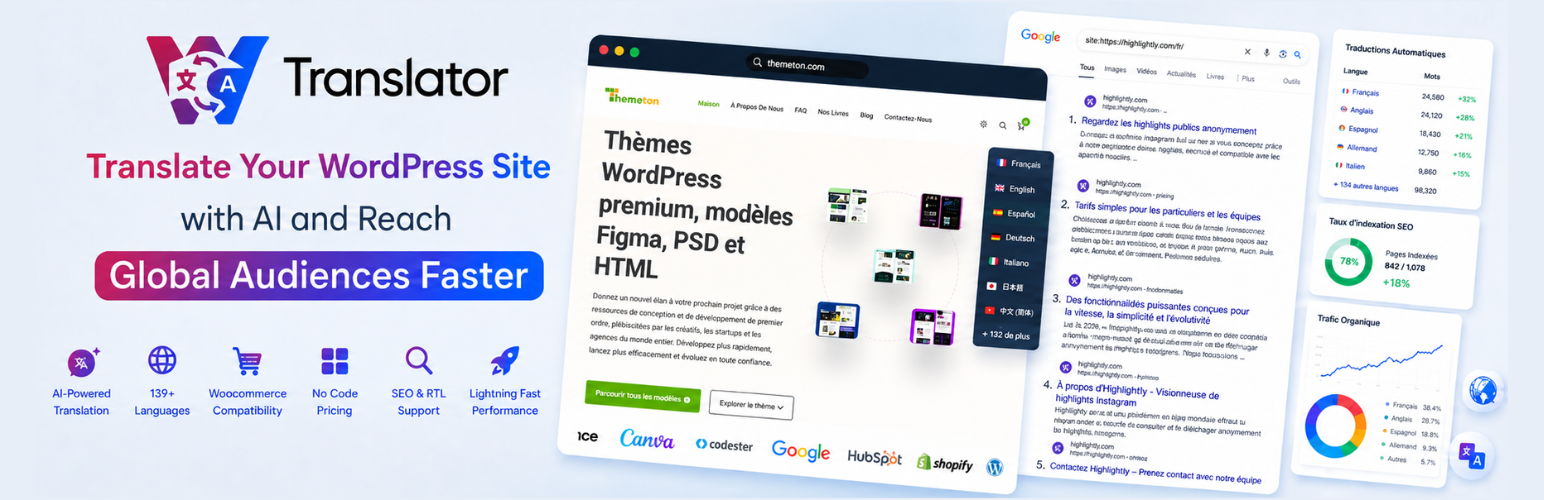
WTranslator 是一款 AI 驅動的 WordPress 翻譯外掛,能輕鬆將您的網站轉換為多語言,支持超過 248 種語言,適合各類型的企業、部落客和 WooCommerce 商店。免費版本提供即時翻譯,而付費計畫則提供可被搜尋引擎索引的翻譯頁面。
【主要功能】
• 支持 248 種語言
• 自動機器翻譯
• 無限翻譯字數與頁面瀏覽量
• 可自訂語言切換器
• WooCommerce 支援
• 雲端翻譯交付網絡
外掛標籤
開發者團隊
📦 歷史版本下載
原文外掛簡介
WTranslator helps you make your website multilingual with a simple setup. The free version adds a language switcher and translates page content in the visitor’s browser using Google Translate. Paid plans on wtranslator.com can create crawlable, indexable, SEO-ready translated pages.
You can add a customizable language switcher, choose the languages you want to offer, and start translating without writing code. Upgrade later if you need multilingual SEO, translated URLs, and cloud-hosted translated pages.
Unlike server-side translation tools that store everything on your site, the free version keeps translation work in the visitor’s browser. Paid plans can cache and deliver translated pages through the WTranslator cloud so your original site stays lightweight.
Paid plans include search-engine-friendly language URLs, translated URL slugs, hreflang tags, translated metadata, multilingual indexing, an in-context translation editor, translation memory, WooCommerce support, and language hosting. WTranslator does not limit the number of translated words or translated pageviews on paid plans.
Please use WTranslator Support for questions and support requests. If you need extra help, email [email protected]. For quick answers, see our FAQ and contact page.
Free features
Instant visitor-side translation with Google Translate
248+ supported languages
Unlimited words and pageviews in the free version
Translate posts, pages, categories, tags, menus, and widgets
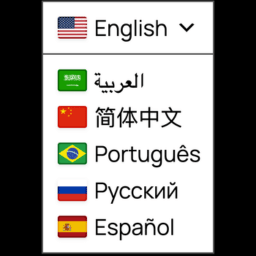
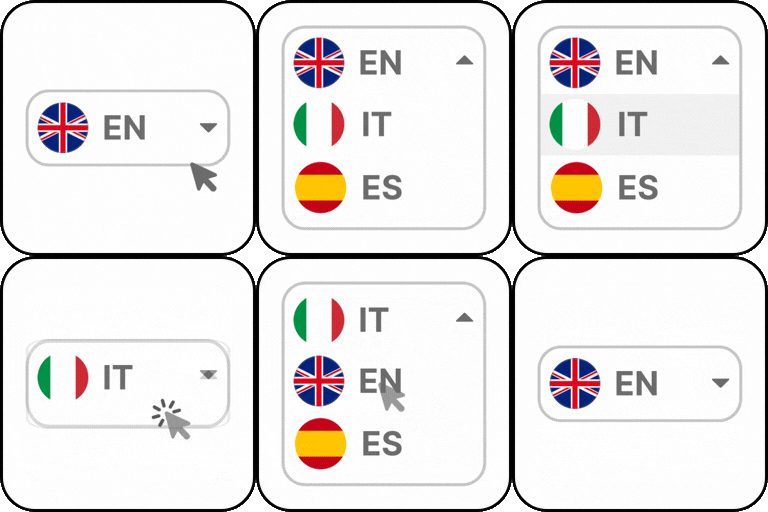
Language switcher widget with dropdown, flags, or flags plus name
Floating language selector
Optional automatic browser-language switching
Right-to-left language support
Native language names and regional flags
Gutenberg and WooCommerce storefront translation
Community forum support
Premium features
Paid WTranslator Cloud plans can include:
Neural AI translation for stored, SEO-ready pages
Search-engine indexing of translated pages
SEO-friendly language URLs and slug translation (for example, example.com/about-us to a translated slug)
Automatic hreflang tags
Manual translation correction and an in-context editor
Translation memory and a Translation Delivery Network
Subdirectory, subdomain, and country-domain language hosting
WooCommerce product and schema translation
Usage and traffic analytics
Compatibility with popular page builders and SEO tools
Priority email and live-chat support
How to set up WTranslator:
Free features walkthrough:
External services
This plugin uses an external service as described below.
Google Translate
This plugin loads the Google Translate Element script from translate.google.com so visitors can view your site in another language. That is how the free visitor-side translation works.
When a frontend page is shown with the language switcher, the plugin loads https://translate.google.com/translate_a/element.js. When a visitor selects a language (or auto-detect is enabled), page text is sent to Google so it can be translated in the browser. No page content is sent to WTranslator for this translation.
This service is provided by Google: Terms of Service, Privacy Policy.