內容簡介
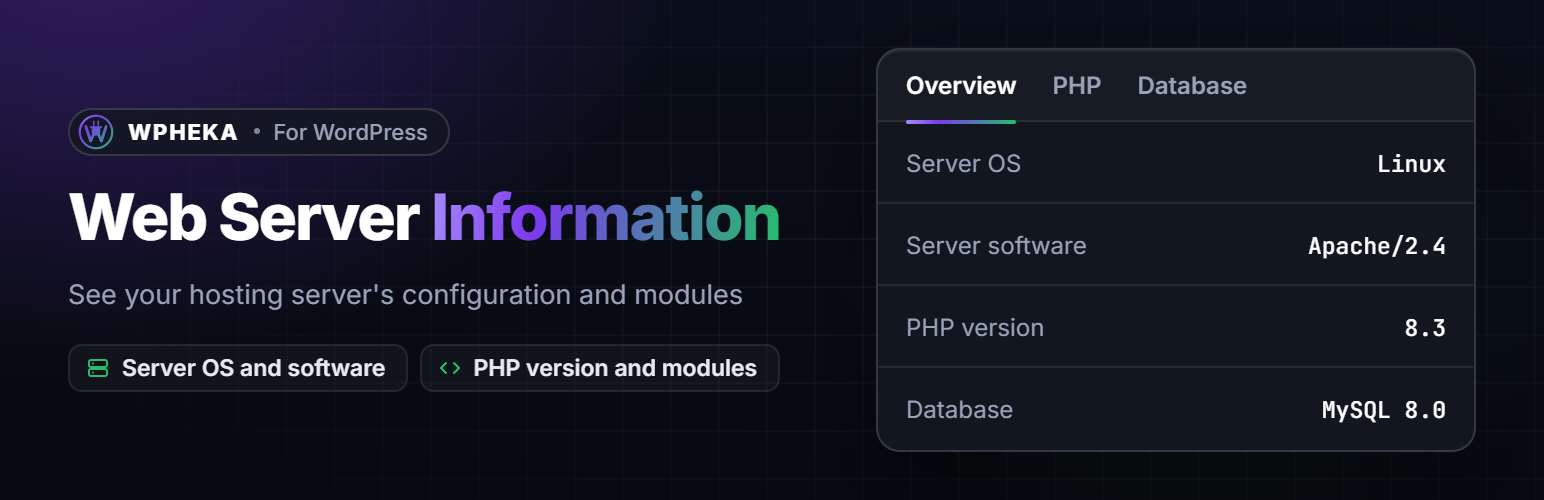
Web Server Information 外掛讓您檢查網頁伺服器的完整資訊,包括 PHP/Mysql 配置、系統類型及作業系統版本,幫助您更好地了解伺服器環境。
【主要功能】
• 顯示伺服器作業系統
• 顯示伺服器軟體資訊
• 顯示伺服器 IP 位址
• 顯示伺服器埠號
• 顯示伺服器位置
• 顯示 PHP 和 Mysql 詳細資訊
外掛標籤
開發者團隊
原文外掛簡介
Web Server Information plugin allows you to check full information about the web server PHP/Mysql configurations including libraries, system type and OS version.
🖥️ FEATURES
Overview at a glance: your PHP version, database, web server and memory limit, then the server, PHP and database details that matter most for a WordPress site.
Server details: OS, software, IP address, port, hostname, document root and server location. The location is looked up from the server’s IP address with IP-API.com. See their Terms and Policies.
Every PHP setting and module, grouped by module, with a search box.
Every database variable, with a search box and a Refresh button that reads the values again.
Server versions in the admin footer: WordPress, PHP, web server and MySQL. Only users who can open the page see them. You can switch it off.
Safe to share: the PHP tab leaves out request headers and cookies, so a screenshot posted in a support forum carries no login cookie.
If the plugin helps you, a review on WordPress.org helps other site owners find it.