內容簡介
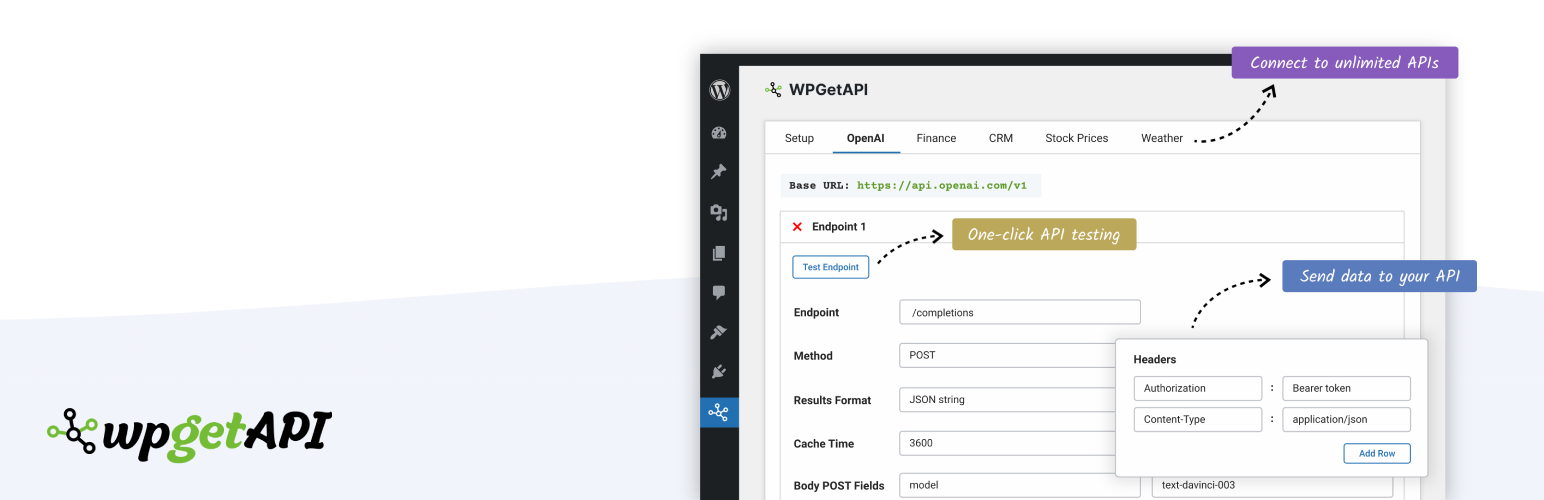
WPGet API 外掛讓使用者無需編碼即可將 WordPress 連接到外部 REST API,輕鬆傳送和接收資料,並使用短碼或模板標籤顯示回傳的資料,提升網站的互動性和功能性。
【主要功能】
• 連接任意 REST API
• 支援無限 API 和端點
• 無需編碼
• 使用短碼或模板標籤顯示資料
• 支援 GET、POST、PUT、PATCH 和 DELETE 方法
• 添加查詢字串、標頭和主體參數
外掛標籤
開發者團隊
② 後台搜尋「WPGet API – Connect to any external REST API」→ 直接安裝(推薦)
📦 歷史版本下載
原文外掛簡介
Connect WordPress to external APIs, without code.
Easily send data to any API and get data from unlimited 3rd party REST APIs. Format and display the returned data on your WordPress website using a shortcode or a template tag.
WPGet API supports virtually all authentication methods including API keys, bearer tokens, basic auth, username/password and OAuth 2.0 authorization.
Live Examples
View our live examples of connecting to several different APIs and displaying the data in various unique ways including charts, graphs, tables and weather forecasts.
LIVE EXAMPLES – Connecting WordPress to external APIs
Major Features
Connect your WordPress website to any REST API
Unlimited APIs & endpoints
No coding required
Display API data using a template tag or shortcode
GET, POST, PUT, PATCH & DELETE methods
Add query string, header & body parameters
Documentation
We have tons of articles and help available.
Quick Start Guide
Step by Step Example
Frequently Asked Questions
Will this work with my API?
Extending WPGet API
PRO Plugin
The PRO Plugin provides many extra features that allow you to do some more advanced things with your APIs. Features of the PRO Plugin include:
Actions – automate your API when an action happens on your site
Tokens – grab dynamic data without code and send to your API
Dynamic variables – a PHP solution for grabbing dynamic values
Chain API calls
Cache API calls
Format API data into HTML
Retrieve nested data
Base64 encoded auth
XML format
API to Posts Plugin
The API to Posts Plugin allows you to import API data and create WooCommerce products or custom posts from this API data. Features of the API to Posts Plugin include:
Import API data
Import from unlimited endpoints
Map API data to WordPress fields
Supports custom fields, ACF, tags, categories, custom taxonomies, images and more
Supports all standard WooCommerce fields
Create WooCommerce products from API data
Sync API to WooCommerce products & posts
Set interval of sync from every minutes up to once a week
OAuth 2.0 Authorization
The OAuth 2.0 Authorization plugin allows authorization of your API through the OAuth 2.0 method.
WPGet API Integrations
WPGet API integrates extremely well with other WordPress plugins, allowing you to do some very cool things with your API. Click the links below for more info on these integrations.
WooCommerce to API
WooCommerce API Product Sync
Contact Form 7 send data to API
WPForms send data to API
Gravity Forms send data to API
Charts & Tables from API data using wpDataTables
Translating WPGet API
You can translate WPGet API into your own language on translate.wordpress.org
Here is an article to help get started with translations