外掛標籤
開發者團隊
② 後台搜尋「WPCreatix ViewMeter – WordPress Visitor Counter」→ 直接安裝(推薦)
原文外掛簡介
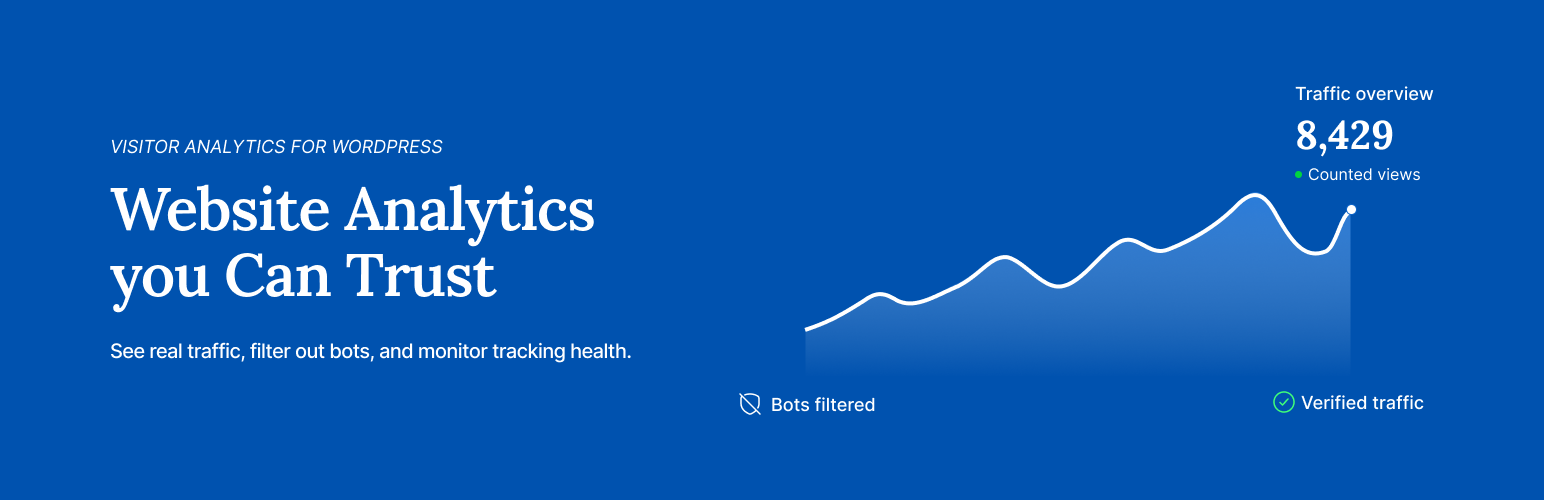
ViewMeter is a visitor counter and analytics plugin for WordPress. It counts page views, post views and visitors on your own server. There is no account to create, and nothing about your visitors is sent anywhere.
Most counters show a number and ask you to trust it. ViewMeter shows you how it got there:
Bots stay out, and you can see them. Search crawlers, AI scrapers such as GPTBot and ClaudeBot, headless browsers and browser prefetches are not counted. The Quality screen shows how many of each were kept out.
It counts behind your cache. Pages served by a cache plugin or a CDN still count. There is nothing to set up.
It tells you when counting stops. Eight health checks watch the counter. If one fails, it says what is wrong and how to fix it.
You also get sources and campaigns, countries and cities, devices, goals, live visitors, email reports and traffic alerts, and a Views column on your posts list.
Moving from another plugin? ViewMeter can import your history from Post Views Counter, WP Statistics, Koko Analytics, Burst Statistics, Independent Analytics and more, without touching the old plugin’s data.
Show post views on your site
Show a view count on any post or page with the View count block, the [viewmeter] shortcode or a template tag. List your most viewed posts with the Most viewed block or [viewmeter_most_viewed]. In wp-admin, every post list gets a sortable Views column.
The screens
Overview — views, visitors, visits, bounce rate, engaged time, and a chart that marks today as partial.
Content — what was read, sortable, with a rail for one page’s detail, plus links clicked and forms submitted.
Sources — referrers classified as direct, search, social, referral, ad or AI, plus UTM campaigns decomposed into all five parameters.
Places — countries and cities, on a map and in a table.
Devices — device kind, browser, operating system.
Goals — score a goal against one of four signals: a page reached, a link clicked, time on site, or pages read. Give it a value and the screen reports what the conversions were worth, not just how many there were.
Live — who is reading right now, with the page, where they came from, their country, their browser and how long they have been on the page.
Quality — what was refused and why, and the eight health checks.
Settings — everything in groups you can search, plus import and export.
Debugger — replay a visit and see what counting would do with it. Nothing is written, so a replay never moves a number.
Privacy Audit — reads your live settings and tables and says what is stored.
Filters stack across screens, every reading screen exports CSV, and the whole app runs on one wp-admin page.
External services
ViewMeter can connect to four external services, each for one purpose. Only the crawler list is on by default; the other three stay off until you turn them on or add your own key. Nothing about your visitors is sent to any of them. What each one is sent is written out below.
WPCreatix crawler list — https://wpcreatix.com/viewmeter/crawlers.json
New AI scrapers appear between plugin releases. Rather than wait for the next release to filter them, ViewMeter downloads an updated list of crawler user-agent signatures from that file, which is published by this plugin’s author.
What is sent: nothing about your site or your visitors. The request is a plain GET for that one file, with no query string and no body. As with any outbound request WordPress makes, the server hosting the file sees your server’s IP address and WordPress’s default user agent string, which contains your WordPress version and your site’s address.
What comes back: a JSON file of lowercase user-agent substrings. They are added to the list already compiled into the plugin. A response can never remove or replace a signature, so a bad or tampered file cannot switch filtering off — the worst it can do is nothing.
How often: once a week, on WP-Cron.
How to stop it: turn off “Keep the crawler list up to date” in Settings → Advanced. Nothing is fetched after that, and the list shipped with the plugin keeps working.
WPCreatix terms: https://wpcreatix.com/terms/
WPCreatix privacy policy: https://wpcreatix.com/privacy/
DB-IP — https://download.db-ip.com/free/dbip-country-lite-YYYY-MM.mmdb.gz (or dbip-city-lite-YYYY-MM.mmdb.gz if you choose the city database)
Country and city reporting needs an IP geolocation database. If you turn on “Keep the location database up to date”, ViewMeter downloads DB-IP’s free Lite database and stores it in your uploads folder. Lookups then happen entirely on your own server — no visitor address is ever sent anywhere.
What is sent: nothing about your site or your visitors. The request is a plain GET for that one file, with no query string and no body. As with any outbound request, DB-IP sees your server’s IP address and the user agent ViewMeter identifies itself with, which contains the plugin version and your site’s address.
What comes back: a gzip-compressed MaxMind DB (.mmdb) file of IP ranges mapped to countries — about 4 MB compressed, 8 MB on disk. The city database is about 58 MB compressed and 127 MB on disk. The file is checked before it replaces anything: it must parse as a MaxMind DB, declare itself a Country or City database, and successfully resolve a known address. A corrupt or wrong file is discarded and the previous database is left in place.
How often: the check runs weekly on WP-Cron and only downloads when the installed database is more than 25 days old, so in practice about once a month. Nothing is fetched on a site that already gets location from its CDN’s headers.
How to stop it: it is off by default. Nothing is downloaded unless you turn on “Keep the location database up to date” in Settings. You can also install a database yourself — upload one on the settings screen, or run wp viewmeter geo install /path/to/file.mmdb — and leave the automatic download off entirely.
The DB-IP Lite databases are published under the Creative Commons Attribution 4.0 International licence, which is why ViewMeter shows an “IP Geolocation by DB-IP” credit on screens that display location figures.
DB-IP terms of service: https://db-ip.com/tos/
DB-IP privacy policy: https://db-ip.com/privacy/
Licence: https://creativecommons.org/licenses/by/4.0/
Moz — https://lsapi.seomoz.com/v2/url_metrics
Off by default. Used only if you choose Moz under “Referrer authority scores from” and add your own Moz API key in Settings → Connected services. ViewMeter then shows an authority score beside each site that sends you visitors.
What is sent: the domain names of the sites that sent you visitors (for example news.ycombinator.com) and your key. Nothing about your visitors.
How often: once a day, on WP-Cron. A score is kept for 30 days before it is asked for again.
How to stop it: set “Referrer authority scores from” back to “Not shown”, or delete the key.
Moz terms of use: https://moz.com/terms-of-use
Moz privacy policy: https://moz.com/privacy-policy
DeepL — https://api-free.deepl.com/v2/translate (free key) or https://api.deepl.com/v2/translate (paid key)
Off by default. Used only if you turn on “Offer machine translation for report labels” and add your own DeepL key in Settings → Connected services. On a site with more than one language, ViewMeter asks DeepL to suggest translations for the labels you typed: your goal names and the display label shown beside a count. You accept or discard each suggestion, and nothing replaces your own words until you accept it.
What is sent: the label text, the source and target language codes, and your key. No page content and nothing about your visitors.
How often: once a day on WP-Cron for labels that have no suggestion yet, and when you press Suggest on a goal.
How to stop it: turn off “Offer machine translation for report labels”, or delete the key.
DeepL terms: https://www.deepl.com/pro-license
DeepL privacy policy: https://www.deepl.com/privacy
No other data is sent anywhere. The health check and the fast endpoint each make a request, but both are addressed to your own site.
Credits
Country outlines are drawn from Natural Earth 1:50m admin-0 boundaries, which are public domain, redistributed as world-atlas (ISC): https://github.com/topojson/world-atlas
Everything else — icons, flags, drawings, the mark — was drawn for this plugin.