外掛標籤
開發者團隊
② 後台搜尋「WPAwesom3 Reseller Sync for WooCommerce」→ 直接安裝(推薦)
原文外掛簡介
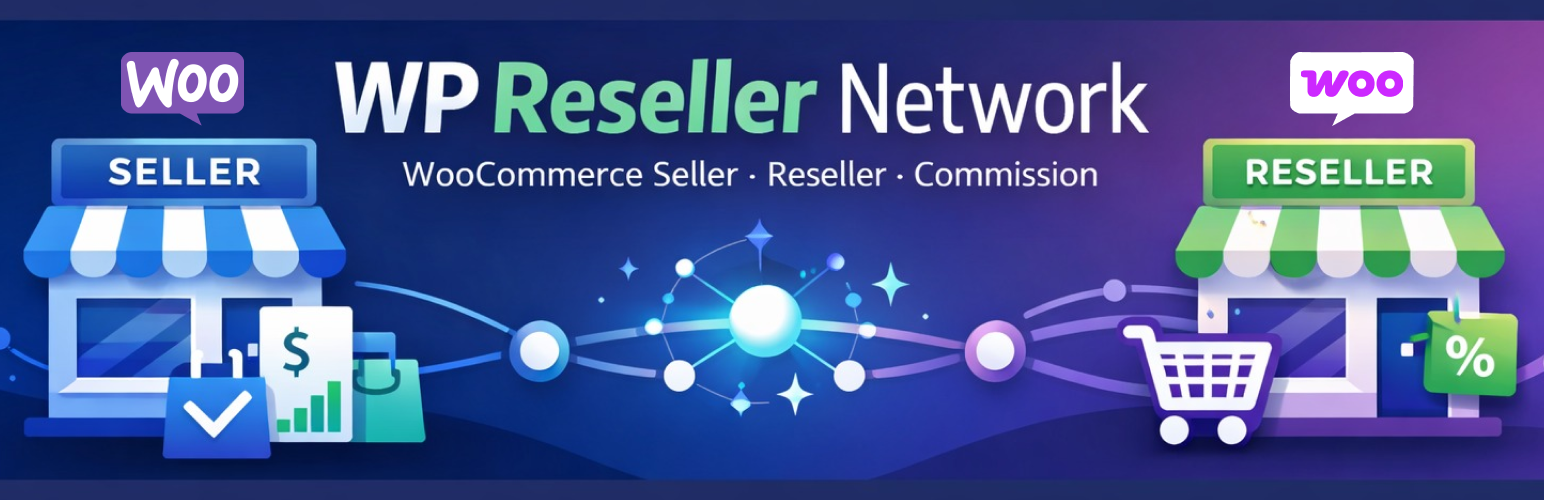
WPAwesom3 Reseller Sync for WooCommerce connects two WooCommerce stores: a Seller Store and a Reseller Store.
The seller shares products; the reseller imports and sells them on their own storefront. Sales and commission data are tracked in a built-in ledger so both sides can monitor performance.
New in 1.0.7 — Voice Shopping Assistant
An optional storefront voice agent lets customers shop hands-free after a single mic tap:
Search your WooCommerce catalog by speaking (English, Urdu, or Hinglish)
Hear product names and prices read aloud
Confirm and add items to the cart by voice
Say “checkout” to go to the payment page
Configure under WPAwesom3 → Voice Assistant (requires your own OpenAI API key)
Product search, pricing, and cart updates run securely on your server via WooCommerce APIs. OpenAI is used only to understand what the customer said.
Reseller sync capabilities
Run as Seller, Reseller, or Both on one install
Share products from the seller store; import on reseller stores
Keep imported catalog data updated from the seller
Referral-based Buy Now from reseller to seller checkout
Commission ledger for referred sales
Free tracking stats: page views, clickthroughs, top products and resellers
Allowlist to control which reseller sites may connect
Quick Connect pairing between stores
Ideal for partner selling, multi-store WooCommerce, and reseller networks.
How it works (reseller sync)
Pair seller and reseller stores (Quick Connect or manual API keys).
Seller shares products; reseller imports them.
Customers buy on the reseller site; orders sync for commission tracking.
Review ledger and tracking stats in the admin.
How it works (voice shopping)
Customer taps the microphone button on your store.
They say what they want to buy; the assistant searches products and speaks prices.
They confirm; items are added to the cart.
They say checkout; the browser opens the WooCommerce checkout page.