內容簡介
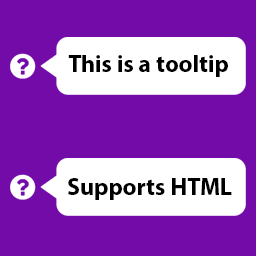
WordPress 提示氣泡插件允許您在文章和頁面上添加純文本和鏈接提示氣泡。
它提供了一個 tinyMCE 短碼 GUI,將引導您完成提示氣泡的整個過程。
此插件使用了 Drew Wilson 編寫的 jQuery tipTip http://code.drewwilson.com/entry/tiptip-jquery-plugin。
您也可以按照以下模式手動添加提示氣泡:
[tooltip content="這將會顯示在提示氣泡中" url="這將使提示氣泡成為鏈接"]將滑鼠移到我上面查看提示氣泡[/tooltip]
URL 是可選的。如果添加了 URL,它將會渲染一個鏈接,否則它將成為純文本。
外掛標籤
開發者團隊
原文外掛簡介
WordPress tooltip plugins lets you add tooltips to plain text and links on your post and pages.
It offers a tinyMCE shortcode GUI which will guide you through the entire process of a tooltip.
This plugin uses jQuery tipTip authored by Drew Wilson http://code.drewwilson.com/entry/tiptip-jquery-plugin.
You can also add tooltips manually by following the pattern below:
[tooltip content="This will show in a tooltip" url="This will make tooltip a link"]Hover over me for tooltip[/tooltip]
Url is optional. If URL is added, it will render a link otherwise it will be a plain text.