內容簡介
這款外掛可保護您的部落格,避免遭受垃圾訊息和即時垃圾留言的攻擊。它能夠防止垃圾留言進入您的部落格。一旦外掛偵測到使用機器人的垃圾留言,它會自動更新留言狀態。而管理員也可以透過管理面板輕鬆移除垃圾留言。
外掛標籤
開發者團隊
② 後台搜尋「ShieldCraft – Invisible Spam Protection」→ 直接安裝(推薦)
原文外掛簡介
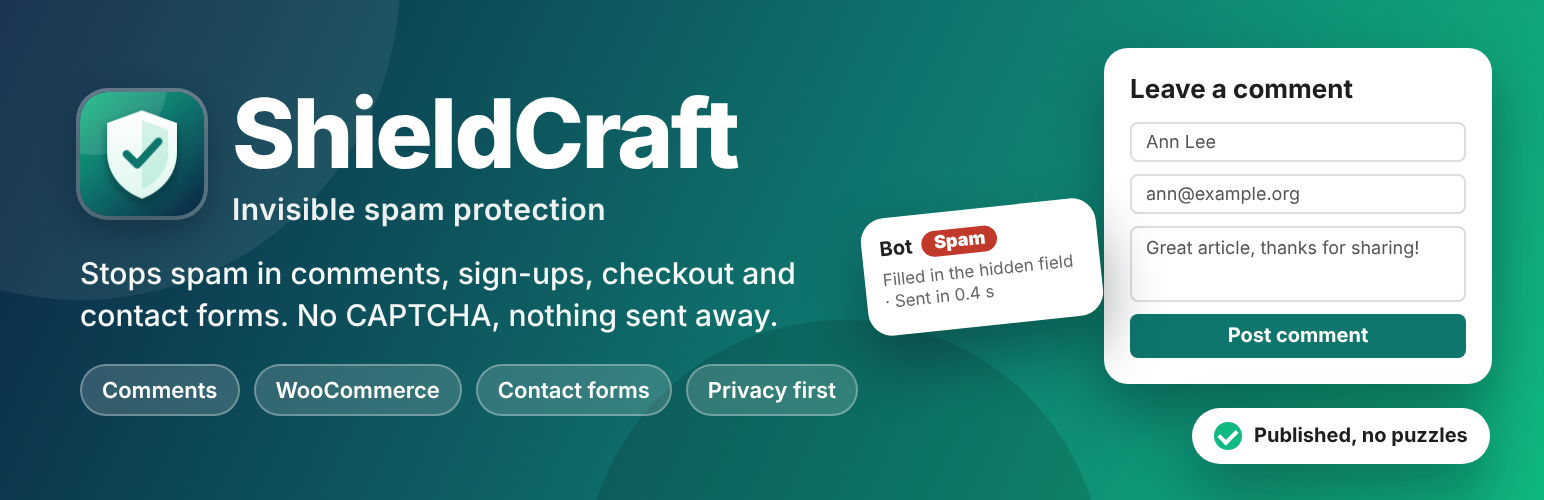
ShieldCraft stops spam without asking your visitors to solve puzzles. It adds invisible checks to your forms, refuses or holds what looks like spam, and keeps a log so you can see what was stopped and why.
ShieldCraft is the new name and a complete rewrite of WP Spam Protecter. The plugin slug is still wp-spam-protecter. Everything is free, and nothing is ever sent to another service.
Invisible checks
Hidden field: a field people never see or reach, which bots fill in.
Time trap: each form carries a signed token, so forms sent within a few seconds of opening are spam, and tokens cannot be forged, back-dated or reused on another form.
JavaScript proof: a small script adds a code that simple bots cannot. Visitors without JavaScript are only suspicious: their comments are held for moderation, not lost.
Works with page caching: the script fetches a fresh token when the page opens, so cached pages keep working.
Rules you control
Limit the number of links in a message.
Block words (and use WordPress’s own “Disallowed Comment Keys”), email addresses and domains, IP addresses and ranges (IPv4 and IPv6).
Block messages written mostly in a writing system you never receive mail in (Cyrillic, Han, Arabic and more).
Block the same message sent again, and limit submissions per visitor per minute.
Allowlist roles, IP addresses and email addresses. Administrators, editors and moderators are never checked.
Protects
Comments and product reviews: spam goes to the Spam folder (or is refused), suspicious comments are held. Trackbacks and pingbacks get the content rules.
Registration, lost password and network sign-up.
Login (optional): checked after the password, so a wrong password gets WordPress’s usual error, and administrators are always let in.
WooCommerce: My Account registration and login, and the classic checkout. The block checkout gets the content rules and the rate limit, which also slows down card-testing bots.
Contact Form 7, WPForms, Gravity Forms, Fluent Forms and Elementor Pro forms, through each plugin’s own spam handling, so refused messages show the form’s usual error.
Your own forms, with three PHP functions or the REST API (see the FAQ).
See what was stopped
A dashboard with what was stopped, where and why, for the last 7 or 30 days.
A log of every stopped or held submission. Mark a sender Not spam (the held comment is approved and the email address passes from now on) or Block sender (email and IP address).
The reason next to each held or spam comment on the Comments screen, and a dashboard widget.
Privacy
ShieldCraft never contacts other services. Only stopped and held submissions are logged, for 30 days by default. Email and IP addresses are stored as coded (keyed hash) values that cannot be read back; you can choose to keep IP addresses. ShieldCraft adds suggested text to your privacy policy and works with WordPress’s personal data export and erase tools.