內容簡介
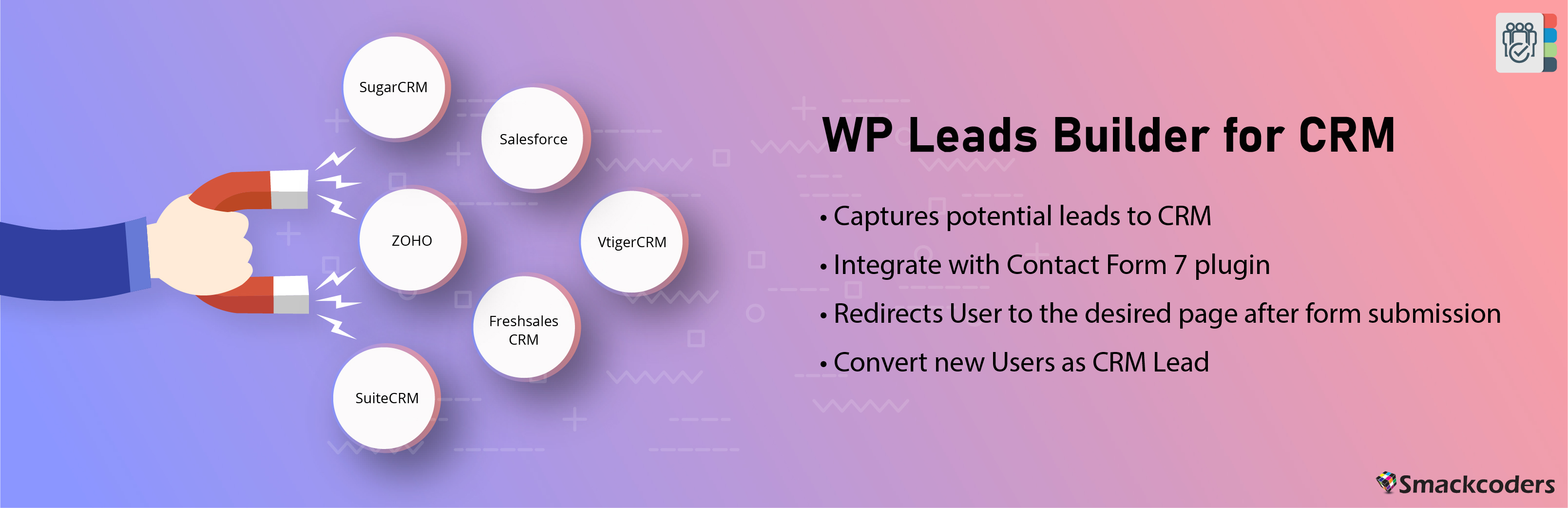
WP Leads Builder For CRM 可以讓您將 WordPress 聯絡表單作為潛在客戶或聯絡人捕捉到您的 CRM 中。您可以從內嵌於 WordPress 網站中的預設表單或聯絡表單推送或轉換數據作為潛在客戶。所創建的短碼可以放置在文章、頁面或小工具中。您還可以啟用工作流程,將 WordPress 使用者同步為 CRM 的聯絡人。
有用的試用連結
按下「現在試用」,可獲得我們的專業版免費試用,或在我們的演示實例中使用插件。
說明或文件
您可以從附加選單中為 Zoho CRM、Zoho CRM Plus、Salesforce、Freshsales、Vtiger CRM、SuiteCRM 和 SugarCRM 選擇一個。
下載和安裝 CRM 附加元件
我們的 Leads Builder for CRM 支持您選擇的 CRM 及以下額外的附加元件。請保持 Leads Builder for CRM 和您選擇的 CRM 均處於啟用狀態。
* Zoho CRM 和 Zoho CRM Plus
* Salesforce
* SugarCRM
* Freshsales
* Vtiger CRM
突出功能
創建帶或不帶第三方網頁表單的表單。
支援 Contact Form 7 和 Ultimate Member 插件。
嵌入表單以在頁面、文章或小工具中捕捉 CRM 潛在客戶。
捕捉潛在客戶到 Zoho CRM、Salesforce、Zoho CRM Plus、Freshsales、SuiteCRM、Vtiger CRM 和 SugarCRM。
成功提交表單後將用戶重定向到所需頁面。
通知潛在客戶捕捉的成功或失敗情況。
將新用戶轉換為 CRM 聯絡人。
任何 CRM 的 Leads Builder PRO
專業版插件擁有 Leads Builder for CRM 的所有功能。此外,您可以將 WordPress 使用者和收集自表單的數據同步為聯絡人或潛在客戶。它還將幫助您使用一次性同步,將 WordPress 的現有使用者與潛在客戶或聯絡人同步。在 WordPress 使用者模組下創建的 MemberPress、WP-Members 和 ACF 自訂字段也可以與 CRM 的潛在客戶和聯絡人模組同步。
WooCommerce 整合
將結帳資訊和放棄購物車的客戶作為 CRM 的潛在客戶發送。
擁有關於訪客在您的網站中的 WooCommerce 旅程的 WooCommerce 洞察。
專業版的突出功能
支援 WooCommerce 增益模組,並將結帳中的數據同步為 CRM 的潛在客戶和聯絡人。
支援第三方表單生成器 Ninja Form、Gravity Form 和 Contact Form 7。
同步使用者在 MemberPress、WP-Members 和 ACF 自訂字段下創建的欄位。
將 WordPress 使用者轉換為潛在客戶或聯絡人。
同步現有使用者和新註冊使用者。
創建、更新或跳過選項以自定義同步。
外掛標籤
開發者團隊
② 後台搜尋「Lead Form Data Collection to CRM」→ 直接安裝(推薦)
📦 歷史版本下載
原文外掛簡介
Empower your WordPress website with the Lead Form Data Collection to CRM plugin, your ultimate solution for capturing WordPress contact form data and effortlessly transferring it to your CRM as Leads or Contacts. This powerful lead form data collection to CRM tool simplifies the data collection process and seamlessly integrates it with your CRM system, eliminating the need for manual data entry and reducing potential errors.
https://wordpress.org/support/topic/great-product-superb-support-2/
Great product. Superb support! I have been using the product for 3 years. It always functions as hoped for, and if not, there is reliable support!
https://wordpress.org/support/topic/great-plugin-and-awesome-support-184/
Great plugin and awesome support. I had issues configuring the pro plugin initially. The customer support team was very prompt in solving my problem. The plugin itself is very, very useful to as I use suitecrm to manage my leads.It made my life so easy! Great work guys. Please keep it up!
https://wordpress.org/support/topic/the-plugin-and-the-support-is-amazing/
The plugin and the support is amazing. We have been searching for a plugin for a long time that can integrate wordpress with vTiger, but we have not found any that meet the criteria required by our clients, until this one. Besides having integration with a lot of CRMs, it works with ContactForm7 and WooCommerce, the support team of this plugin is absolutely brilliant. I came to them with a connection problem that was caused by our server. They were patient and solved the problem quickly. In a word, A + plugin and support.
With the Lead Form Data Collection to CRM, you can:
Effortlessly Collect and Send Leads Data to CRM: Capture leads data from your WordPress forms or Contact Form 7 plugin forms with ease and send it to your integrated CRM.
Seamless CRM Integration: Integrate your WordPress with any CRMs like Salesforce, Zoho, Vtiger, SuiteCRM, FreshSales, and Joforce CRM for streamlined lead management.
Embed Forms Anywhere: Create dynamic shortcodes to embed web forms in posts, pages, custom posts, sidebars, widgets, and popups.
Secure Every Submissions: Safeguard your lead data with built-in Captcha protection, ensuring data integrity.
Assign Leads Entering Your CRM to Sales Reps: Automatically assign every lead entering your CRM(submitted via forms) to your CRM sales reps or admin or other user to handle.
Use Built-in Lead Forms: Utilize the built-in Leads form provided by the plugin for your Lead Capturing, modify essential form settings if needed.
Set up Advanced Form Settings: Prevent from duplicate form submissions entering as leads into CRM with advanced duplicate handling options, configure form submission success and failure error messages and more.
The plugin’s simple and intuitive interface makes the form customization effortless. You can create, edit, and update form fields with ease to match your lead capture needs. Automate lead assignments, ensuring every submission reaches the right CRM user for quick follow-ups. Prevent from duplicate entries, customize success and error messages, fine-tune your form submissions and on.
Helpful links to try
Get the Free Private Trial of WP Leads Builder for CRM Pro. See the plugin in action at our demo instance.
Visit our Help Documentation for more detailed instructions about the plugin.
Download & Install CRM add-ons
You can choose one from the list of add-ons for CRMs like Zoho CRM, Zoho CRM Plus, Salesforce, Freshsales, Vtiger CRM & SugarCRM. If you’re a SuiteCRM or Joforce CRM user, you don’t require an add-on to install.
Install and activate both WP Leads Builder For CRM and the respective CRM add-on below:
Zoho CRM & Zoho CRM Plus
Salesforce
SugarCRM
Freshsales
Vtiger CRM
Third-Party Form Builder Plugins Integration
Leads Builder for Any CRM supports using existing forms created with popular form builders like
Contact Form 7
WP Forms(free & pro)
Caldera Forms
PRO FEATURES
Upgrade to the Leads Builder Pro version and unlock advanced features, including:
Sync as CRM contacts
Send your website visitors information from forms to your CRM as Contacts for efficient followups.
Enhanced WordPress Integration
Sync WordPress users and data collected from forms as either contacts or leads.
Sync existing WordPress users with a one-time sync option as leads or contacts.
Sync custom fields created with MemberPress, WP-Members, and ACF under the WordPress Users module with leads and contacts in your CRM.
WooCommerce Integration
Send checkout information and capture abandoned cart customers as CRM leads.
Gain valuable insights into your visitors’ WooCommerce journey on your website.
Third-Party Form Builder Support
Integrate with popular form builders such as Ninja Forms, Gravity Forms, and Contact Form 7.
Easily sync data from these forms with your CRM.
Advanced CRM Lead Conversion
Convert WordPress Users into potential leads or contacts of your CRM system with ease.
Synchronize both existing and newly registered users for a seamless lead management experience.
Efficient Data Handling
Create, update, or skip options to handle duplicate entries effectively.
Implement Google Captcha to prevent spam submissions and maintain data accuracy.
Unlimited Form Creations
Easily create and manage an unlimited number of forms, tailoring your lead capture process to your specific needs.
Watch Our Video Tutorials
Explore our YouTube playlist containing informative tutorials on WP Leads Builder for CRM plugin.
Watch Video Tutorials
Visit our website, to upgrade to the Leads Builder For Any CRM Pro today.
For more detailed instructions, check out our Leads Builder for CRM Pro documentation.