內容簡介
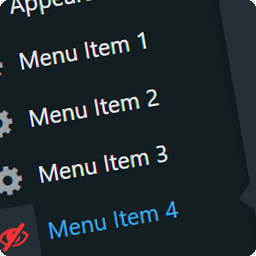
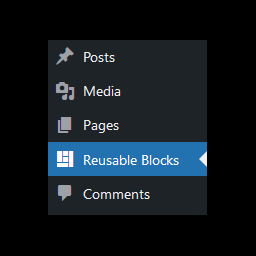
Search Admin Menus 外掛讓你透過搜尋功能很容易的存取 WordPress 網站後台的選單。
只需在後台任何區域使用 ALT + x 鍵組合 (可以更改),即可開啟 Search Admin Menus 彈出視窗,選取或搜索你要存取的後台選單。
使用以下快捷鍵可以開啟/關閉 Search Admin Menus 彈出視窗並存取其中的選單。
ALT + x 鍵組合(可以更改)- 開啟彈出視窗
Esc 鍵 - 關閉彈出視窗
向下箭頭鍵 - 使目前選單往下移動
Tab 鍵 - 使目前選單往下移動
向上箭頭鍵 - 使目前選單往上移動
向右箭頭鍵 - 存取目前已選取的選單
向左箭頭鍵 - 存取目前已選取的選單
Enter 鍵 - 存取目前已選取的選單
任意其他鍵 - 輸入搜尋文字到搜尋欄位
你可以在後台使用外掛設定來客製化外掛的功能。
喜歡 Search Admin Menus? 給我們評價吧!
外掛標籤
開發者團隊
原文外掛簡介
Search Admin Menus plugin allows you to access WordPress site admin menus easily by searching them.
Just use key combination ALT + x ( can be changed ) anywhere in the admin area to open Search Admin Menus popup and select or search the admin menu that you want to visit.
Use following key shortcuts to open / close Search Admin Menus popup and access menus in it.
ALT + x ( can be changed ) – Open popup
Esc – Close popup
Down Arrow Key – Move current menu selection downward
Tab Key – Move current menu selection downward
Up Arrow Key – Move current menu selection upward
Right Arrow Key – Visit current selected menu
Left Arrow Key – Visit current selected menu
Enter Key – Visit current selected menu
Any Other Key – Type into search field
You can use plugin settings in the admin area to customize plugin functionality.
Like Search Admin Menus? Give us a rating