內容簡介
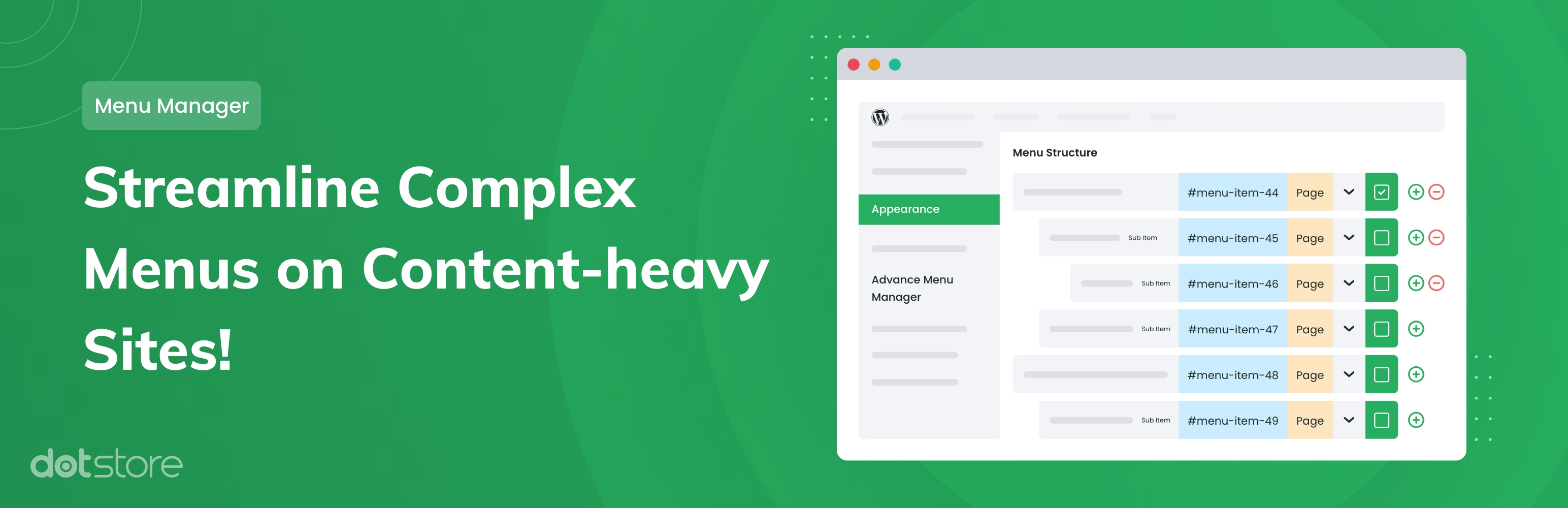
Advanced Menu Manager Pro 是一款專為內容豐富的 WordPress 網站設計的外掛,簡化了網站管理員對複雜選單的管理。透過此外掛,使用者能夠輕鬆新增、篩選、鎖定及編輯選單,提高工作效率。
【主要功能】
• 簡易新增、編輯頁面與文章
• 方便的搜尋功能,適合大量頁面
• 詳細頁面/文章資訊顯示
• 選單修訂功能,追蹤變更歷史
• 短碼功能,將選單放置於任意位置
• 選單鎖定功能,限制編輯權限
外掛標籤
開發者團隊
② 後台搜尋「Advanced Menu Manager Pro – Built for Content-heavy WordPress Sites to Add, Filter, Lock, and Edit Menus Easily」→ 直接安裝(推薦)
📦 歷史版本下載
原文外掛簡介
Are you looking for an easier way to manage the complex menu navigation of your wordpress website?
Advance Menu Manager for WordPress makes it simpler for website admins to effectively create and manage menu for content-heavy wordpress blogs and websites.
When the site has hundreds of menu items, it becomes complex task to add new item, drag to top etc. This plugin helps you to improve productivity while effectively managing the menus.
Pro Plugin Demo : View Demo
Features:
You can view, add, edit and manage your pages and posts to make your job easier.
Easy search option of page/posts specially when you have hundreds of pages/posts.
Detailed view of pages/posts including page id, slug, author name, template names etc.
Filter pages/posts which are already there in your menu.
Advance Menu Manager Pro version:
Need even more features? upgrade to Advance Menu Manager Pro and get all the features available in Advance Menu Manager’s premium version.
Track, compare, restore all your changes with Menu Revisions
The Advance Menu Manager plugin keeps a revision for each change you have made in your menu. Also, it allows you to compare your current menu with a revision in the past. So, in case you made a mistake while editing the menu, you do not need to worry. You can always restore your entire menu back from previously stored revisions
Put the menu anywhere on your site/blog with short-code
Use this feature to copy your menu structure. Just copy and paste the code in the page/post where you require. The same menu shall appear in that page/post.
Menu Lock Functionality
Using this feature you can lock particular Menu for other users. This feature can be handy when you want to restrict other admin users from editing the main navigation of your site. If you have many admin users on your WordPress site, and you want sure that not everyone can edit the main menu. Only selected users can change the main menu. In that case, you can utilize the Menu Lock Functionality.
Create new pages within the menu without leaving your add menu item screen.
You can edit whole page/post from the menu.
You can see view page / post attributes
EXPLORE OUR OTHER PLUGINS TO SUPERCHARGE YOUR WEBSITE:
👉 Premium WooCommerce Plugins list
Flat-rate shipping plugins for WooCommerce
WooCommerce Extra Fees Plugin
Hide Shipping Method For WooCommerce
Product Attachment For WooCommerce
Blocker – Prevent Fake Orders And Blacklist Fraud Customers
Category Banner Management for Woocommerce
Product Finder For WooCommerce
Mass Pages Posts Creator For WordPress
Conditional Discount Rules For WooCommerce Checkout
WooCommerce Checkout For Digital Goods