內容簡介
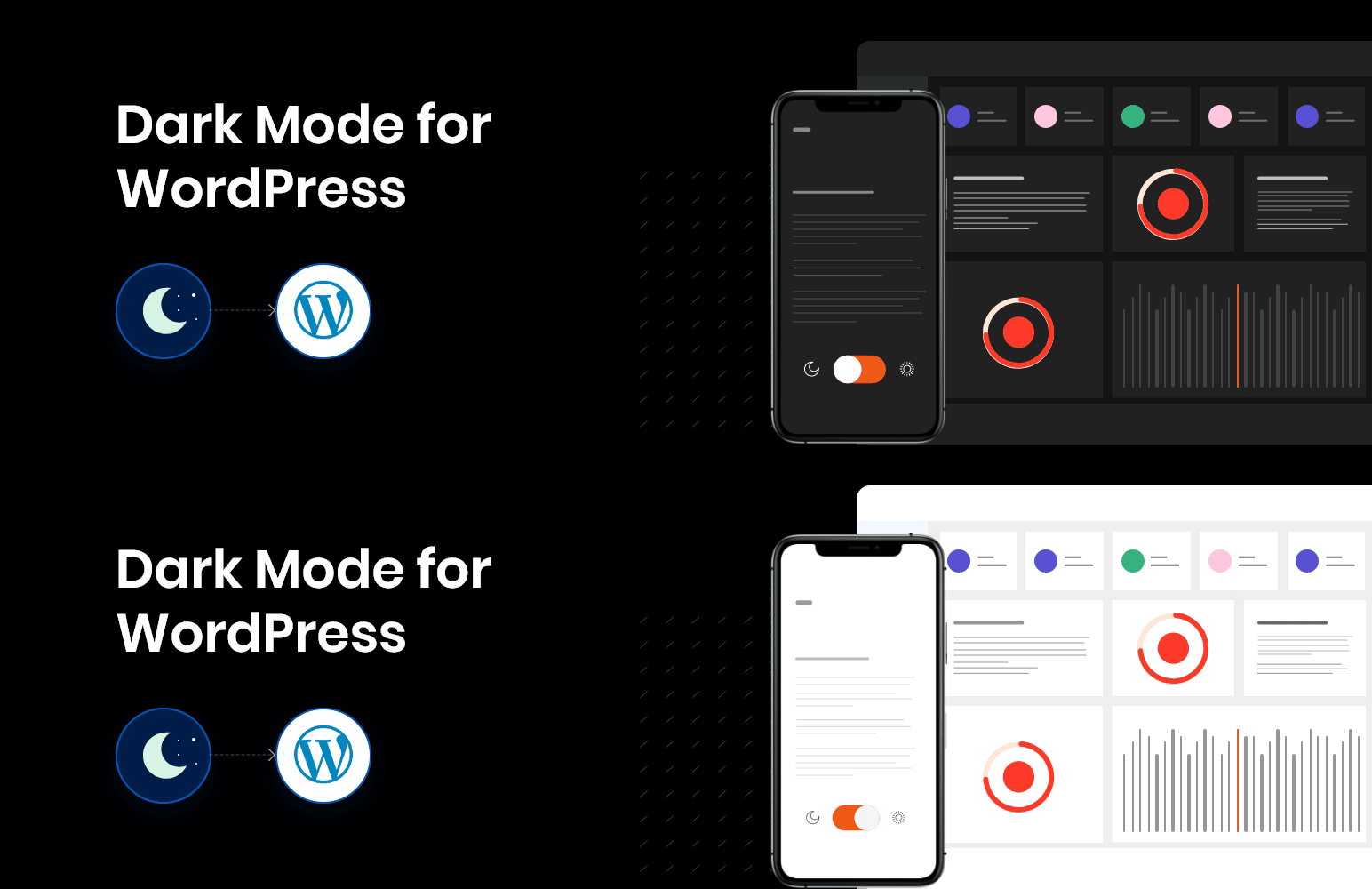
使用 WP Dark Mode 外掛為您的 WordPress 網站啟用令人驚艷的暗色主題。此外掛會加入一個開關按鈕,以切換頁面的暗色模式和正常模式。
支援所有作業系統,包括 Android、iOS、macOS。無需進行任何設置。
WP Dark Mode 支援所有主要的作業系統,包括 iOS、Android、macOS 或 Windows 10。
使用方式
您可以使用 Gutenberg 區塊顯示暗色主題的開關按鈕,讓用戶可以在暗色模式和正常模式之間進行切換。
若要在 Gutenberg 中顯示暗色主題開關按鈕,請使用 (Dark Mode Switch) 區塊。
外掛標籤
開發者團隊
原文外掛簡介
Use WP Dark Mode to enable a stunning dark mode theme for your WordPress website. The plugin add a switch button to toggle between darkmode and normal mode of the pages.
Works across all operating systems including Android, iOS, macOS. No settings needed.
WP Dark Mode supports all major operating systems including iOS, Android, macOS or Windows 10.
How to Use
You can display a Darkmode switch button in any page/post by using the Gutenberg Block, for your users to switch between the dark and normal mode.
For displaying the Darkmode Switch button in Gutenberg use the (Dark Mode Switch) Block.