10+
安裝啟用
—
尚無評分
3072 天前
最後更新
—
問題解決
WordPress 4.3+ v0.1 上架:2017-10-19
內容簡介
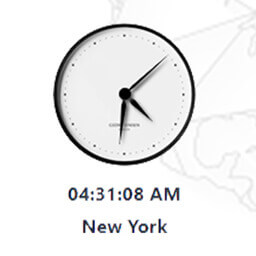
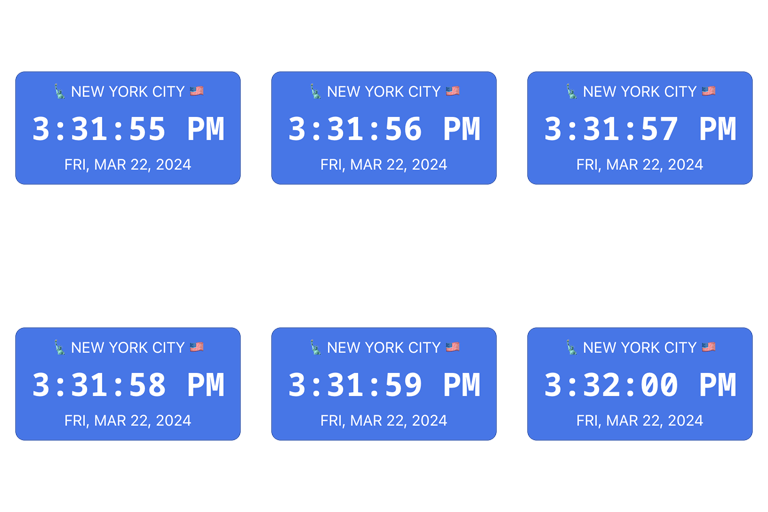
World Clock Dropdown 是一個 shortcode(簡碼)外掛,可以讓你在網頁右側添加時區下拉選單,左側顯示相應的當地數字時鐘,顯示時、分、秒。
功能
包含 600 多個時區列表。
不需要載入 Bootstrap。
敬請期待精彩更新和功能!
使用方式
在網站的任何位置使用簡碼 [j-world-clock] 來顯示數字時鐘。
外掛標籤
開發者團隊
⬇ 下載最新版 (v0.1) 或搜尋安裝
① 下載 ZIP → 後台「外掛 › 安裝外掛 › 上傳外掛」
② 後台搜尋「World Clock Dropdown with ShortCodes」→ 直接安裝(推薦)
② 後台搜尋「World Clock Dropdown with ShortCodes」→ 直接安裝(推薦)
原文外掛簡介
World Clock Dropdown is a shortcode plugin to have a timezone dropdown on right side of the section with respective local digital clock, with hours, minutes and seconds showing on left side of the section.
Features
600+ timezones listed.
No bootstrap required to load the plugin.
Stay tuned for exciting updates and features..!!
How to Use
use shortcode [j-world-clock] anywhere in your website to display the digital clock.