
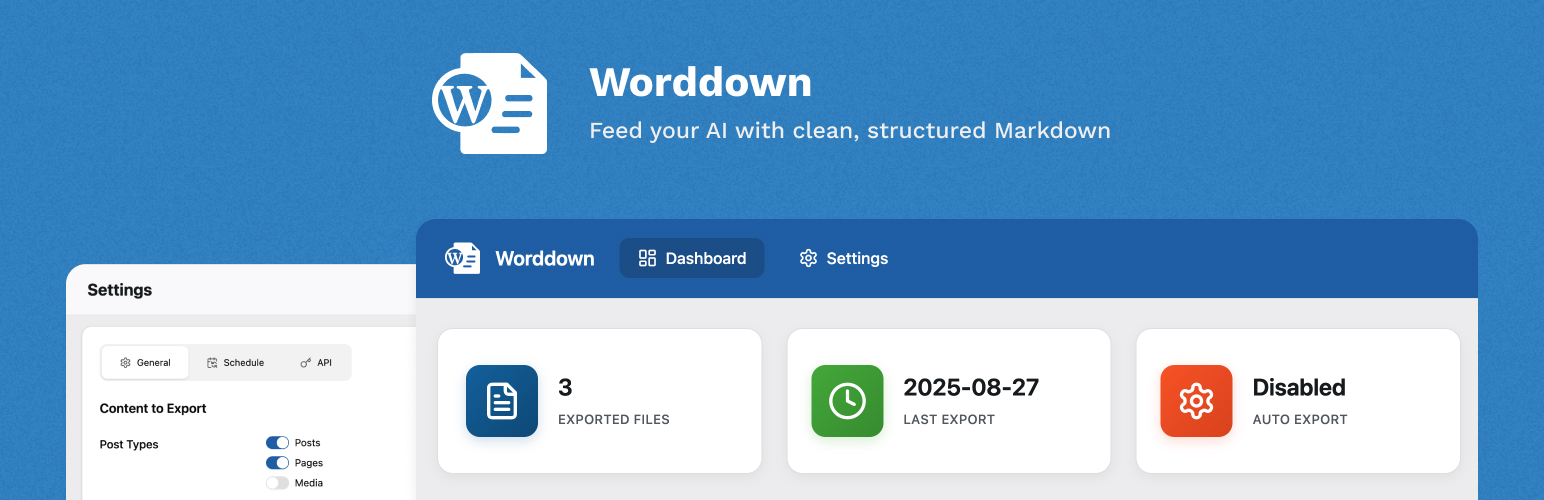
內容簡介
Worddown 是一款強大的 WordPress 外掛,能將您的頁面和文章匯出為 Markdown 檔案,方便與 AI 聊天機器人及其他基於 Markdown 的系統整合。 【主要功能】 • 將頁面和文章匯出為 Markdown 檔案 • 支援自訂頁面建構器(如 ACF Flexible Content、Elementor、Divi 等) • 提供 REST API 端點以便程式化存取 • 支援 WP-CLI 命令進行自動化 • 多語言支援 • 背景匯出模式適用於大型網站
外掛標籤
開發者團隊
原文外掛簡介
Worddown is a powerful WordPress plugin that enables you to export your pages and posts to markdown files, making them perfect for integration with AI chatbots and other markdown-based systems. Key Features Export pages and posts to markdown files Support for custom page builders (ACF Flexible Content, Elementor, Divi classic shortcodes, etc.) REST API endpoints for programmatic access WP-CLI commands for automation Multilingual support Background export mode for large sites Customizable HTML content filters Adapters When a supported page builder is installed, enable it under Settings → Adapters: Divi — Classic Builder shortcode layouts ([et_pb_*], Divi 4 / unmigrated pages). Boots Divi modules during export so shortcodes render to HTML before Markdown conversion. Native Divi 5 block layouts () use the standard WordPress content pipeline and do not need this adapter. Modularity — Injects Modularity modules around main content when available. Export Methods WordPress Admin Dashboard WP-CLI Commands REST API Endpoints WP-CLI Support Export your content directly from the command line: wp worddown export For large sites, use background mode: wp worddown export --background REST API Access export functionality programmatically through REST API endpoints: GET /wp-json/worddown/v1/files – List all exported markdown files GET /wp-json/worddown/v1/files/{post_id} – Get specific file content POST /wp-json/worddown/v1/export – Trigger export Custom HTML Content Filters Customize your markdown output using WordPress filters: add_filter('worddown_custom_html_content', function($content, $post_id, $post_type) { if ($post_type === 'page') { $content .= '














