
內容簡介
Members 是一款針對 WordPress 的會員管理與用戶角色編輯外掛,提供強大的工具來新增、編輯及管理用戶角色與權限,讓網站擁有更靈活的內容控制與會員體驗。
【主要功能】
• 角色編輯器:編輯、創建及刪除角色和其權限
• 多重用戶角色:為用戶分配多個角色
• 明確拒絕權限:對特定角色拒絕特定權限
• 複製角色:透過複製現有角色來創建新角色
• 角色匯入/匯出:將角色及設置匯出為 JSON 檔案
• 內容權限:設定哪些用戶可以訪問特定內容
外掛標籤
開發者團隊
② 後台搜尋「Members – Membership & User Role Editor Plugin」→ 直接安裝(推薦)
📦 歷史版本下載
原文外掛簡介
Members is a roles and capabilities based WordPress membership plugin. It gives your users the ultimate member experience by giving you powerful tools to add roles and capabilities and assign them to your users.
Members allows you to set permissions to restrict content on your site by providing a simple user interface (UI) for WordPress’ powerful roles and capabilities system, which has traditionally only been available to developers who know how to code this by hand.
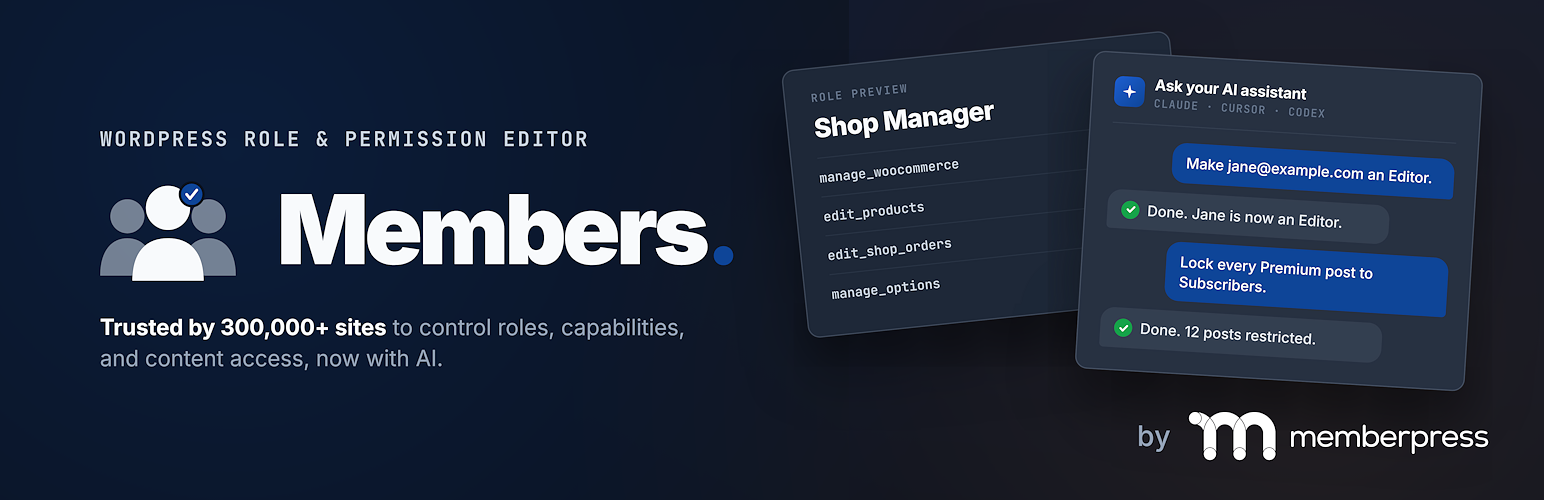
New: manage roles and access with AI 🤖
You can now ask an AI assistant to handle your roles, capabilities and content restrictions for you. Members works with Claude Desktop, Claude Code, Cursor, VS Code, OpenAI Codex and other apps that can run local MCP (Model Context Protocol) servers. Connect it once, then just ask:
“Why can’t Jane see the Members Area page?”
“Create a Course Manager role that can edit pages but not publish them.”
“Restrict the posts in my Premium category to Subscribers.”
“Make [email protected] an Editor.”
“Which roles can publish pages?”
“Keep Subscribers out of wp-admin.”
It all happens on your own WordPress site, using your own account’s permissions.
Already connected Claude or another assistant to your WordPress site? Then you’re done. Members shows up there on its own.
It’s free, and you stay in charge:
Read-only to start. Out of the box it can look things up, but it can’t change anything until you let it.
You decide what’s allowed. Switch whole areas on or off, like “Manage roles” or “Protect content”, and turn read-only back on any time.
It double-checks risky changes. Before it takes powers away from people, deletes a role, makes content public or changes key settings, it tells you exactly what will happen and asks “Are you really sure?”
It won’t lock you out. Any change that would cost you your admin access, or your ability to undo it, is always refused.
You can see what it did. An activity log shows every action from the last 90 days, with the old values so you can undo a change.
No extra accounts or fees from us. It runs on the free official WordPress MCP Adapter plugin, and Members can install that for you in one click.
To set it up, go to Members → Settings → AI (MCP), install the MCP Adapter plugin, click Create password & fill it in, and paste the result into your assistant. It takes a couple of minutes. Needs WordPress 6.9 or newer.
What people use Members for
Members-only pages: show a post or page only to logged-in users, or only to certain roles.
A private site: send everyone who isn’t logged in to the login page.
Staff and client roles: create roles like “Shop Manager Lite” or “Content Editor” with exactly the permissions they need.
Keep members out of the dashboard: send chosen roles to the front of your site instead of wp-admin.
Show or hide blocks by login status, role, or capability.
A login form on any page with a shortcode, a widget, or inside the “no access” message.
Plugin Features
Role Editor: Allows you to edit, create, and delete roles as well as capabilities for these roles.
Multiple User Roles: Give one, two, or even more roles to any user.
Explicitly Deny Capabilities: Deny specific capabilities to specific user roles.
Clone Roles: Build a new role by cloning an existing role.
Role Import / Export: Export all roles and Members settings to a JSON file, export selected roles from the roles table, and preview imported roles before choosing whether to import, skip, overwrite, or rename each one.
Content Permissions / Restricted Content: Protect content to determine which users (by role) have access to post content. Works in the block editor, the classic editor, and with Bricks Builder.
Shortcodes: Shortcodes to control who has access to content, plus a login form that works with Wordfence and Two Factor two-factor authentication.
Widgets: A login form widget and users widget to show in your theme’s sidebars.
Private Site: You can make your site and its feed completely private if you want. Works with custom login URLs from plugins like WP Ghost and WPS Hide Login.
Administrator Rescue (Magic Link): If you lose access to the WordPress admin (e.g. after editing roles), you can request a secure, time-limited link by email to restore your Administrator role and Members capabilities, with no support ticket or database access required.
Reset Roles: Put the five default WordPress roles back to their original capabilities in one click.
AI Assistants (MCP): Let Claude Desktop, Claude Code, Cursor, VS Code, OpenAI Codex or another MCP-compatible assistant look up and manage roles, users’ roles, content restrictions, settings and add-ons. Read-only mode, on/off switches, “are you sure?” checks and an activity log keep you in control.
Plugin Integration: Members is highly recommended by other WordPress developers. Many existing plugins integrate their custom roles and capabilities directly into it.
Seamless MemberPress Integration
If you’re looking to build a business out of your membership site by creating paid memberships there’s no better way than to use MemberPress. Members and MemberPress work together to provide the ultimate member experience and will help you start and profit from your amazing WordPress membership sites!
All Add-ons are now included
Members now includes ALL of its add-ons completely free of charge! Turn on the ones you need under Members > Add-Ons:
Admin Access: Choose which roles can use the WordPress dashboard, and where to send everyone else.
Role Hierarchy: Rank your roles so users can only assign or edit roles below their own.
Block Permissions: Hide or show any block based on login status, user role, or capability.
Privacy Caps: Creates additional capabilities for control over WordPress’ privacy and personal data features (GDPR).
Core Create Caps: Adds the create_posts and create_pages caps to posts/pages to separate them from their edit_* counterparts, providing more flexible editing capabilities.
Categories and Tag Caps: Creates custom capabilities for the core category and post tag taxonomies, so you can control who can manage, edit, delete, or assign categories and tags.
Role Levels: Set the old user “level” of a role, for plugins and themes that still check it.
ACF Integration: Creates custom capabilities for the Advanced Custom Fields (ACF) plugin for managing with the Members plugin.
EDD Integration: Integrates the Easy Digital Downloads plugin capabilities into the Members plugin’s role manager.
GiveWP Integration: Integrates the GiveWP and GiveWP Recurring Donations plugin capabilities into the Members plugin’s role manager.
Meta Box Integration: Integrates the Meta Box plugin capabilities into the Members plugin’s role manager.
WooCommerce Integration: Integrates the WooCommerce plugin capabilities into the Members plugin’s role manager.
See what each add-on does in the docs.
For more info, visit the Members plugin home page.
Like this plugin?
The Members plugin is a massive project with 1,000s of lines of code to maintain. A major update can take weeks or months of work. We don’t make any money directly from this plugin while other, similar plugins charge substantial fees to even download them or get updates. Please consider helping the cause by:
Adding MemberPress.
Rating the plugin.
Documentation
Read the full documentation. Good places to start:
Quick start: what do you want to do?
Capabilities Guide: the capabilities people ask about most, and which one a plugin needs.
FAQ and Troubleshooting: what Members doesn’t do, and fixes for common problems.
Support
If you need plugin support from us, you can visit our support page. Please include your WordPress and Members versions, what you expected, and what happened instead.
Plugin Development
If you’re a theme author, plugin author, or just a code hobbyist, you can follow the development of this plugin on its GitHub repository.














