
前言介紹
- 這款 WordPress 外掛「Widget Visibility Control」是 2025-12-17 上架。
- 目前有 40 個安裝啟用數。
- 上一次更新是 2026-01-19,距離現在已有 37 天。
- 外掛最低要求 WordPress 5.8 以上版本才可以安裝。
- 外掛要求網站主機運作至少需要 PHP 版本 7.4 以上。
- 有 2 人給過評分。
- 還沒有人在論壇上發問,可能目前使用數不多,還沒有什麼大問題。
外掛協作開發者
外掛標籤
blocks | widget | jetpack | visibility | conditional |
內容簡介
### 摘要:
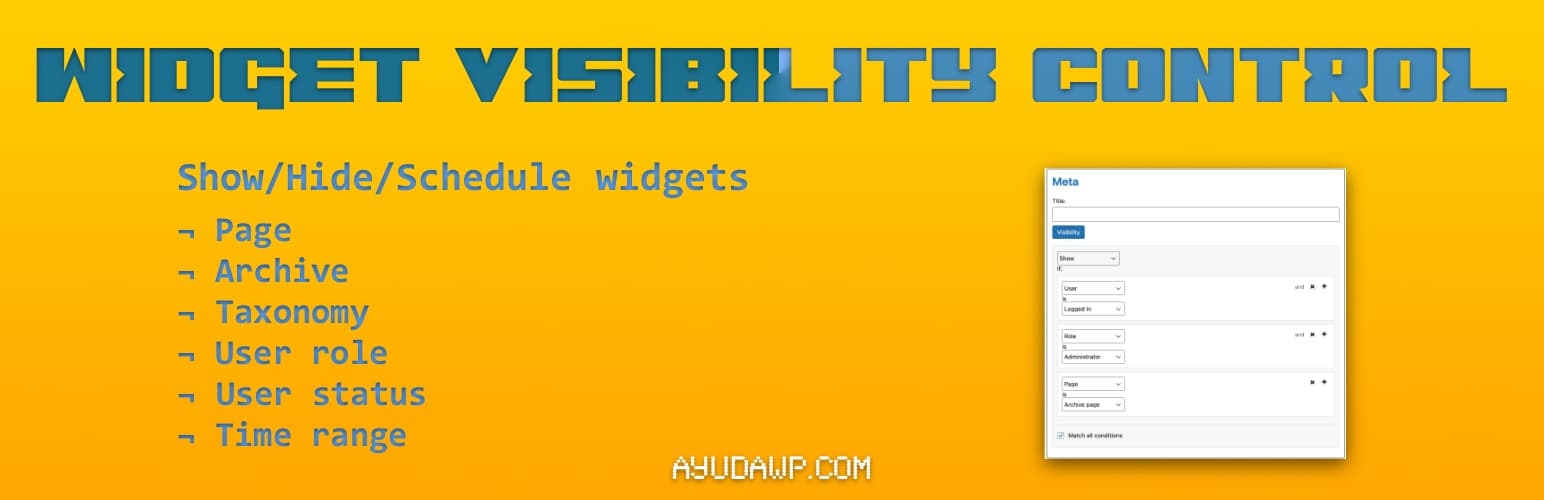
Widget Visibility Control 讓您能夠決定每個小工具出現在您的網站的具體位置。在不寫任何代碼的情況下,僅在特定頁面上顯示小工具,對登出用戶隱藏它們,對不同類別顯示不同內容。
### 問與答:
1. 這個外掛的特點有哪些?
- 精簡輕量 - 專注功能,沒有不必要的功能
- 全部功能均包含在內 - 無需付費版本
- 兼容 Jetpack - 可以從 Jetpack Widget Visibility 遷移到這個外掛而無需重新配置
- 獨立存儲 - 您的規則被單獨存儲,安全可靠
- 塊編輯器就緒 - 與經典小工具和基於塊的小工具兼容
- 注重隱私 - 沒有外部連接,無追踪,無數據收集
2. 如果從 Jetpack 轉換過來呢?
- 不需要進行配置 - 您現有的可見性規則在啟動時自動導入
- 相同熟悉的界面 - 可見性面板與您熟悉的操作方式相同
- 保留或清理舊數據 - 可選擇保持 Jetpack 兼容性或完全清理;換換不會影響您的小工具照常運作
3. 如果是第一次尋找小工具可見性呢?
- 這個外掛讓您控制小工具出現的位置:
- 頁面目標 - 在首頁、博客頁面、特定頁面或 404 錯誤頁面上顯示小工具
- 內容目標 - 只在某些類別、標籤或自定分類上顯示小工具
- 用戶目標 - 對登入用戶和訪客顯示不同的小工具
- 基於角色的顯示 - 针对特定的使用者角色(管理員、編輯、訂閱者等)進行目標設置
- 作者頁面 - 在作者存檔頁面上控制可見性
- 日期存檔 - 针对每日、每月或每年存檔
- 文章類型支持 - 與自訂文章類型及其存檔一起工作
4. 支援多條件
- 通過組合多條件來創建複雜的可見性規則:
- 使用 OR 邏輯 - 如果任何條件匹配就顯示
- 使用 AND 邏輯 - 只有在所有條件匹配時才顯示
- 組合混用 - 創建您需要的確切規則
5. 內置性能
- 最少的數據庫查詢和智能緩存
- 只在需要時加載資源(小工具屏幕)
- 遵循 WordPress 標準的乾淨、優化的代碼
6. 開發者友好
- 遵循 WordPress 編碼標準
- 完全可翻譯並支持完整的 i18n
- 用於自定義的動作和過濾鉤子
- 乾淨卸載 - 只刪除自身的數據
7. 支援
- 需要幫助或建議嗎?
- 官方網站
- WordPress 支持論壇
- YouTube 頻道
- 文檔和教程
8. 喜歡這個外掛嗎?請給我們留下 5 星評價,幫助宣傳!
9. 關於 AyudaWP
- 我們是 WordPress 安全、SEO 和性能優化外掛的專家。我們創建的工具為 WordPress 站點所有者解決實際問題,同時保持最高的編碼標準和可訪問性要求。
原文外掛簡介
Widget Visibility Control lets you decide exactly where each widget appears on your site. Show widgets only on specific pages, hide them for logged-out users, display different content for different categories – all without writing a single line of code.
Looking for Widget Visibility and Scheduling?
This plugin gives you control over where your widgets appear:
Page targeting – Show widgets on the front page, blog page, specific pages, or 404 error page
Content targeting – Display widgets only on certain categories, tags, or custom taxonomies
User targeting – Show different widgets to logged-in users vs. visitors
Role-based display – Target specific user roles (administrators, editors, subscribers, etc.)
Author pages – Control visibility on author archive pages
Date archives – Target daily, monthly, or yearly archives
Post type support – Works with custom post types and their archives
Time scheduling – Schedule widgets to appear only during specific date and time ranges. Perfect for promotional banners, seasonal offers, holiday announcements, flash sales, event countdowns, and time-limited content
Multiple Conditions
Create sophisticated visibility rules by combining multiple conditions:
Use OR logic – Show if ANY condition matches
Use AND logic – Show only if ALL conditions match
Mix and match – Create exactly the rules you need
Built for Performance
Minimal database queries with intelligent caching
Only loads assets where needed (widget screens)
Clean, optimized code following WordPress standards
Why Choose This Plugin?
Lightweight – Focused functionality without unnecessary features
All features included – No premium version required
Jetpack Compatible – Migrate from Jetpack Widget Visibility without reconfiguring anything
Independent Storage – Your rules are stored separately, safe from Jetpack changes
Block Editor Ready – Works with both classic widgets and block-based widgets
Privacy Focused – No external connections, no tracking, no data collection
Coming from Jetpack?
If you’ve been using Jetpack just for widget visibility and want to reduce your site’s load, this plugin can help:
No configuration needed – Your existing visibility rules are automatically imported on activation
Same familiar interface – The visibility panel works as you’re used to
Keep or clean legacy data – Choose to maintain Jetpack compatibility or clean up completely
No disruption – Your widgets will continue working as before
Developer Friendly
Follows WordPress Coding Standards
Fully translatable with complete i18n support
Action and filter hooks for customization
Clean uninstall – removes only its own data
Support
Need help or have suggestions?
Official website
WordPress support forum
YouTube channel
Documentation and tutorials
Love the plugin? Please leave us a 5-star review and help spread the word!
About AyudaWP
We are specialists in WordPress security, SEO, and performance optimization plugins. We create tools that solve real problems for WordPress site owners while maintaining the highest coding standards and accessibility requirements.
各版本下載點
- 方法一:點下方版本號的連結下載 ZIP 檔案後,登入網站後台左側選單「外掛」的「安裝外掛」,然後選擇上方的「上傳外掛」,把下載回去的 ZIP 外掛打包檔案上傳上去安裝與啟用。
- 方法二:透過「安裝外掛」的畫面右方搜尋功能,搜尋外掛名稱「Widget Visibility Control」來進行安裝。
(建議使用方法二,確保安裝的版本符合當前運作的 WordPress 環境。
1.0.0 | 1.0.1 | 1.1.0 | 1.1.1 | trunk |
延伸相關外掛(你可能也想知道)
Widgets for Google Reviews 》onal version of our review software, you can:, , , Display unlimited Google Reviews, Customize widget design and behavior, Respond to reviews direc...。
Blocksy Companion 》Blocksy Companion 是一個外掛,將 Blocksy 主題轉化為強大的瑞士軍刀工具。, 只有在安裝並啟用 Blocksy 主題時,它才會運行並添加增強功能。, 最小需求, , W...。
Widget Importer & Exporter 》Widget Importer & Exporter 是一個有用的外掛,可將小工具從一個WordPress站點移動到另一個站點,備份小工具,並供主題開發人員為用戶提供範例小工具。...。Black Studio TinyMCE Widget 》此外掛添加了一個新的 Visual Editor 小工具類型,讓您能夠在側邊欄中輕鬆地插入豐富的文字和媒體對象。使用 Black Studio TinyMCE Widget 時,您將能夠使用W...。
WP Popular Posts 》WordPress Popular Posts 是一個高度可定製的小工具,可以顯示您最受歡迎的文章。, 主要特點, , 多小工具功能 – 您可以在您的博客上擁有多個 WordPress...。
Widget Logic 》此外掛可在每個小工具中新增一個名為 "Widget logic" 的額外控制欄,讓您控制這個小工具會出現在哪些頁面上。文字欄位允許您使用 WP 的Conditional Tags或任...。
Rich Showcase for Google Reviews 》iews plugins:, , Facebook Reviews Bundle - display Facebook business reviews on your website using official Facebook API, Yelp Reviews Bundle - dis...。
Social Media Share Buttons & Social Sharing Icons 》在你的免費測試網站上試試看:點擊此處 => https://tastewp.com/plugins/ultimate-social-media-icons, (這個技巧適用於所有外掛 – 只需在外掛的 WP 存儲庫 ...。
Recent Posts Widget With Thumbnails 》列出最新的文章標題、縮略圖、摘要、作者、類別、日期等等!, 雖然此外掛僅建立在小工具區域,但使用者報告說它在 Elementor 和 Oxygen 上運作順暢。但它是否...。
Image Widget 》Image Widget 是一個簡單的外掛程式,利用 WordPress 原生媒體管理員,為您的網站新增圖片小工具。, 需要新增幻燈片、燈箱或隨機圖像嗎?, 請查看 Image Widg...。
Custom Sidebars – Dynamic Sidebar Classic Widget Area Manager 》使用 Custom Sidebars,一個靈活的小工具管理器,在您的網站上管理和替換側邊欄和其他小工具區。, 製作自訂側邊欄配置,能夠選擇在您網站的每個頁面或文章上...。
Fixed Widget and Sticky Elements for WordPress 》使用 Fixed Widget 外掛可以創建黏貼式的小部件、區塊和其他元素,當用戶向上或向下滾動頁面時,它們會保持在可見的屏幕區域內。, 相較於非固定小工具,黏貼...。PHP Code Widget 》普通的文字小工具允許您插入任意文字和/或 HTML 代碼。這個外掛程式也允許這樣做,但還會解析文本小工具中的任何 PHP 代碼並執行它。, 這可以讓您更輕鬆地遷...。
Widget Shortcode 》這個短碼需要小工具的ID,但不需要猜測,外掛會為你生成代碼。如果你想要覆蓋小工具的標題,你可以使用 "title" 參數:, [widget id=”text-1″...。
Recent Posts Widget Extended 》外掛描述, 此外掛可以啟用自定義、靈活且進階的最新文章功能,您可以透過簡碼或小工具來顯示它。您可以顯示具有縮略圖、摘要和發佈日期的最新文章清單,並且...。






