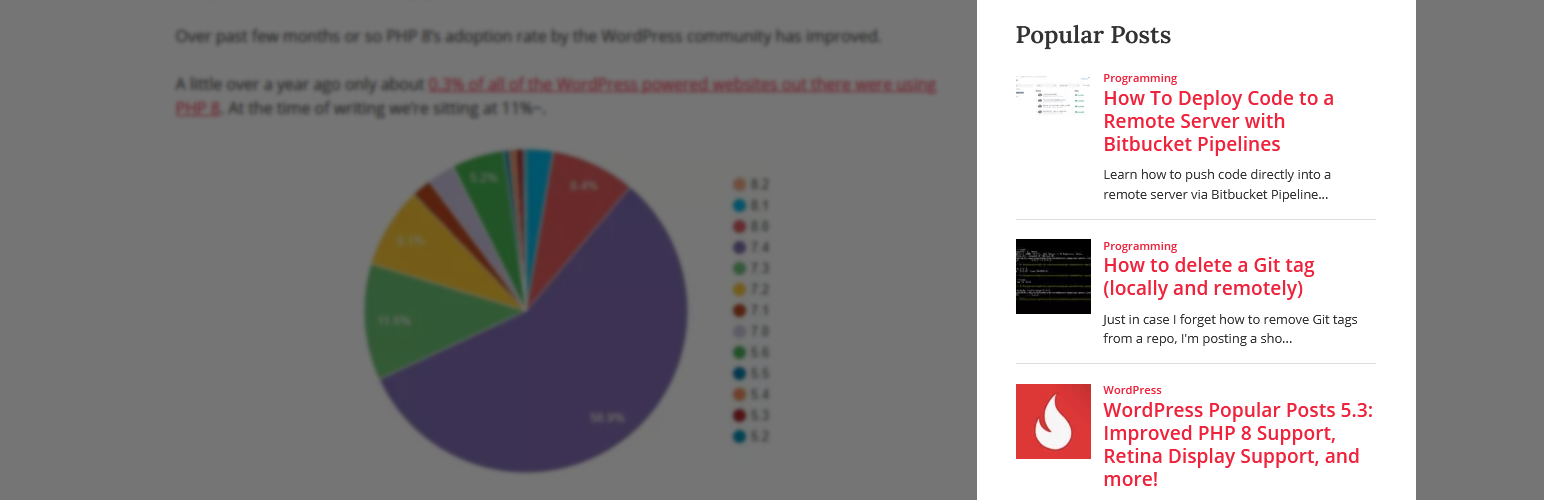
內容簡介
WP Popular Posts 是一款高度可自訂的外掛,能顯示您網站上最受歡迎的文章,幫助提升內容的曝光率與互動性。
【主要功能】
• 支援多個熱門文章列表
• 可依時間範圍顯示熱門文章
• 支援自訂文章類型
• 顯示文章縮圖
• 提供統計儀表板
• 支援 Elementor 小工具
外掛標籤
開發者團隊
📦 歷史版本下載
原文外掛簡介
WP Popular Posts is a highly customizable plugin that displays your most popular posts.
PSA: Plugin has been renamed as WP Popular Posts!
See the announcement for more details.
Main Features
Multiple Popular Posts Lists – You can have several Popular Posts lists on your blog, each with its own settings!
Time Range – List those posts of your blog that have been the most popular ones within a specific time range (eg. last 24 hours, last 7 days, last 30 days, etc)!
Custom Post-type support – Want to show other stuff than just posts and pages, eg. Popular Products? You can!
Thumbnails! – Display a thumbnail of your posts! (see the FAQ section for more details.)
Statistics dashboard – See how your popular posts are doing directly from your admin area.
Sorting options – Order your popular list by comments, views (default) or average views per day!
Custom themes – Out of the box, WP Popular Posts includes some themes so you can style your popular posts list (see Widget Themes for more details).
Use your own layout! – WPP is flexible enough to let you customize the look and feel of your popular posts! (see customizing WPP’s HTML markup and How to style WP Popular Posts for more.)
Performance Tools! – WP Popular Posts includes a few options to make sure your site’s performance stays as good as ever! (see Performance for more details.)
REST API support – Embed your popular posts in your (web) app! (see REST API Endpoints for more.)
Elementor support – Are you building sites with Elementor? There’s a popular posts widget for it too!
Disqus support – Sort your popular posts by Disqus comments count!
Polylang & WPML 3.2+ support – Show the translated version of your popular posts!
WordPress Multisite support – Each site on the network can have its own popular posts list!
Other Features
Shortcode support – Use the [wpp] shortcode to showcase your most popular posts on pages, too! For usage and instructions, please refer to the Installation section.
Template tags – Don’t feel like using blocks? No problem! You can still embed your most popular entries on your theme using the wpp_get_mostpopular() template tag. Additionally, the wpp_get_views() template tag allows you to retrieve the views count for a particular post. For usage and instructions, please refer to the Installation section.
Localization – Translate WPP into your own language.
WP-PostRatings support – Show your visitors how your readers are rating your posts!
PSA: The classic WP Popular Posts widget has reached End-of-Life
The classic WP Popular Posts widget doesn’t work very well with the block-based Widgets editor introduced with WordPress 5.8.
This new Widgets editor expects WordPress blocks instead of regular WordPress widgets. If you’re using the classic WP Popular Posts widget please follow the Migration Guide to replace it with the WP Popular Posts block, the [wpp] shortcode, or the WP Popular Posts widget for Elementor.
Bjorn from wplearninglab.com was kind enough to create a video explaining how to use the new block for all of you visual learners:
Support the Project!
If you’d like to support my work and efforts to creating and maintaining more open source projects your donations and messages of support mean a lot!
Buy me a coffee | PayPal
WP Popular Posts is now also on GitHub!
Looking for a Recent Posts widget just as featured-packed as WP Popular Posts? Try Recently!
Credits
Flame graphic by freevector/Vecteezy.com.