
外掛標籤
開發者團隊
原文外掛簡介
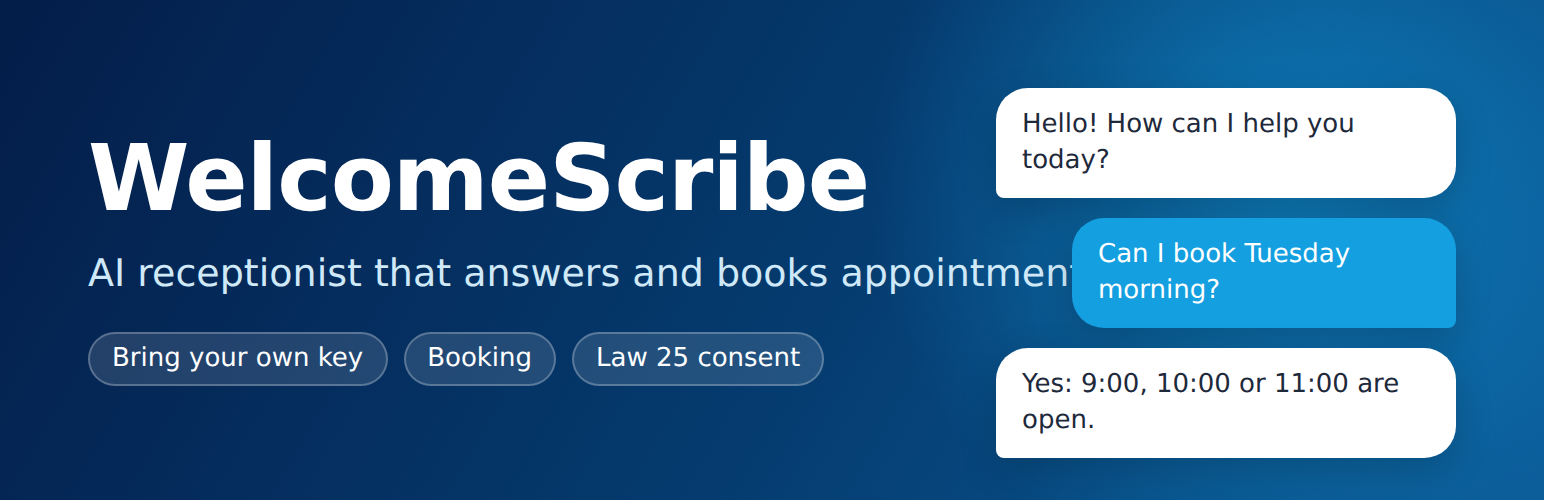
WelcomeScribe is a virtual receptionist for a WordPress site.
Visitors ask questions about your services, products, hours, and FAQ. You write that knowledge in the admin, or you import a draft from the site’s published pages and review it before it is saved. The assistant is instructed to say it does not know rather than invent an answer.
Visitors can request an appointment. You define services, durations, business hours, a buffer, and blackout dates. The assistant can check availability and save a request when the provider supports tool calling. A form in the widget does the same job with no model. The site admin confirms or cancels from the appointments list. The visitor and the admin each get an email with a calendar file and a private link to cancel or reschedule.
Bring your own key. WelcomeScribe does not include an AI service and does not require an account with the plugin author. You choose a provider in Settings and paste your own key:
Azure OpenAI: resource endpoint, deployment name, API version, and key.
OpenAI: key and model (default gpt-4.1-mini).
OpenAI-compatible: base URL, key, and model, for a self-hosted model (vLLM, Ollama) or any host that accepts the OpenAI chat-completions format.
Each provider has the same Test connection button. The browser never talks to the provider: chat goes through the WordPress REST API, and the key stays on the server.
Where data is processed depends on the provider and region you choose. With Azure OpenAI, a Regional Standard deployment in Canada East keeps processing in Canada when that deployment is available to your subscription. A Global deployment, OpenAI, or another host may process prompts in other countries. Read the terms of the provider you choose.
An optional demo mode answers from the knowledge base on this server, with no network call, so the widget and the booking form can be tried before you have a key. It is off by default and is not meant for production.
Quebec Law 25 support in the plugin:
Explicit consent before the first message, plus a notice that an AI is answering.
Conversation logging off unless you turn it on.
A retention period (default 365 days) and a daily purge.
Hooks into the WordPress personal data exporter and eraser.
Suggested text for your privacy policy.
Shortcode: [welcomescribe]. Optional language: [welcomescribe lang="fr"] or [welcomescribe lang="en"]. An optional floating button stays off until you enable it.
Every feature described here is included. There is no license key, no locked feature, and no usage tracking.
For developers: providers are registered through the welcomescribe_providers filter, so another plugin can add a provider without changing this one.
External services
WelcomeScribe connects to the AI provider that the site administrator selects and configures in WelcomeScribe, Settings. No request is made until a provider is configured with the administrator’s own key. Demo mode makes no external request. The plugin does not send data to the plugin author.
What is sent, and when
When a visitor who has ticked the consent box sends a chat message: the system instructions, excerpts from the site’s knowledge base, the conversation so far in that chat window (visitor messages and assistant replies), the page language, the site’s local date and time, and, while booking, the appointment details the visitor typed (service, date, time, name, phone, email).
When an administrator clicks Improve with AI on the page-import screen: the text of the draft built from the pages the administrator selected.
When an administrator clicks Test connection: a short test message (“ping”).
The API key is sent in a request header. The visitor’s IP address is not sent to the provider.
Azure OpenAI (Microsoft Azure)
Requests go to the Azure OpenAI resource the administrator enters (https://{resource}.openai.azure.com or https://{resource}.cognitiveservices.azure.com). The region of that resource and the deployment type decide where prompts are processed.
Terms: Microsoft Product Terms for Online Services
Privacy: Microsoft Privacy Statement
Data handling: Data, privacy, and security for Azure OpenAI
OpenAI
Requests go to https://api.openai.com/v1/chat/completions.
Terms: OpenAI Terms of Use and Services Agreement
Privacy: OpenAI Privacy Policy
OpenAI-compatible host
Requests go to the base URL the administrator enters, followed by /chat/completions. That host is chosen and operated by the administrator or a third party they select. Its terms and privacy policy apply, and the plugin author has no relationship with it.
Secret calendar addresses (optional)
If the administrator pastes secret iCal addresses under Booking setup, the site downloads those calendars (for example from Google Calendar, Outlook, or iCloud) when it computes open times, with a cache of about 8 minutes, to read busy times. Nothing about visitors is sent in those requests.
Google: Terms and Privacy
Microsoft: Services Agreement and Privacy
Apple iCloud: Terms and Privacy














