內容簡介
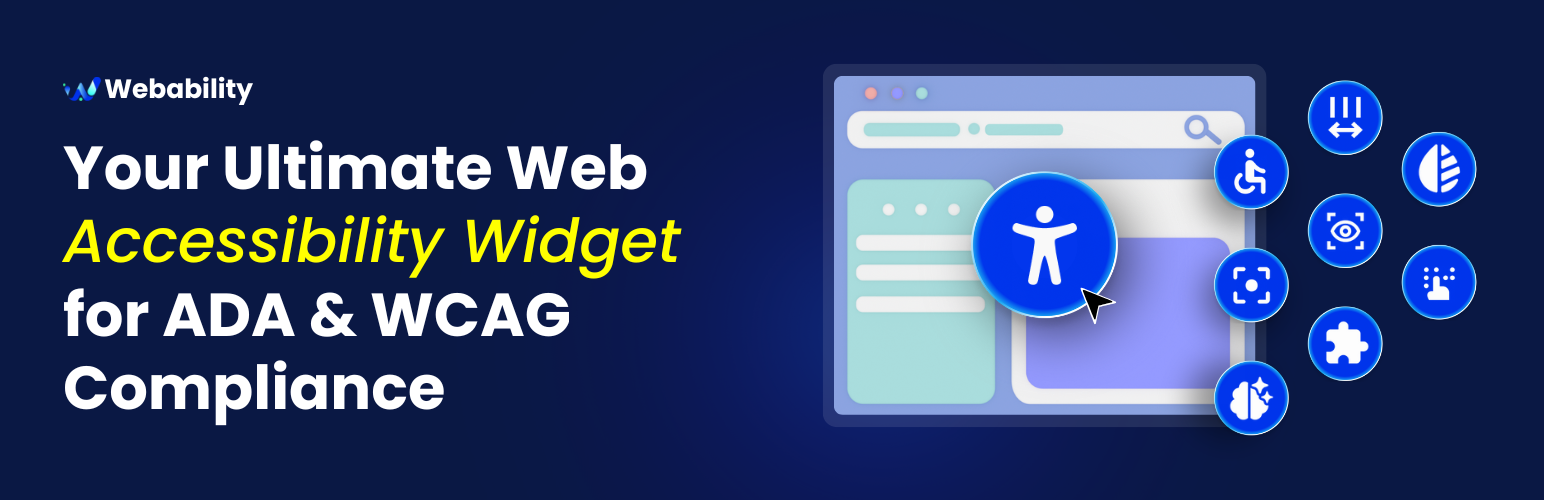
WebAbility Accessibility Widget 是一款強大且簡單的外掛,為您的 WordPress 網站添加全面的無障礙工具列。此外掛幫助網站符合 WCAG 2.2 AA、ADA、AODA 和 EAA 標準,確保所有使用者都能平等訪問。
【主要功能】
• 一鍵安裝,快速設置
• 可自訂位置,選擇六種佈局
• 精確調整小工具位置
• 內建域名驗證系統
• 輕量化,對性能影響小
• 支援多種無障礙功能
外掛標籤
開發者團隊
② 後台搜尋「WebAbility Accessibility Widget」→ 直接安裝(推薦)
原文外掛簡介
WebAbility Accessibility Widget is a powerful yet simple plugin that adds a comprehensive accessibility toolbar to your WordPress website. Our widget helps make your site compliant with WCAG 2.2 AA, ADA, AODA and EAA standards, ensuring equal access for all users.
Fix compliance issues in minutes
WebAbility.io helps you meet accessibility standards without manual coding or expensive audits.
Auto-detect accessibility barriers across text, navigation, media, and forms
Apply AI-powered real-time fixes to alt text, structure, and keyboard navigation
Adapt to new standards like WCAG 2.2 with continuous updates
Key Features
Easy Setup: One-click installation with automatic script generation
Customizable Position: Choose from 6 positions (4 corners, plus center-left and center-right)
Pixel-Perfect Positioning: Fine-tune widget placement with offset controls
Domain Verification: Built-in verification system to ensure proper setup
Lightweight: Minimal impact on your site’s performance
Responsive Design: Works seamlessly on all devices
Privacy Focused: No visitor tracking or data collection. The plugin does send an anonymous diagnostic report to WebAbility if the Accessibility Statement fails to save, so we can fix the problem proactively — see External Services below.
Accessibility Features
Webability Accessibility Widget lets users adjust text size, color contrast, and cursor settings
Screen reader compatibility
Keyboard navigation support
Offer text-to-voice options for users who need auditory support
The widget is fully customizable to match your brand while giving users the accessibility tools they need.
Champion a more inclusive internet
Meet key compliance guidelines while staying welcoming to all users
Show customers your brand values inclusivity and accessibility
Create a safer, more respectful online space for every visitor
Making your website accessible shouldn’t be complicated–or expensive.
With WebAbility.io, you can meet global standards, protect your brand, and welcome every visitor confidently.
Learn More: How to Make My WordPress Website Accessible in 2025: A Complete Guide
Support
Contact the Webability support team at [email protected]
Privacy Policy
The WebAbility widget does not collect or track personal data from your site visitors. See External Services below for the one diagnostic report the plugin itself can send to WebAbility.
External Services
This plugin connects to the following third-party services:
WebAbility.io (required) — the widget script is loaded from webability.io’s CDN so it can render the accessibility toolbar and apply your configured fixes. Your site’s domain is sent so WebAbility can serve the correct configuration. See WebAbility’s Terms of Service and Privacy Policy.
GlitchTip (error diagnostics, self-hosted at server.techywebsolutions.com) — when the Accessibility Statement fails to save in wp-admin, the plugin sends one anonymous diagnostic report so WebAbility can detect and fix problems proactively. The report contains only: the failure type, the HTTP status, a short snippet of the server response, your site’s domain, and the plugin/WordPress/PHP versions. It never includes your statement content, login details, nonces, or any site-visitor data. This runs only in the admin area, only on a save failure. To disable it, define WEBABILITY_ACWG_DISABLE_REPORTING as true in wp-config.php, or use the webability_acwg_error_reporting_enabled filter.