內容簡介
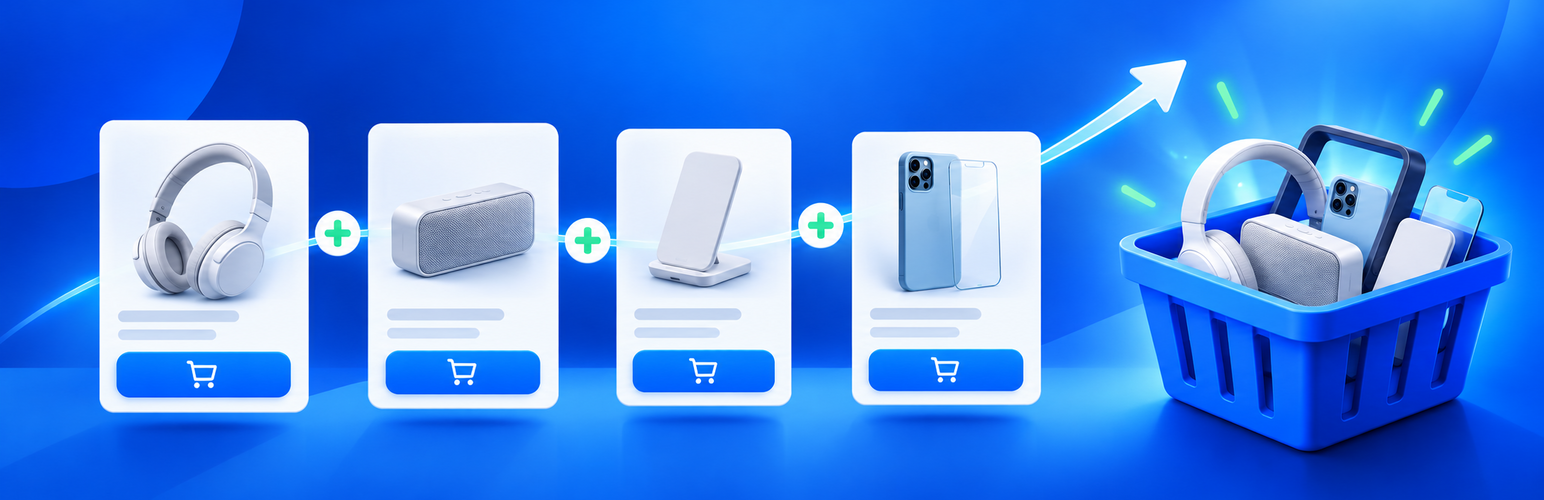
WDOnline Smart Upsells for WooCommerce 是一款專為 WooCommerce 設計的外掛,旨在提升顧客對已配置產品的注意力,透過顯眼的加購框和可重複使用的促銷盒,幫助商家增加銷售機會。
【主要功能】
• 單一產品頁面顯示顯眼的加購框
• 可重複使用的促銷盒,最多可包含八個產品
• 促銷盒可個別指派給 WooCommerce 產品
• 中央產品替換,編輯一次自動更新所有指派產品
• 提供購物車中的交叉銷售優惠
• 自訂樣式選項,包括顏色和佈局
外掛標籤
開發者團隊
② 後台搜尋「WDOnline Smart Upsells for WooCommerce」→ 直接安裝(推薦)
原文外掛簡介
Plugin details and documentation: https://wdonline.dk/wdonline-smart-upsells-for-woocommerce/
WDOnline Smart Upsells for WooCommerce makes the products already configured in WooCommerce Linked products easier for customers to notice.
The plugin provides:
A prominent upsell box on single-product pages.
Reusable promotional boxes containing up to the configured maximum of eight hand-picked products.
Multiple promotional boxes that can be assigned individually to WooCommerce products.
Central product replacement: edit a box once and every assigned product updates automatically.
Unique internal box names used in WooCommerce product CSV export and import.
Promotional box assignment through the WooCommerce product bulk editor.
Product-list filtering by a specific promotional box or products without one.
Assignment counts and safe assignment cleanup when deleting a box.
Cross-sell offers in the cart.
A checkout order-bump location for classic WooCommerce checkout templates.
Extensive placement choices for the product, cart, and checkout offer boxes.
Manual placement with the [wdonline_su_offers] shortcode.
Automatic checkout refresh after an AJAX add-to-cart action.
Detailed styling for the offer container, product cards, spacing, and buttons.
Custom headings, colors, square image size, text size, columns, and corner radius.
Horizontal or vertical product layouts.
Optional display of out-of-stock linked products.
Optional green and red stock status indicators.
A live design preview in the settings screen.
Automatic exclusion of unavailable and already selected products.
Standard WooCommerce product cards and add-to-cart behavior.
Optional privacy-safe integration with WD Online Support Diagnostics.
All display locations are disabled by default. Enable only the locations you want under WD Online > Smart Upsells.
Product-page offers use an assigned Promotional box when one is selected. Products without an assigned box use the Upsells selected in Product data > Linked products. Cart and checkout offers use the selected Cross-sells.
For manual placement, select Shortcode only for the relevant location and use:
[wdonline_su_offers location="product"]
[wdonline_su_offers location="cart"]
[wdonline_su_offers location="checkout"]
Add an optional custom heading, for example: [wdonline_su_offers location="checkout" heading="Add something extra"].
Cart and checkout display currently targets classic WooCommerce templates. WooCommerce Cart and Checkout block integration is planned for a later version.
The plugin does not send telemetry or diagnostic data to external servers.