內容簡介
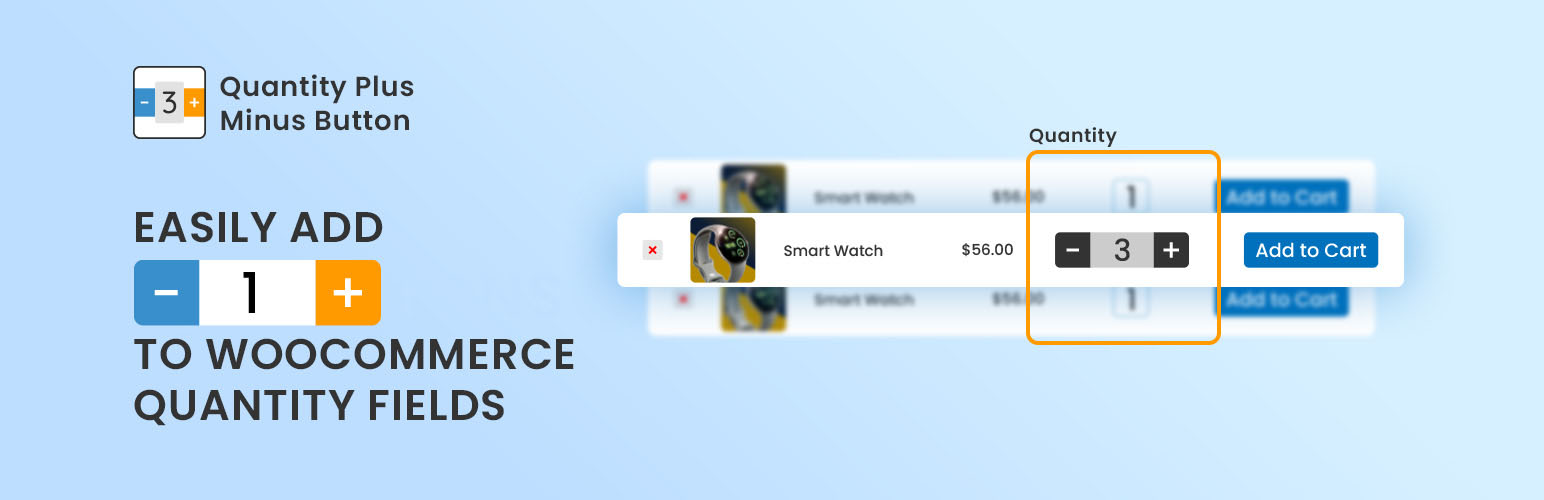
Quantity Plus Minus Button for WooCommerce 外掛為 WooCommerce 產品頁面添加美觀的數量增減按鈕,支持小數量設定,並可自訂按鈕設計,提升用戶購物體驗。
【主要功能】
• 支持數量步進
• 支持小數量
• 可自訂按鈕設計
• 可自訂按鈕背景顏色
• 可自訂按鈕文字顏色
• 兼容所有佈景主題
外掛標籤
開發者團隊
② 後台搜尋「Quantity Plus Minus Button for WooCommerce」→ 直接安裝(推薦)
📦 歷史版本下載
原文外掛簡介
Quantity Plus/Minus Button for WooCommerce plugin add beautifully designed quantity buttons for WooCommerce quantity input box on the product page which also support for decimal quantity. Easily add plus, minus button for WooCommerce Quantity Input box in everywhere. Such: Single Page, In Loop Quantity input, Cart page etc with custom design. User able to get custom/own color for his plus or minus button.
Features
👉 Quantity step supported
👉 Decimal quantity supported
👉 Customizable button design
👉 You can customize button background color and hover
👉 You can customize button text color and hover
👉 You can customize border color and hover
👉 You can customize border width
👉 You can set custom border radius
👉 Live customer support for any Issue.
👉 Well documented
👉 Well commented
👉 Clean code
👉 Compatible with all themes
👉 Compatible with all plugins
👉 Compatible with Woo Product Table
👉 Compatible with the latest version of WordPress
👉 Compatible with the latest version of WooCommerce
Demo Link
Filter
Enable Ajax add to cart for Single Product Page.
add_filter('wqpmb_ajax_cart_single_page', '__return_true' );
On off checkbox in admin page using filter
add_filter('wqpmb_checkbox_row_validation', '__return_true' );
CSS validation using filter
add_filter('wqpmb_css_row_validation', '__return_true' );
Use default WooCommerce template
add_filter('wqpmb_show_validation', '__return_true');
Hide on product page
add_filter('wqpmb_on_product_page', '__return_false');
Hide on cart page
add_filter('wqpmb_on_cart_page', '__return_false');
Hide on Mini Cart page
add_filter('wqpmb_on_mini_cart_page', '__return_false');
To Change Templae Base Directory, Use following Hook
In that directory, template files folder will be locate
add_filter(‘wqpmb_template_base_dir’, $template_base_dir);
👷 HONORABLE CONTRIBUTOR – GitHub 👷
codersaiful (53 commits 1,965 ++ )
unikforceit (1 commit 5 ++ )
fazlebarisn (1 commit 11 ++ )
autocircled (1 commit 110 ++ )
mdibrahimk48 (3 commit 5++)
bizzplugin (1 commit 10 ++ )
codeastrology (1 commit 10 ++ )
👉 You can join here
🥇 CONTRIBUTE 🥇
You are welcome to contribute to this project. Join with us Fork Github repository. If you contribute 1 commit, We will add your name to our plugin’s Contributor table/list of WordPress Plugin too.
Privacy Policy
Quantity Plus Minus Button for WooCommerce by CodeAstrology uses Appsero SDK to collect some telemetry data upon user’s confirmation. This helps us to troubleshoot problems faster & make product improvements.
Appsero SDK does not gather any data by default. The SDK only starts gathering basic telemetry data when a user allows it via the admin notice. We collect the data to ensure a great user experience for all our users.
Integrating Appsero SDK DOES NOT IMMEDIATELY start gathering data, without confirmation from users in any case.
Learn more about how Appsero collects and uses this data.