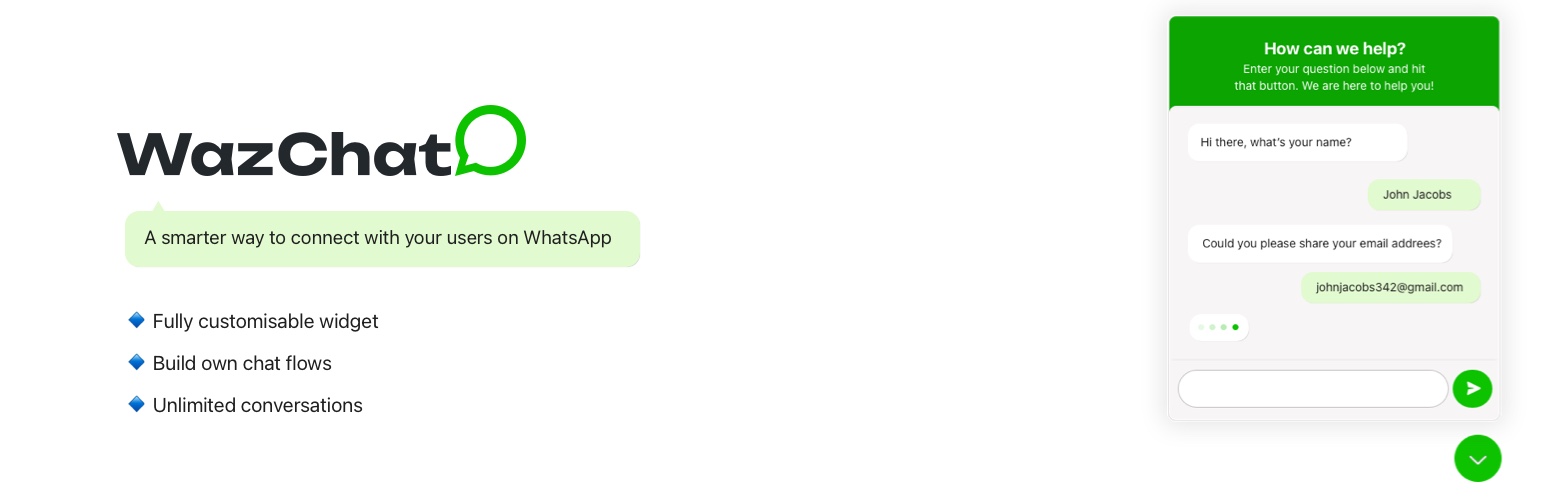
內容簡介
總結:
"WazChat" 是一款簡單而強大的 WordPress 外掛,可以讓您的網站訪客與團隊進行直接的 WhatsApp 溝通。無論您經營業務網站、網店還是個人部落格,WazChat 都能幫助您立即與觀眾建立聯繫。
問題與回答:
1. WazChat 主要提供哪些關鍵功能?
- 一鍵 WhatsApp 連接:讓訪客與您的團隊立即開始 WhatsApp 聊天
- 可自訂聊天小工具:使用自定義顏色和位置匹配您網站的風格
- 團隊管理:添加多個團隊成員,具有不同的可用時間表
- 智能路由:根據部門或可用性將客戶指定給正確的團隊成員
- 預定義訊息:創建常見問題的模板以節省時間
- 響應式設計:完美適用於所有設備(手機、平板、桌面)
2. WazChat 適合哪些人使用?
- 網店:提供即時購物協助
- 服務業務:回答問題並預約
- 代理商:將客戶連接到正確的團隊成員
- 部落客和內容創作者:與觀眾建立更緊密的關係
- 任何人:希望提供快速、個性化支援的人
3. WazChat 的隱私政策如何?
- WazChat for WordPress 使用 WhatsApp 的服務將您的訪客連接到您的團隊。該外掛不會在我們的伺服器上存儲任何訪客數據。所有溝通皆會直接在訪客和 WhatsApp 之間進行。
4. WazChat 的源代碼在哪裡?
- JavaScript 和 CSS 的未縮減原始代碼在 /src 目錄中包含。
外掛標籤
開發者團隊
② 後台搜尋「WazChat – Chat button widget」→ 直接安裝(推薦)
原文外掛簡介
WazChat is a simple yet powerful WordPress plugin that enables direct WhatsApp communication between your website visitors and your team. Whether you’re running a business website, an online store, or a personal blog, WazChat helps you connect with your audience instantly.
Key Features
One-Click WhatsApp Connection – Let visitors start WhatsApp chats with your team instantly
Customizable Chat Widget – Match your website’s style with custom colors and positioning
Team Management – Add multiple team members with different availability schedules
Smart Routing – Direct customers to the right team member based on their department or availability
Pre-defined Messages – Create templates for common questions to save time
Responsive Design – Works perfectly on all devices (mobile, tablet, desktop)
Who is WazChat For?
Online Stores – Provide instant shopping assistance
Service Businesses – Answer questions and book appointments
Agencies – Connect clients with the right team member
Bloggers & Content Creators – Build a closer relationship with your audience
Anyone – Who wants to offer quick, personalized support
Source Code
The unminified source code for JavaScript and CSS is included in the /src directory.