內容簡介
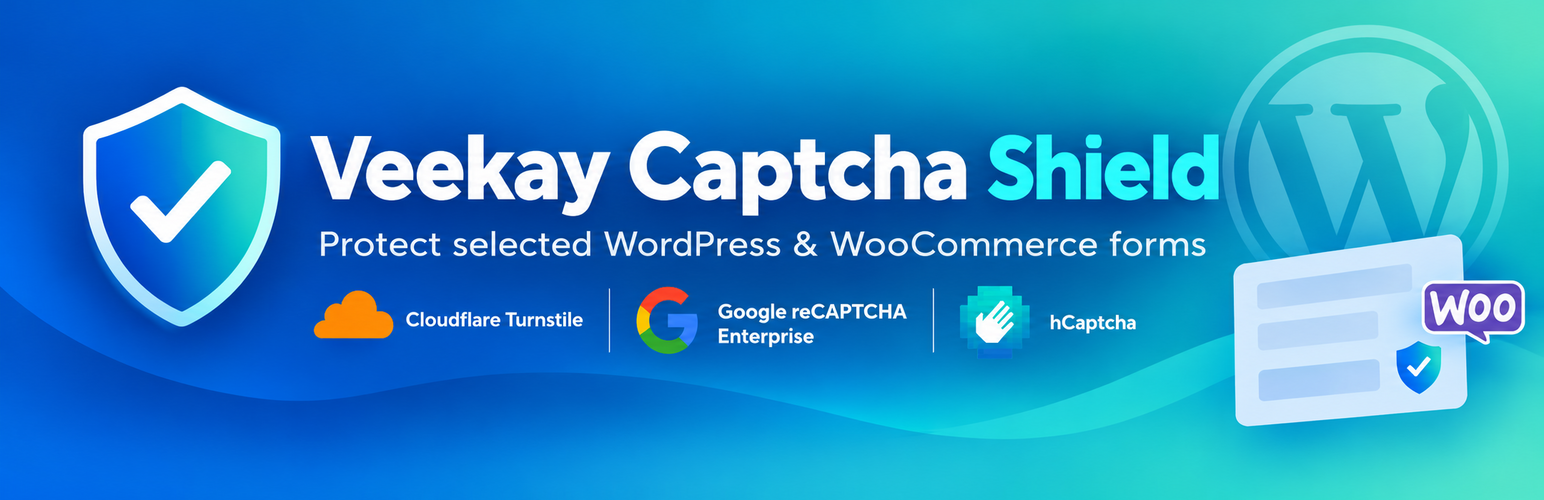
Veekay Captcha Shield 是一款專為 WordPress 和 WooCommerce 表單提供保護的外掛,透過可配置的 CAPTCHA 供應商來防止垃圾郵件和惡意攻擊,確保網站安全性。
【主要功能】
• 支援多種 CAPTCHA 供應商
• 可針對個別表單設定不同的 CAPTCHA
• 提供簡單的設定介面
• 伺服器端執行 CAPTCHA 驗證
• 支援多種 WordPress 和 WooCommerce 表單
外掛標籤
開發者團隊
原文外掛簡介
Veekay Captcha Shield protects selected WordPress and WooCommerce forms using configurable CAPTCHA providers.
Choose a global default provider, then optionally use a different provider for individual forms or disable CAPTCHA for specific forms.
Supported providers
Cloudflare Turnstile — Managed, Non-Interactive, Invisible
Google reCAPTCHA Enterprise — Score-based, Checkbox, Invisible
hCaptcha — Checkbox, Invisible
Supported WordPress forms
Login
Registration
Lost password
Comments
Supported WooCommerce forms
Login
Registration
Lost password
Product reviews
Classic checkout
Checkout Block
WooCommerce is optional. WordPress form protection remains available when WooCommerce is not active.
WooCommerce 10.1.0 or newer is required when WooCommerce protection is used.
Configuration
Veekay Captcha Shield provides one settings page under Settings → Veekay Captcha Shield.
The General tab lets you:
choose a global default provider;
use the global default for individual forms;
select a different provider for an individual form;
disable CAPTCHA globally or for an individual form.
Separate settings tabs are available for Cloudflare Turnstile, Google reCAPTCHA Enterprise, and hCaptcha.
The Status tab compares the current PHP, WordPress, and WooCommerce versions with the minimum versions supported by Veekay Captcha Shield.
Security and verification
CAPTCHA verification is performed server-side.
Protected forms fail closed when required verification cannot be completed.
Submitted CAPTCHA tokens are treated as untrusted input and are not stored.
Provider secret credentials remain server-side.
Raw provider errors, tokens, credentials, and complete provider responses are not exposed to visitors.
Only the effective CAPTCHA provider is loaded for a protected form.
Documentation
Detailed setup, provider configuration, form guides, and troubleshooting documentation:
Veekay Captcha Shield documentation
Project source and technical documentation:
Veekay Captcha Shield on GitHub
External services
Veekay Captcha Shield integrates with third-party CAPTCHA services. No CAPTCHA provider is contacted unless a site administrator configures that provider and selects it for a protected form.
When a configured provider is used, its browser-side CAPTCHA service may process information directly from the visitor’s browser according to that provider’s own policies.
When a protected action is submitted, Veekay Captcha Shield sends CAPTCHA verification information to the selected provider for verification.
Cloudflare Turnstile
When Cloudflare Turnstile protects a form, the Turnstile browser service is loaded so Cloudflare can perform its CAPTCHA challenge and generate a verification token.
When the protected form is submitted, Veekay Captcha Shield sends the generated token and the configured secret key to Cloudflare’s Siteverify service. The visitor’s IP address may also be included when available.
No form-field contents are intentionally included by Veekay Captcha Shield in the server-side Siteverify request.
Service:
Cloudflare Turnstile
Turnstile documentation:
Cloudflare Turnstile documentation
Turnstile Privacy Addendum:
Cloudflare Turnstile Privacy Addendum
Cloudflare terms:
Cloudflare Terms
Google reCAPTCHA Enterprise
When Google reCAPTCHA protects a form, Google’s reCAPTCHA browser service is used to generate a CAPTCHA token.
When the protected form is submitted, Veekay Captcha Shield creates a Google reCAPTCHA Enterprise assessment.
The assessment can include:
the generated CAPTCHA token;
the configured site key;
the visitor’s IP address when available;
the visitor’s user agent when available;
the expected CAPTCHA action when applicable.
The Google Cloud project ID and configured API key are used to authenticate the assessment request.
Service:
Google reCAPTCHA Enterprise
Documentation:
Google reCAPTCHA Enterprise documentation
Google Cloud Terms of Service:
Google Cloud Terms of Service
Google Cloud privacy information:
Google Cloud Privacy
hCaptcha
When hCaptcha protects a form, the hCaptcha browser service is loaded so hCaptcha can perform its challenge and generate a verification token.
When the protected form is submitted, Veekay Captcha Shield sends the generated token, configured site key, and configured secret key to hCaptcha’s Siteverify service. The visitor’s IP address may also be included when available.
No form-field contents are intentionally included by Veekay Captcha Shield in the server-side Siteverify request.
Service:
hCaptcha
Documentation:
hCaptcha documentation
Privacy Policy:
hCaptcha Privacy Policy
Terms of Service:
hCaptcha Terms of Service
Site owners are responsible for reviewing the terms, privacy requirements, and configuration requirements of the CAPTCHA provider they choose to use.
Support
Please report bugs and technical issues at:
Report an issue on GitHub
User documentation and troubleshooting guides are available at:
Veekay Captcha Shield documentation