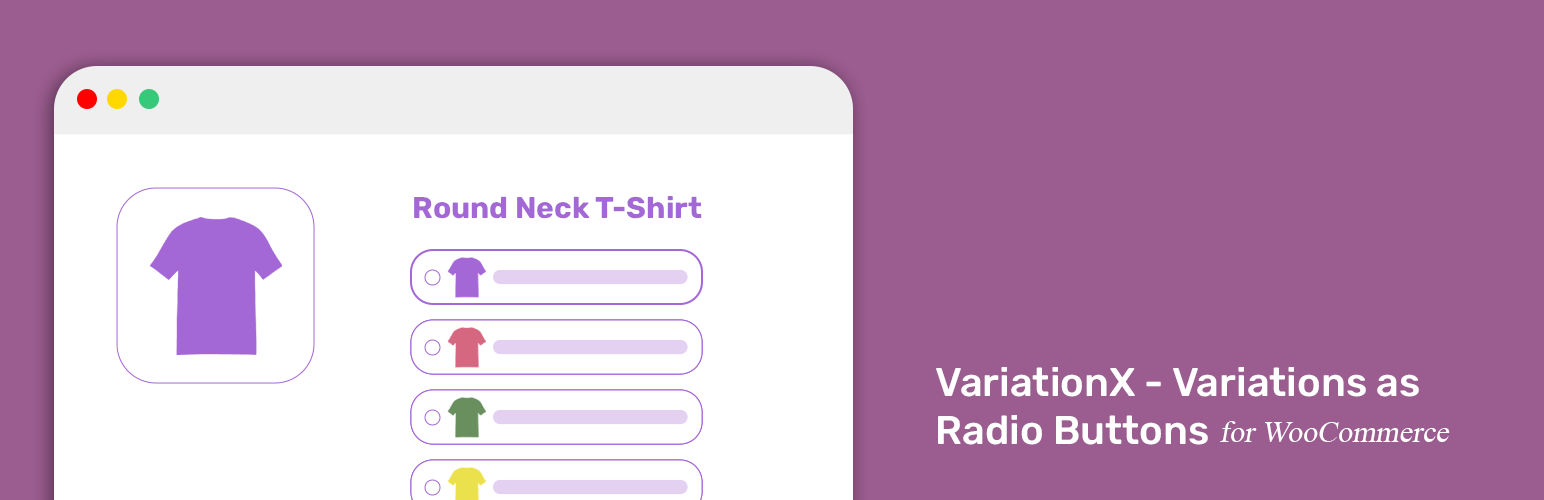
內容簡介
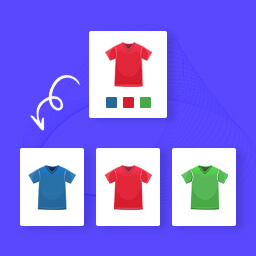
總結文案:Variations as Radio Buttons 是一款 WooCommerce 擴展,將預設的 WooCommerce Variable Product 下拉式選單轉換為單選按鈕,提升了您商店的使用者體驗,使變數產品的選擇過程更加簡便直覺。
問題與答案:
1. Variations as Radio Buttons 是什麼?它可以讓 WooCommerce 的哪個功能轉換成單選按鈕?
- Variations as Radio Buttons 是一個 WooCommerce 外掛,它可以將 WooCommerce Variable Product 下拉式選單轉換為單選按鈕。
2. 這個外掛提供了哪些主要功能?
- 主要功能包括:
- 在產品頁面上乾淨地取代下拉式選單為單選按鈕。
- 完全可存取並與大多數主題相容。
- 與 WooCommerce 的變數邏輯無縫整合。
- 不需設定,只需啟用即可使用。
3. Variations as Radio Buttons 適合的使用情境有哪些?
- 使用情境包括:
- 取代「選擇選項」的下拉式選單為單選按鈕。
- 適用於少數選項的情況(例如 S / M / L 或 紅 / 藍 / 綠)。
- 非常適合時尚商店、定製產品以及著重於簡單使用者體驗的商店。
4. 這個外掛的授權是什麼?
- 這個外掛的授權屬於 GPLv2 或更新版本。有關更多資訊,請參閱 https://www.gnu.org/licenses/gpl-2.0.html。
外掛標籤
開發者團隊
② 後台搜尋「VariationX – Variations as Radio Buttons for WooCommerce」→ 直接安裝(推薦)
原文外掛簡介
VariationX – Variation as Radio Buttons for WooCommerce
View Demo | Documentation | Support | Pro Version
VariationX is a Variation as Radio Buttons plugin for WooCommerce. It converts WooCommerce Variable Product attribute drop-downs into radio buttons. Additionally, you can also convert individual variations into radio buttons with it.
This WooCommerce Variation as Radio Buttons plugin visually enhances the product pages (of WooCommerce Variable Product) and simplifies the Add to Cart process. Thus, VariationX ensures a boost in product variation exploration and the Add to Cart experience on your store.
WooCommerce, by default, offers a drop-down selection to explore the available variations of a Variable Product. VariationX (Variation as Radio Buttons for WooCommerce) converts the drop-down selection into radio buttons. Contrary to representing product attributes as radio buttons, you can combine variation attributes and display individual variations as radio buttons.
VariationX offers plug-and-play features. It converts WooCommerce Variable Product’s attribute selection drop-downs into radio buttons upon plugin activation. Additionally, this Variation as Radio Buttons plugin offers complementary features to significantly improve your product pages. One example is highlighting unavailable attribute/variation radio buttons with different options like Blur, Blur & Cross, and Hide.
VariationX (Variation as Radio Buttons for WooCommerce) also has a premium version. It offers advanced features to lift the UX to a new height and simplify the Add to Cart process of WooCommerce Variable Products. Most importantly, you can Add to Cart multiple variations at once with VariationX PRO.
VariationX (Variation as Radio Buttons for WooCommerce) – Key features
🔘️ Turn WooCommerce Variable Product attribute drop-downs into Radio Buttons.
🔘️ Turn WooCommerce individual variations into a list of Radio Buttons.
🔘️ Include a blank option among Radio Buttons to clear variation selection.
🔘️ Hide/Highlight unavailable attributes with Blur or Blur and Cross.
🔘️ Hide/Highlight unavailable variations with Blur or Blur and Cross.
🔘️ Compatible with WooCommerce HPOS (High-Performance Order Storage).
🔘️ Seamless integration with the default WooCommerce variation logic.
🔘️ Best WooCommerce coding standard to ensure performance & compatibility.
In addition to the features available in VariationX, you can access the following features with VariationX PRO.
VariationX PRO (Variation as Radio Buttons for WooCommerce) – Key features
🔘️ Turn WooCommerce individual variations into a Grid of Radio Buttons.
🔘️ In addition to highlighting out-of-stock items, you can make them clickable.
🔘️ Customize the item appearance of individual variation as a radio button.
Default item sequence is: %thumbnail% – %attribute% – %price%
🔘️ Bulk Cart Variations – Add to Cart multiple variations at once.
🔘️ Display a New badge for newly added variations (added within the last 10 days).
🔘️ Include the product name while displaying variation as radio buttons.
This will append the product name as first item inside the radio buttons.
Credits
Built with ❤️ by WPXtension.
License
This plugin is licensed under the GPLv2 or later. See https://www.gnu.org/licenses/gpl-2.0.html