內容簡介
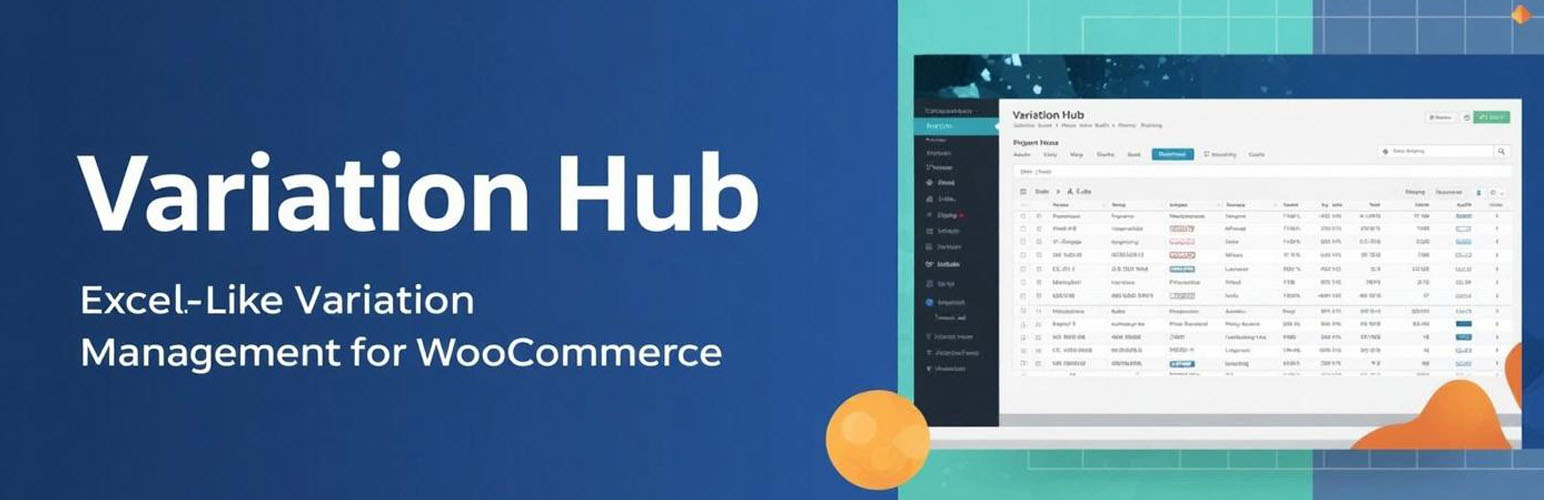
總結:Variation Hub是一個透過強大的類似Excel的電子表格界面轉換 WooCommerce 變化管理的工具。可以透過內嵌編輯、批量操作和高級篩選來同時編輯數百種變化。
問題:
1. 如何描述Variation Hub的主要功能?
2. Variation Hub 可以處理多少種以上的變化?
3. 這個外掛可以多語言支援哪些語言?
4. 這個外掛適合哪些類型的商店使用?
5. Variation Hub 連接到哪個外部服務進行許可證啟用和驗證?
外掛標籤
開發者團隊
原文外掛簡介
Variation Hub transforms WooCommerce variation management with a powerful Excel-like spreadsheet interface. Edit hundreds of variations simultaneously with inline editing, bulk operations, and advanced filtering.
Key Features:
* Spreadsheet View – Excel-like table with inline editing
* Bulk Operations – Update prices, stock, SKUs for multiple variations
* Advanced Filtering – Search by product name, SKU, attributes
* Performance Optimization – Handles 1000+ variations smoothly
* Attribute Manager – Convert local attributes to global
* Multi-language – English, Hungarian, German, Spanish
Perfect For:
* Fashion and clothing stores
* Electronics shops
* Any WooCommerce store with 50+ variations
Source Code & Build Instructions
This plugin includes human-readable source code for all compiled assets.
Source Code Location:
* React/TypeScript source: assets/src/
* Build configuration: vite.config.ts, tsconfig.json, package.json
* All source files are included in the plugin distribution
Build Instructions:
Install dependencies:
npm install
Development mode (hot reload):
npm run dev
Production build:
npm run build
The compiled output is generated in assets/ directory and includes:
* assets/main.js – Minified React application
* assets/assets/*.css – Compiled stylesheets
Build Tools Used:
* Vite 5.0+ – Build tool and dev server
* TypeScript 5.3+ – Type checking
* React 18.3+ – UI framework
* Tailwind CSS 3.4+ – Styling
* AG Grid Community 31+ – Data grid
All source code is open source and available for review, modification, and redistribution under the GPLv3 license.
External Services
This plugin connects to ByteBays License API for license activation and validation.
Service: ByteBays License Management System
Purpose: Activate and validate plugin licenses for Pro features
Data Sent:
* License key (provided by user)
* Domain name (your WordPress site domain)
* Site URL and Home URL
* WordPress version, WooCommerce version, Plugin version
* Timestamp of activation/validation requests
When Data is Sent:
* When you activate a Pro license in plugin settings
* Daily automatic validation (background process)
* When you deactivate a license
* Security incident reports (if license tampering detected)
Third-Party Service Provider: ByteBays (https://bytebays.com)
Terms of Service: https://bytebays.com/terms.php
Privacy Policy: https://bytebays.com/terms.php#privacy
The free version does NOT communicate with external services. License API is only used when you purchase and activate a Pro license.
Development
Source Code & Build Instructions:
This plugin includes full uncompiled source code to comply with WordPress.org guidelines (Guideline #4: Code must be mostly human readable).
Source files included in plugin:
* assets/src/ – React 18.3+ components (TypeScript 5.3+)
* package.json – npm dependencies configuration
* vite.config.ts – Vite 5.0+ build tool configuration
* tsconfig.json – TypeScript compiler settings
* tailwind.config.js – Tailwind CSS configuration
Technologies used:
* React 18.3+ with TypeScript 5.3+ (strict mode)
* Vite 5.0+ (build tool, development server)
* AG Grid Community 31+ (Excel-like spreadsheet interface)
* TanStack Query v5 (data fetching and caching)
* Tailwind CSS 3.4+ (utility-first styling)
* i18next (internationalization)
To build from source:
1. Navigate to plugin directory
2. Install dependencies: npm install
3. Build production assets: npm run build
4. Output: assets/main.js and assets/assets/main-[hash].css
Development Server (hot reload):
npm run dev
Server runs on port 5173 with hot module replacement.
Contact:
For source code questions or build support, contact: [email protected]