內容簡介
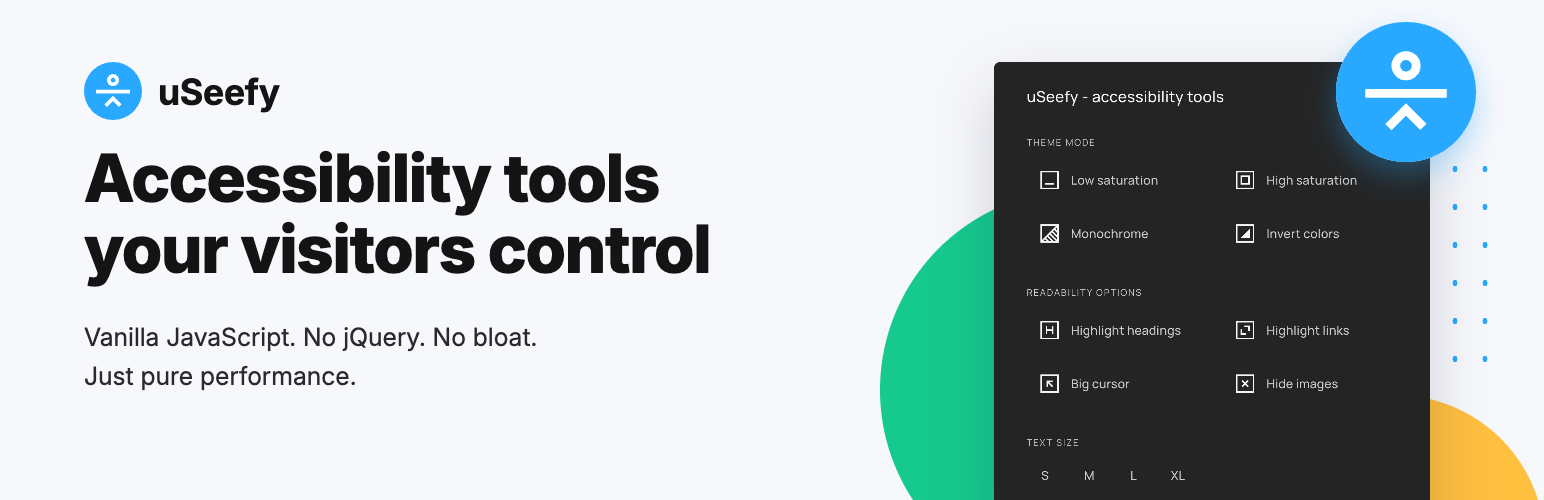
uSeefy 是一款高效能的無障礙解決方案,旨在協助網站滿足 WCAG 2.1/2.2 的要求。它提供無縫的介面,讓使用者自訂瀏覽體驗,提升視覺、認知或運動障礙人士的可用性。
【主要功能】
• 輕量級前端架構,使用 Vanilla JavaScript
• 管理設定僅限於後台,不會加載於公共頁面
• 前端無外部請求,無 CDN 和 Google Fonts
• 零追蹤存儲,無障礙偏好存於 localStorage
• 完整鍵盤導航及無障礙互動
• 可自訂 UI,主題模式(深色/淺色/系統)
外掛標籤
開發者團隊
原文外掛簡介
uSeefy is a high-performance accessibility solution designed to support websites in addressing selected WCAG 2.1/2.2 requirements.
It provides a seamless interface for users to customize their browsing experience, improving usability for people with visual, cognitive, or motor impairments.
System Requirements
WordPress 6.x (latest version recommended)
PHP 7.4+ (PHP 8.2 recommended)
Modern web browser with JavaScript enabled
Key Features
Lightweight frontend architecture: public widget uses Vanilla JavaScript (no jQuery/React on public pages).
Admin settings scope: bundled CMB2 is admin-only and not loaded on public pages.
No external requests on the frontend: no CDNs, no Google Fonts.
Zero-tracking storage: accessibility preferences are stored in localStorage.
Full keyboard navigation and accessibility-first interactions.
Customizable UI: theme mode (Dark/Light/System).
Mobile-first responsive widget.
Privacy & GDPR
Frontend widget does not track website visitors.
Accessibility preferences are stored in localStorage.
No frontend third-party tracking API calls.
In admin/update flows, the WordPress.org update system provides metadata and packages for the Free version.
Keyboard Shortcuts
Shift + Alt + A: Open/close widget.
Tab / Shift + Tab: Navigate widget controls.
Enter / Space: Activate selected control.
Esc: Close widget.
Dynamic Content (AJAX)
If your site loads content dynamically, call window.uSeefy.refresh() after rendering new content.
* If you use optimization plugins, clear cache after changes.
* In CDN environments (including Cloudflare), purge cache and exclude uSeefy assets from aggressive optimization when needed.