
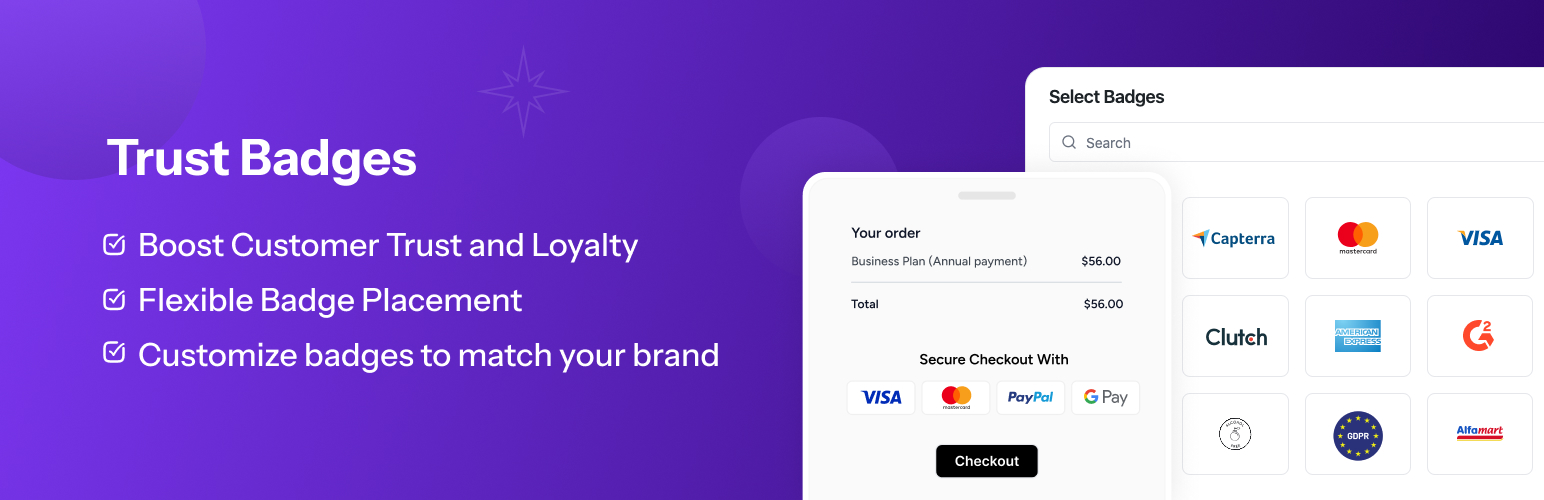
內容簡介
**總結:** Trust Badges 是一個 WordPress 外掛,旨在透過在您的電子商務商店上顯示可定制的信任徽章,增加客戶的信任度並提升轉換率。無論您使用 WooCommerce 還是 Easy Digital Downloads (EDD),這個外掛都讓您輕鬆地添加、定制和管理徽章。
**問題與答案:**
1. Trust Badges 外掛的目的是什麼?
- **答案:** Trust Badges 外掛旨在增加客戶的信任度並提升轉換率,透過在您的電子商務商店上展示可定制的信任徽章。
2. Trust Badges 外掛提供了哪些主要功能?
- **答案:**
- 可以輕鬆添加、編輯和刪除信任徽章,以建立客戶信心。
- 徽章外觀、大小和位置可以進行定制以匹配商店的品牌。
- 支持簡單的 shortcodes 在您的網站任何位置顯示徽章。
- 徽章在所有設備上均有良好的樣式。
- 完全與 WooCommerce 和 Easy Digital Downloads 兼容。
- 在 WordPress 管理面板的“设置 -> Trust Badges”下管理所有設置。
- 選擇從數百個預先設計的信任徽章中選擇,包括支付圖標、安全徽章和交貨保證。
- 可以上傳自己的自定義徽章並無縫集成。
3. 使用 Trust Badges 可以讓客戶做出什麼樣的選擇?
- **答案:** 使用 Trust Badges 可以展示安全支付圖標、退款保證、免費送貨等信任信號,讓客戶在購買過程中感到安心,從而提高購買信任度,研究表明信任徽章可以提高最多 15% 的轉換率。
外掛標籤
開發者團隊
原文外掛簡介
Trust Badges is a WordPress plugin designed to increase customer trust and boost conversions by displaying customizable trust badges on your e-commerce store. Whether you’re using WooCommerce or Easy Digital Downloads (EDD), this plugin allows you to add, customize, and manage badges with ease.
Badges such as secure payment icons, money-back guarantees, free delivery, and other trust signals help reassure customers during the purchase process. You can also use shortcodes to place badges anywhere on your site, including product pages, checkout, and cart pages.
Key Features
Add and Manage Trust Badges: Easily add, edit, and remove trust badges to build customer confidence.
Customizable Badges: Adjust badge appearance, size, and position to match your store’s branding.
Shortcode Support: Display badges anywhere on your site using simple shortcodes.
Mobile-Responsive Design: Badges look great on all devices.
Works with WooCommerce and EDD: Fully compatible with WooCommerce and Easy Digital Downloads.
Settings Panel: Manage all settings under Settings -> Trust Badges in the WordPress admin panel.
Pre-built Badge Library: Choose from hundreds of pre-designed trust badges including payment icons, security badges, and delivery guarantees.
Custom Badge Upload: Upload your own custom badges and integrate them seamlessly.
Why Use Trust Badges?
Increase customer trust by displaying secure payment icons, money-back guarantees, delivery badges, and other trust signals that reassure customers during the buying process. Studies show that trust badges can increase conversion rates by up to 15%.
Badge Categories
Payment Methods: Visa, Mastercard, PayPal, Apple Pay, Stripe, Amazon Pay, and many more
Security Badges: SSL certificates, secure checkout, and data protection
Delivery & Shipping: Free delivery, fast shipping, and tracking options
Guarantees: Money-back guarantee, satisfaction guarantee, and warranty
Certifications: Industry certifications and compliance badges
Custom Badges: Upload your own promotional or brand-specific badges
Usage
After activation, go to the Settings -> Trust Badges section in the WordPress admin menu to manage your badges:
Add New Badges: Upload images or select from pre-designed badges.
Customize Badges: Change sizes, colors, and positions.
Shortcodes: Use shortcodes to display badges anywhere on your site.
Shortcode Usage
The plugin uses badge groups to organize different sets of badges. Each group can have different settings, selected badges, and display options.
Display badges by group ID:
[trust_badges id=”1″]
Display badges from different groups:
[trust_badges id=”2″]
Display badges without specifying ID (defaults to group 1):
[trust_badges]
Available Badge Groups:
* Group 1 (Product Page): Badges for product pages with payment methods
* Group 2 (Footer): Badges for footer display with trust signals
* Group 3 (Cart Page): Badges for cart pages with checkout assurance
You can create and manage badge groups in the plugin settings under Settings -> Trust Badges.
WooCommerce Integration
The plugin automatically integrates with WooCommerce and displays badges on:
* Product pages
* Cart page
* Checkout page
* Shop page
Easy Digital Downloads Integration
For EDD users, badges can be displayed on:
* Download pages
* Checkout page
* Purchase confirmation page
Requirements
WordPress Version: 4.7 or higher
WooCommerce or Easy Digital Downloads (Optional but recommended)
PHP Version: 7.4 or higher
Support
For support, please visit the plugin support page or create an issue on our GitHub repository.














