內容簡介
Traducto 讓您的 WordPress 網站輕鬆轉換為多語言網站,支援各種佈景主題和頁面建構器,並自動使用免費翻譯引擎進行內容翻譯,提供簡單的翻譯管理功能。
【主要功能】
• 支援 60 多種語言的自動翻譯
• 全頁模式翻譯整個頁面內容
• 完整的翻譯管理器可編輯翻譯
• 語言切換器可自訂顯示方式
• 自動設置 SEO 基本標籤
• 圖片的 alt/title 文字翻譯
外掛標籤
開發者團隊
② 後台搜尋「Traducto – Automatic Website Translation」→ 直接安裝(推薦)
原文外掛簡介
Traducto turns your WordPress website into a multilingual site in a few clicks — with any theme and any page builder (Gutenberg, Elementor, Divi, WPBakery, Bricks, Beaver Builder…). Content is translated automatically using free translation engines, and every single translation can be reviewed, edited or kept in the original language from a dedicated Translation Manager screen in your dashboard.
No API key. No account. No word limit. No page limit. Everything described below is included and fully functional.
Translation happens on its own
There is no “translate” button to press and no batch to run. Pick your languages, and from that moment on every page is translated on the fly: the first time a visitor opens a page in one of your languages, Traducto translates it as it is rendered, stores every string, and serves it instantly from then on — to that visitor and to all the others. New posts, edited pages and changed menus are picked up the same way, automatically.
What it does
Translates your site into as many of the 60+ supported languages as you like
Full Page mode translates the whole rendered page — content, headers, footers, menus, widgets, page-builder output — not just post content. Content Only mode is a lighter fallback for sites where that conflicts with another plugin
Every automatic translation is stored, so a string is only ever translated once and then served instantly — including strings shared between pages, like your menu and footer
Full Translation Manager: search, filter, edit any translation inline, mark strings as Ignored (keep the original — great for brand names), reset to automatic, or add your own translations by hand
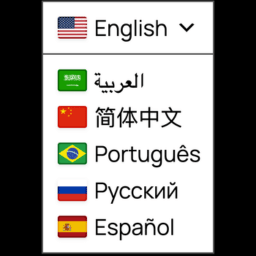
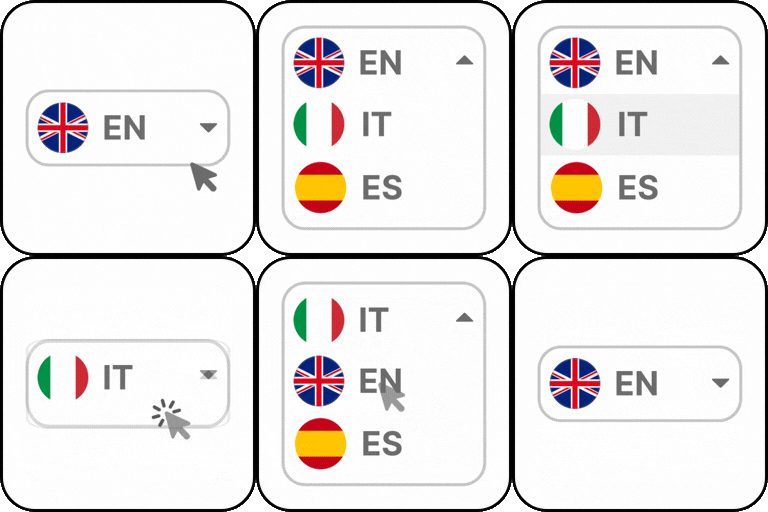
Language switcher as a shortcode, a widget, an optional floating switcher, or a PHP template tag — dropdown or flat list, real SVG flags (not emoji), native language names
SEO basics done right: hreflang tags, and dir="rtl" set automatically, full right-to-left language support
Image alt/title text, form placeholders and button labels are translated too
CSV / JSON export of every translation — a backup you can open in any spreadsheet
Works with WP Rocket page caching out of the box
Fails safe: if an engine is ever unreachable, your site simply shows the original text — it never breaks
Two free translation engines, no setup
Google Translate (Free) — Google’s public translation endpoint, no key required
MyMemory Translation API (Free) — a free, documented translation memory API
Pick whichever one you want tried first on the Settings tab; if it fails or is temporarily rate limited, Traducto retries with the other automatically
Nothing has to be configured: translation works as soon as you pick your languages
Requirements
WordPress 6.2+
PHP 7.4+ with the DOM extension (standard on virtually every host)
Any theme, any page builder
Traducto Premium
Traducto Premium is a separate plugin by the same author, for sites that need a few extras: language-prefixed URLs (/fr/your-page/) with translated slugs, a Pre-translate tool that translates the whole site ahead of time, scheduled pre-translation and automatic re-translation when you edit a page, multilingual sitemaps for Yoast SEO and Rank Math, a WooCommerce integration, a DeepL translation engine (a free DeepL API key is all you need), translated meta description and Open Graph/Twitter tags, automatic browser-language detection, CSV/JSON import, and a native Divi 5 “Language Switcher” module. It is not required, and nothing in this plugin is disabled or limited without it.
External services
Traducto sends the text of the pages it translates (and nothing else — no visitor data, no personal data) to third-party translation services, only when a translation is needed for a string that has never been translated before. The result is stored in your own database and never requested again. No request is made to either service while visitors browse your site in its original language.
Google Translate (translate.googleapis.com)
Used by default for every translation. The text to translate, plus the source and target language codes, are sent to Google.
Terms of Service: https://policies.google.com/terms
Privacy Policy: https://policies.google.com/privacy
MyMemory Translation API, by Translated (api.mymemory.translated.net)
Used automatically whenever Google Translate fails or rate limits this server. The text to translate, plus the source and target language codes, are sent to MyMemory.
Terms of Service: https://mymemory.translated.net/terms-and-conditions
Usage limits: https://mymemory.translated.net/doc/usagelimits.php
Privacy Policy: https://translated.com/confidentiality