內容簡介
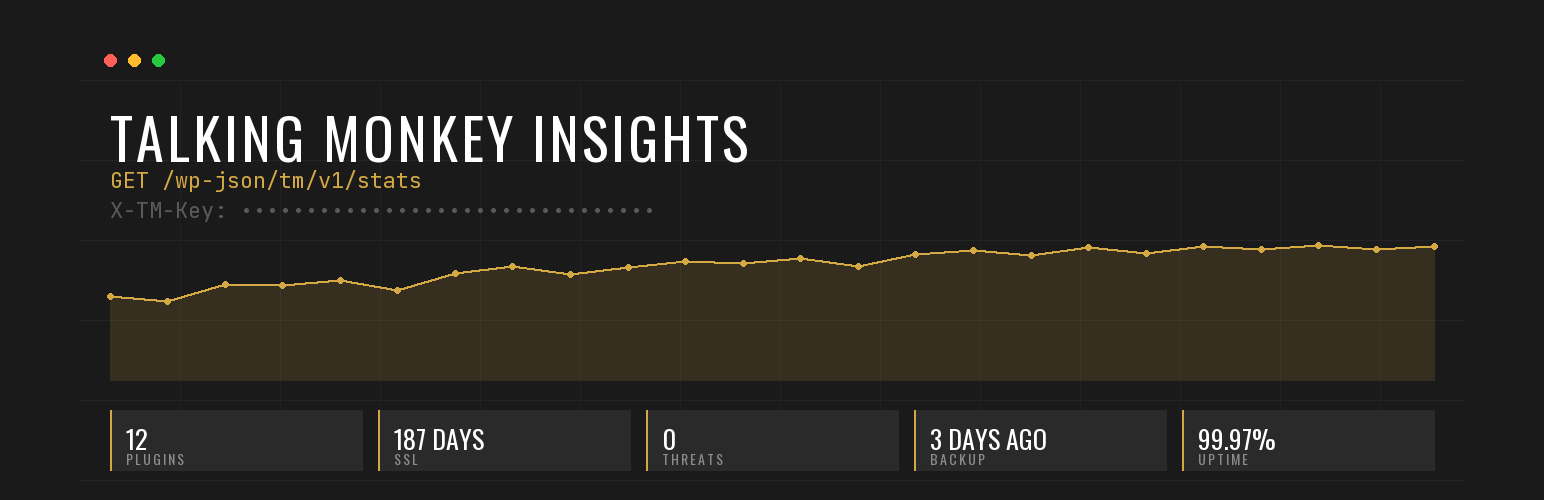
Talking Monkey Insights 提供 WordPress 控制台中的網站健康快照,並透過安全的 REST API 讓使用者可以從自己的儀表板監控多個網站,提升管理效率。
【主要功能】
• 更新狀態:顯示需要更新的外掛、佈景主題及核心狀態
• 安全性:顯示阻擋的威脅、登入嘗試及最後掃描結果
• 備份資訊:顯示最後備份時間、備份數量及下次排程備份
• SSL 狀態:顯示到期天數及顏色編碼狀態
• REST API:提供安全的端點 URL 和 API 金鑰
外掛標籤
開發者團隊
原文外掛簡介
Talking Monkey Insights gives you a site health snapshot in your WordPress admin — and exposes the same data via a secure REST API so you can monitor multiple sites from your own dashboard.
What you see in WP Admin
Updates — count + list of plugins needing updates, theme update count, core update status
Security — threats blocked, login attempts blocked, last scan results (auto-detected from WordFence or Defender)
Backups — last backup time, backup count, next scheduled backup (auto-detected from UpdraftPlus or Snapshot)
SSL — days until expiry with color-coded status
REST API — endpoint URL + your API key + enable/disable toggle
Why the REST API matters
If you manage multiple WordPress sites — agency, freelance portfolio, internal IT — built-in WP Site Health is shallow and ManageWP/MainWP require connecting to their proprietary dashboards. This plugin gives you a clean, secure REST endpoint at /wp-json/tm/v1/stats that you can hit from your own dashboard, BI tool, Slack bot, or whatever you already use.
The endpoint requires an API key (auto-generated on activation; regeneratable). No other authentication.
Multi-ecosystem detection
Most site monitoring plugins lock you into one ecosystem. This one auto-detects whichever security and backup plugin you have installed:
Security: WordFence or Defender
Backups: UpdraftPlus or Snapshot
Don’t have either installed? The corresponding section shows a neutral “no supported plugin detected” state. No upsells, no recommendations to install anything.
Privacy
This plugin does not send any data outside of your WordPress site without your explicit configuration. No telemetry. No analytics. No phone-home.
The REST API endpoint is enabled by default but can be disabled in settings. When enabled, access requires an API key. The plugin only responds to authenticated requests; it never proactively contacts external services.
Built by an agency that uses it
Talking Monkey hosts WordPress sites for our own clients. We built this plugin to monitor them from our internal dashboard — and made it free + open source so other agencies and site owners can do the same. We need it to be trustworthy because we install it on every site we host.