外掛標籤
開發者團隊
② 後台搜尋「Tidyleaf Upgrade Scanner for PHP」→ 直接安裝(推薦)
原文外掛簡介
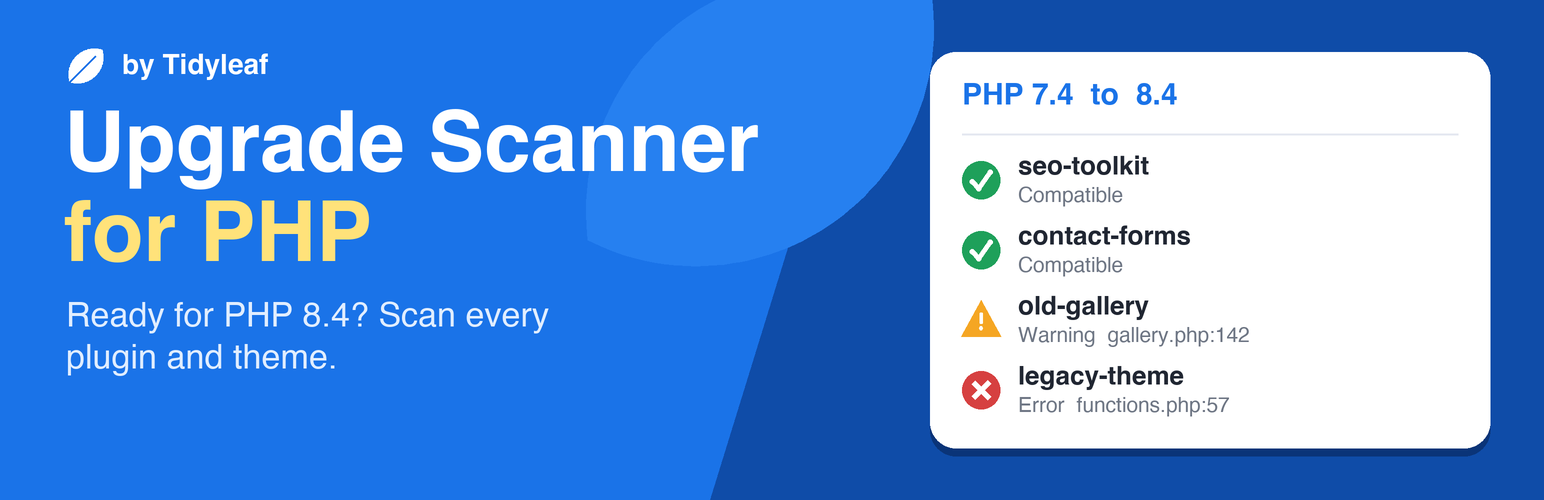
Before you move a site to a newer PHP version, find out what will break. The checker reads the code of your plugins and themes and lists every file and line that fails, or starts logging deprecation notices, on the PHP version you pick: 7.4, 8.0, 8.1, 8.2, 8.3 or 8.4.
Runs on any host. The scan runs inside WordPress itself. It does not call exec() or shell_exec(), so it works on managed and shared hosts that disable them. Nothing is sent anywhere: the plugin makes no external requests.
Checks every plugin and theme. Premium, custom and abandoned code included, because it reads the files on your server rather than looking them up in a database of known plugins.
Up to date for PHP 8.4. Built on PHP_CodeSniffer and the current development line of the PHPCompatibility standard (with the WordPress-specific exclusions of PHPCompatibilityWP), which covers the changes in PHP 8.1, 8.2, 8.3 and 8.4, including implicitly nullable parameters, ${} string interpolation, E_STRICT and the utf8_encode() deprecation.
Does not time out. Large sites are scanned in short background batches. Progress is saved after every file, so a host time limit or memory limit never loses work, and a file that is too big for the server is skipped and reported instead of stopping the scan. You can leave the page while it runs.
Results you can act on. For each plugin and theme you get errors (code that fails on the target version) and warnings (deprecations that still run but log notices), each with file, line, the reason, and a plain-English fix hint. If an update is waiting for that plugin, the report says so, since updating usually fixes most findings.
Free CSV report of every finding, ready to send to a plugin author, a developer or a client.
WP-CLI
wp phpcompat scan --version=8.4
Scans everything installed and prints a summary per plugin and theme. Add plugin or theme slugs to scan only those, --scope=active for active ones only, and --format=csv or --format=json for machine-readable output. The command exits with status 1 when it finds errors, so it can gate a deploy or a CI job.
What a static check can and cannot see
The checker reads code; it does not run it. Code that is only used on old PHP versions (behind a version check or function_exists()) may still be reported, and problems that only appear at run time, such as passing null to a built-in function, cannot be seen. Treat the report as the list to verify on a staging copy before you switch PHP versions.
Bundled libraries
PHP_CodeSniffer 4 (BSD-3-Clause), https://github.com/PHPCSStandards/PHP_CodeSniffer
PHPCompatibility (LGPL-3.0-or-later), https://github.com/PHPCompatibility/PHPCompatibility
PHPCompatibilityWP and PHPCompatibilityParagonie (LGPL-3.0-or-later), https://github.com/PHPCompatibility
PHPCSUtils (LGPL-3.0-or-later), https://github.com/PHPCSStandards/PHPCSUtils
Each library keeps its license file in the vendor folder. The versions are pinned in composer.lock.