外掛標籤
開發者團隊
② 後台搜尋「TideReply – AI Customer Chat for WooCommerce」→ 直接安裝(推薦)
原文外掛簡介
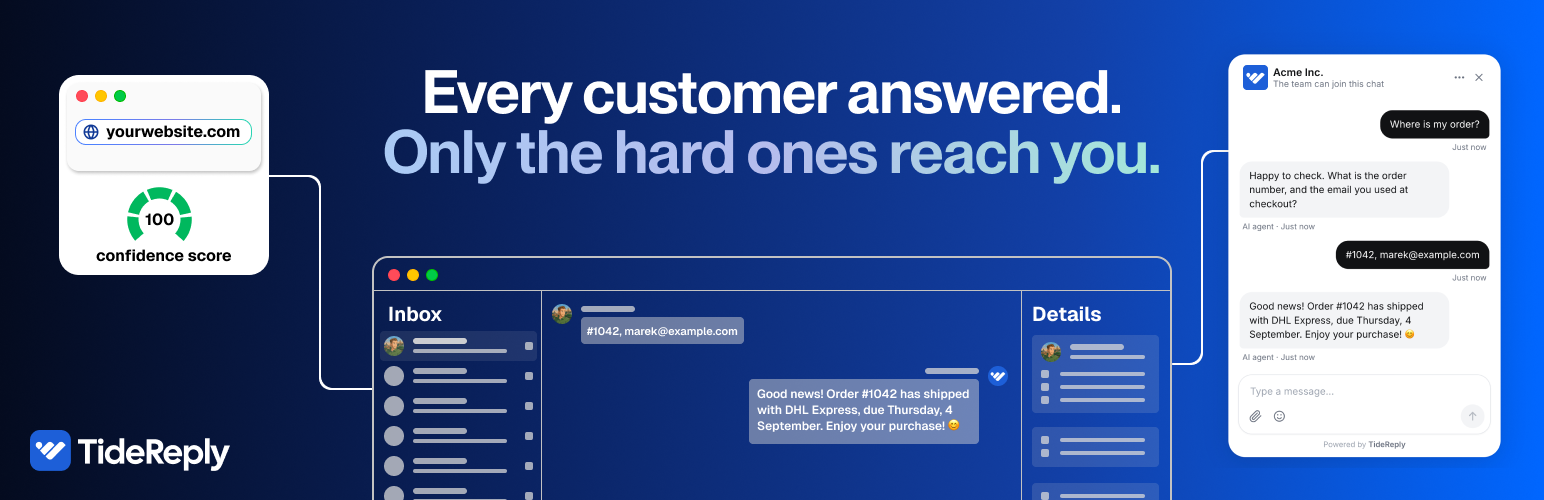
TideReply answers your customers in seconds, from your own website, files and FAQs, in the language they write in. When a question needs a person, it says so and brings your team into the same chat. Every customer answered. Only the hard ones reach you.
What your customers get
Answers from your store, not guesses – shipping, returns, sizing, payments: TideReply reads your site and the files you add, and answers from that. When it does not know, it does not make something up.
Real order status – with WooCommerce, a shopper asks “where is my order?” and gets its fulfillment status and tracking. The order number and checkout email are checked on your own server first.
Their own language – it detects the language a visitor writes in and answers in it. No translation setup.
A person when it matters – the hard questions go to your team in the same conversation, with the summary already written.
What you get
One inbox in TideReply for website chat, email, Messenger and Instagram.
Fewer repeat questions, and more time for the ones that need you.
Setup in a few minutes: install, connect, approve. No code, no theme editing.
How it works
Install and activate this plugin.
Click “Connect TideReply” in the notice, or go to Settings, TideReply and click “Connect to TideReply”.
Sign in to TideReply, or get started and choose your plan.
Approve this site. The chat is live, and with WooCommerce active, order-status answers switch on automatically.
Pricing
The plugin is free. TideReply is a paid service: one plan with every feature and unlimited teammates, with a 14-day money-back guarantee. See current prices at tidereply.com/pricing.
Requirements
WordPress 6.3 or higher
PHP 7.4 or higher
A TideReply account and plan (tidereply.com)
WooCommerce is optional – only needed for order-status answers
External services
This plugin connects to TideReply (app.tidereply.com), a third-party service operated by Evorbi:
It loads the chat widget script https://app.tidereply.com/widget.js on your site’s front end. When visitors use the chat, their messages and the page URL are sent to TideReply to generate answers.
During setup, the plugin exchanges a one-time connection code at https://app.tidereply.com/api/wordpress/connect/exchange (or /manual), sending your site URL, REST API base URL, WordPress and plugin versions, and whether WooCommerce is active.
If WooCommerce is active, TideReply’s servers call back into your site (/wp-json/tidereply/v1/order-status, HMAC-authenticated) when a visitor asks about their own order. The request carries the order number and email the visitor typed; the response contains order status, tracking and total only – never names or addresses.
On disconnect or deactivation, the plugin notifies https://app.tidereply.com/api/wordpress/connect/disconnect.
Terms of service: https://tidereply.com/terms
Privacy policy: https://tidereply.com/privacy