內容簡介
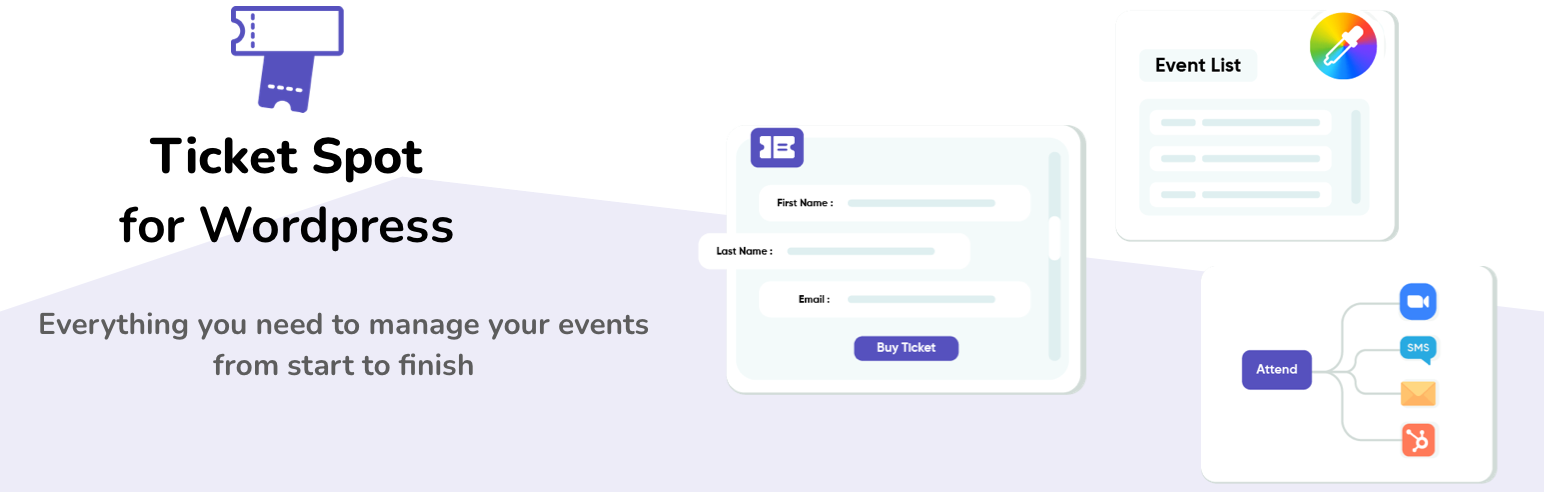
Ticket Spot 是一款能夠將活動票務功能整合到 WordPress 的外掛,使用者只需一個短碼即可在網站上實現購票功能,並保持結帳過程在自己的網站上進行,提升用戶體驗。
【主要功能】
• 嵌入式結帳,無需轉向第三方網站
• 免費票券和 RSVP 功能
• 活動類別管理,顯示特定活動
• 票價和容量控制
• 支援從其他平台匯入現有活動
外掛標籤
開發者團隊
② 後台搜尋「Ticket Spot – Event Tickets, RSVPs & Calendar」→ 直接安裝(推薦)
原文外掛簡介
Add event ticketing to WordPress with one shortcode — and keep checkout on your own site.
Ticket Spot connects your WordPress site to your Ticket Spot account. Build a widget in the dashboard, paste one shortcode into any page or post, and visitors browse events, choose tickets and pay without ever leaving your domain.
How it works
Install and activate this plugin (it is free, and it stays free).
Go to Settings → Ticket Spot and sign in.
In your Ticket Spot dashboard, build a widget — a calendar layout or a list of events — and copy its widget ID.
Paste [ticket_spot widget_id="your-widget-id"] into any page, post or block.
That is the whole setup. widget_id is the only attribute the shortcode takes: what the widget shows and how it looks are properties of the widget, set once in the dashboard, so you never edit the shortcode again to change the design.
Your events stay in your Ticket Spot account
Nothing about your events is stored in WordPress. A theme update or a plugin conflict cannot corrupt an order or interrupt a sale that is mid-checkout.
What you get on every plan, including Free
Embedded checkout on your own page — no redirect to a third-party checkout domain
Free tickets and RSVPs from the moment you sign up
Event categories, so one widget can show a subset of your events
Ticket pricing and capacity controls
Import your existing events from Eventbrite, Ticket Tailor or TicketSpice
Invite team members to help manage events
What you get on paid plans
Paid tickets and pay-what-you-want tickets, with your own payment processor connected so funds reach your account directly (Professional and above)
PDF tickets with QR codes, plus Apple Wallet and Google Wallet passes (Professional)
Mobile scan app for iOS and Android to check attendees in at the door (Professional)
Fonts and colour customization so the widget sits inside your theme (Professional)
Registration questions at checkout — dietary needs, T-shirt sizes, anything (Professional)
Confirmation and reminder emails, sent automatically (Professional)
SMS confirmations, reminders and announcements to attendees
Promo codes, percentage or fixed amount (Professional)
Attendee CSV export (Professional)
Timed entry tickets and arrival windows (Professional)
Zoom, Google Calendar and Twitch integrations (Professional)
Waitlists, group tickets and digital waivers (Business)
Interactive seating charts with rows, tables and sections (Business)
Custom branding — your logo and colours on tickets, emails and pages (Business)
Sales, check-in and page-view analytics (Business)
Self check-in kiosk mode and on-site POS ticket sales (Business)
Zapier (Business), Mailchimp (Business+)
Full white-label mode and custom domains (Business+)
Pricing
Ticket Spot charges 0% platform fees — your payment processor charges its standard transaction fees and nothing is added on top. The Free plan covers up to 20 attendees a month. Paid plans start at $29.99/month. Full breakdown: https://ticketspotapp.com/pricing
Who it is for
Community centres, churches, music venues, theatres, museums, training businesses, conferences and fundraisers — anyone who already has a WordPress site and would rather not send buyers to someone else’s platform.
Learn more: https://ticketspotapp.com/integrations/sell-tickets-on-wordpress