內容簡介
Three Viewer 提供一個免費且簡單的解決方案,讓您可以在您的網站上視覺化任何 3D 模型,
使用 Three Viewer 編輯器,您可以輕鬆編輯並添加燈光或地面物件等到您的 3D 環境中,
我們的查看器是互動式的,您可以針對您想要的任何角度固定、拖曳和使用滑鼠滾輪檢視模型
安裝簡單
易於編輯/管理
簡單範例
安裝:
啟用外掛
前往 ThreeViewer 選單
上傳和自訂您的 3D 模型
在任何頁面上複製並貼上 ThreeViewer 的短代碼
您好,MapleWP 的朋友們,如果有任何需求或支援問題,您可以透過以下方式聯繫我們:
網站 maple-wp.com
ThreeViewer MapleWP
外掛標籤
開發者團隊
原文外掛簡介
Three Viewer provide an free and easy solution to visualize any 3D Models on your website,
with Three Viewer Editor you can edit and add lights or ground object and more to your 3D environment easily,
our viewer is interactive you can pin,drag,and use your mouse wheel to view the model from any angle you wish
Easy to Install
Easy to Edit/manage
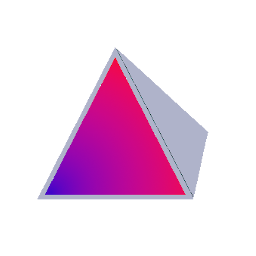
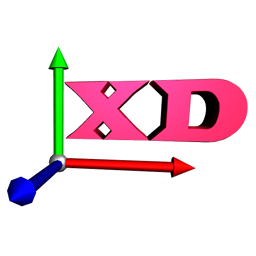
A brief Example
Installation:
Activate
Navigate to ThreeViewer Menu
Upload&Customize your 3D Model
Copy & paste ThreViewer shortcode on any page
Hello,Hola,Shalom from MapleWP :), if there any need or support issue,you can reach us via
Website maple-wp.com
ThreeViewer MapleWP