內容簡介
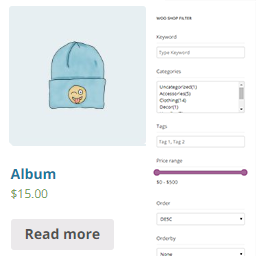
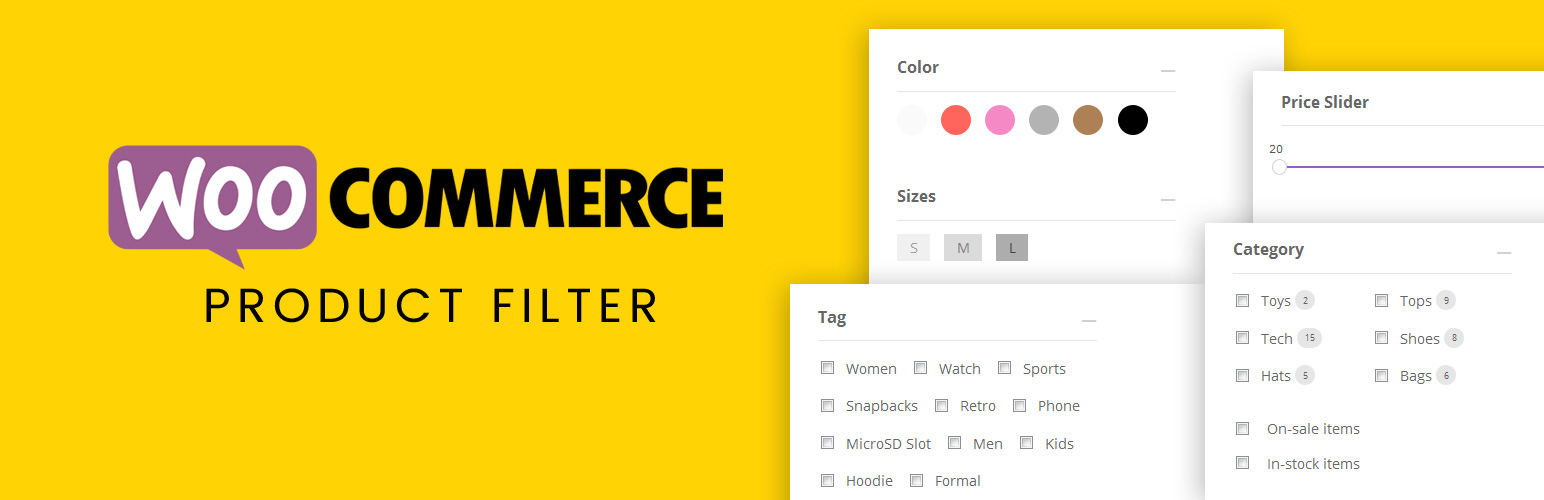
Themify - WooCommerce Product Filter 是一款免費的 WordPress 外掛,幫助 WooCommerce 商店的顧客輕鬆篩選產品。用戶可以根據價格範圍、類別、屬性和標籤等進行篩選,並即時查看搜尋結果,提升購物體驗。
【主要功能】
• 即時搜尋結果顯示
• 拖放式表單建構器
• 支援多重篩選組合
• 垂直或水平佈局選擇
• 與 Divi、Elementor 和 Themify Builder 相容
外掛標籤
開發者團隊
② 後台搜尋「Themify – WooCommerce Product Filter」→ 直接安裝(推薦)
原文外掛簡介
Shopping online can be very time consuming, especially if you have to shift through hundreds of products. With the Product Filter, you can help shoppers easily find products on your WooCommerce shop. This free WordPress plugin allow users to easily filter through products by price range, categories, attributes, tags, and much more. As users select a filter they’ll be able to see live search results where products will instantly be displayed on the page. In addition to this, we’ve added the ability to create filter combinations! Unlike many other product filters, where you can only select one filter at a time, Product Filter allows multiple selections which help shoppers to refine the product search results.
Keeping you in mind, this powerful plugin comes with a simple easy-to-use drag and drop form Builder, making it easy for you to create an unlimited number of search forms. The Product Filter plugin is a must-have tool for any ecommerce site!
Plugin documentation is available at: https://themify.me/docs/wc-product-filter-documentation
Features:
Live search results
Drag and drop form builder
Multiple filter combinations
Vertical or horizontal layout
Works with Divi, Elementor and Themify Builder product module