內容簡介
總結:WordPress的Temporary Login外掛讓你可以輕鬆建立一個安全的、臨時的URL,無需使用使用者名稱和密碼,讓受信任的支援人員和同事可以快速解決問題,並在完成後立即關閉訪問權限。
問題與答案:
1. 什麼是Temporary Login外掛的主要功能?
- 提供一個臨時URL,不需使用者名稱和密碼,讓使用者可以輕鬆進入WP管理員。
2. Temporary Login外掛的臨時URL多久會過期?
- 自建立開始起7天後自動到期。
3. 如何延長使用者對網站的訪問權限?
- 點擊以延長使用者的訪問權限,以避免使用者被鎖定在外。
4. 該如何讓臨時URL失效?
- 撤銷訪問權限,此連結將變得無法訪問。
5. 如果忘記撤銷訪問權限或遺失時間掌控,Temporary Login外掛將如何處理?
- 在7天後自動在到期時停用訪問權限URL。同時,如果外掛持續7天未使用,將被停用。
外掛標籤
開發者團隊
原文外掛簡介
Temporary Login creates a secure, temporary URL for easy access to your WP admin with no username and password. Share this URL with trusted support agents and colleagues in order to resolve issues quickly, and shut down access as soon as you’re done.
FEATURES
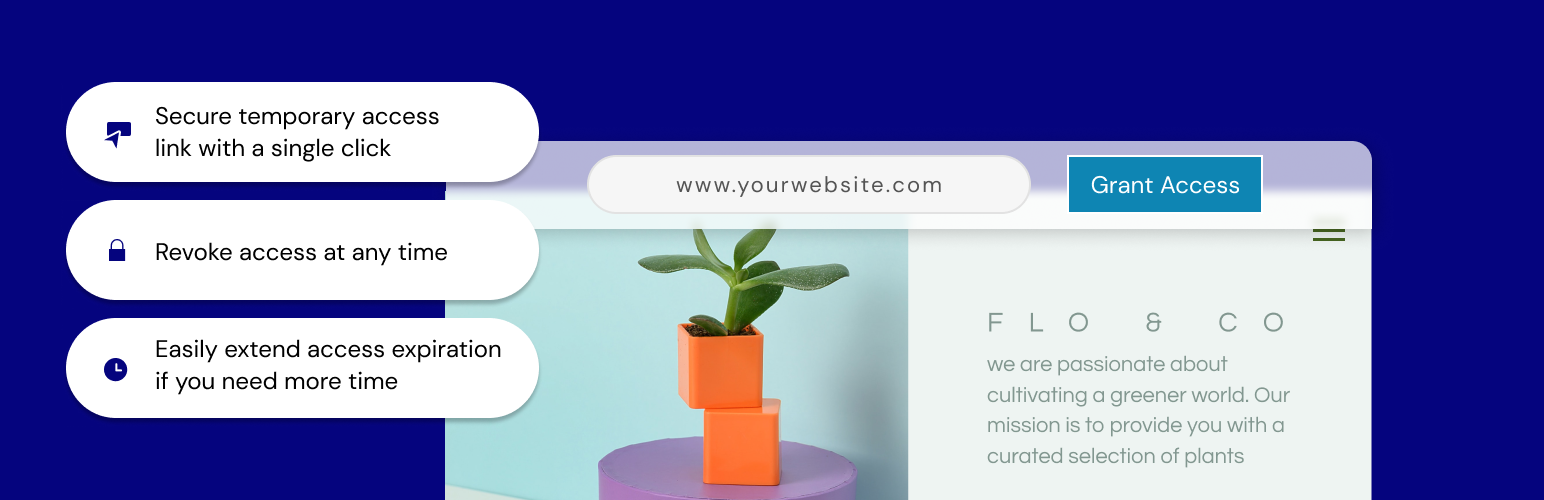
Grant access to your site with a single click; a temporary URL will be created that you can share for admin-level access to your site and it will automatically expire 7 days from creation.
Extend access – need more time? No problem. Just click to extend access so that users don’t get locked out.
All done? Revoke access and the link becomes inaccessible.
Auto disable access – whether you forget to revoke access or lose track of the timing, there’s no need to worry. We will automatically disable the access URL at the expiration, within 7 days.
CONTRIBUTION
Would you like to contribute to this plugin? You’re more than welcome to submit your pull requests on the GitHub repo. Also, if you have any notes about the code, please open a ticket on the issue tracker.