內容簡介
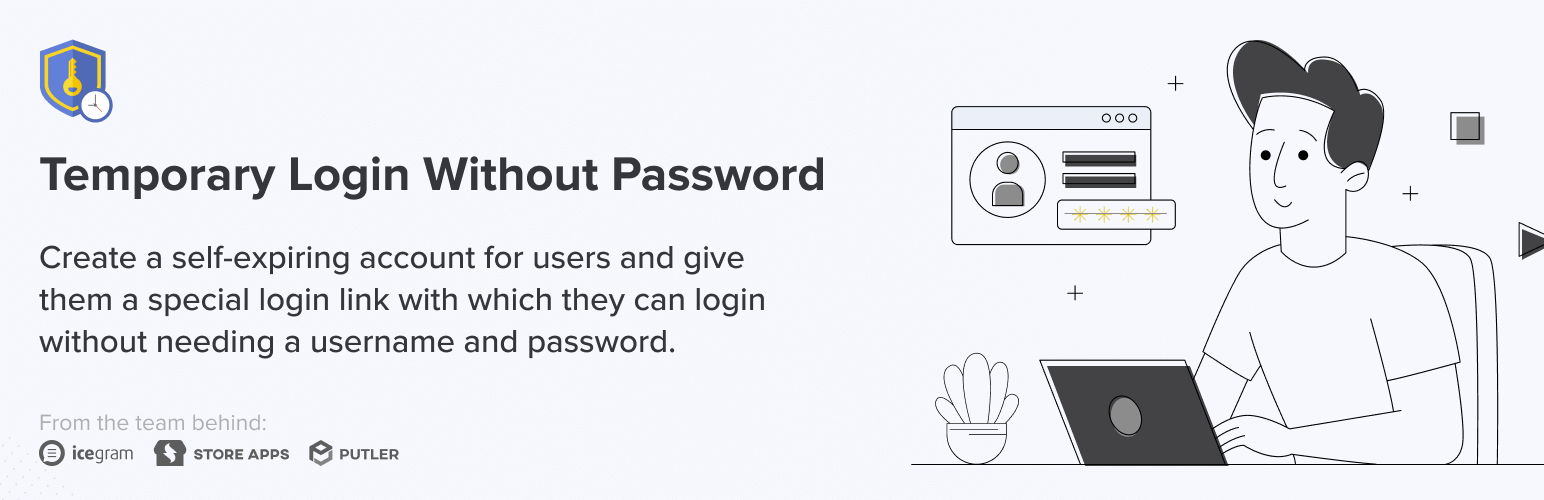
Temporary Login Without Password 讓您創建自動過期的登入連結,並與開發者、支援人員或來賓編輯分享,無需提供使用者名稱和密碼。這樣可以避免共享真實憑證的風險,並簡化訪問管理。
【主要功能】
• 創建無限次的臨時登入
• 指定任何 WordPress 角色給臨時帳號
• 只需點擊連結即可登入,無需帳號或密碼
• 設定過期時間(小時、天、週、月)或自訂日期
• 登入後重定向至特定頁面
• 查看最後登入時間及訪問次數
外掛標籤
開發者團隊
② 後台搜尋「Temporary Login Without Password」→ 直接安裝(推薦)
📦 歷史版本下載
原文外掛簡介
Temporary Login Without Password lets you create a self-expiring login link and share it with a developer, support agent, or guest editor — instead of handing over your username and password.
The person just clicks the link and they’re logged in. No account setup, no shared credentials, no password to remember or revoke later. You choose the role and the expiry, and access shuts off automatically when the time is up.
How it helps
Every time you share your real admin login with an outside developer, you’re trusting them with permanent access — and you have to remember to change the password after. TLWP removes that risk entirely. Generate a link, set it to expire in an hour, a day, or a custom date, and you’re done.
Benefits
Create unlimited temporary logins
Assign any WordPress role to a temporary account
No username or password needed — login is just a click
Set expiry by time (hour, day, week, month) or a custom date
Redirect the user to a specific page after login
Set a language for the temporary user
See last login time and number of times accessed
Track what each temporary user did with detailed activity logs
Who this is for
Site owners who need to give a developer quick access without sharing real credentials
Agencies onboarding client sites for support or maintenance
Bloggers giving guest writers or editors short-term review access
Developers who want a clean, auditable way to request site access from clients
For Developers
If you need admin access to a client’s WordPress site to resolve an issue, send them this:
Hi {%customer_name%},
To allow me to investigate your site, please install the free plugin Temporary Login Without Password, and share the temporary admin link it generates. Once I have access, I’ll check the site and try to resolve the issue.
Note: Set the expiry to one month, and send me the generated link as a reply to this email.
TLWP Pro
Free covers the essentials. Pro adds:
Limit link usage — cap how many times a login link can be used
Instant admin alerts — get notified every time a temporary login is accessed
Full activity log — see exactly what actions each temporary user performed
Upgrade to TLWP Pro
Our other plugins
Icegram Express — newsletter plugin for leads, broadcasts, and automated post notifications
Icegram Mailer — reliable email delivery for WordPress & WooCommerce
Icegram Engage — popups, welcome bar, and opt-ins
Post / Page Duplicate — one-click content duplicator
Switch User Login — switch between WordPress accounts from the admin bar